
iOS 27 Apple Intelligence: New AI Features and Free Alternatives
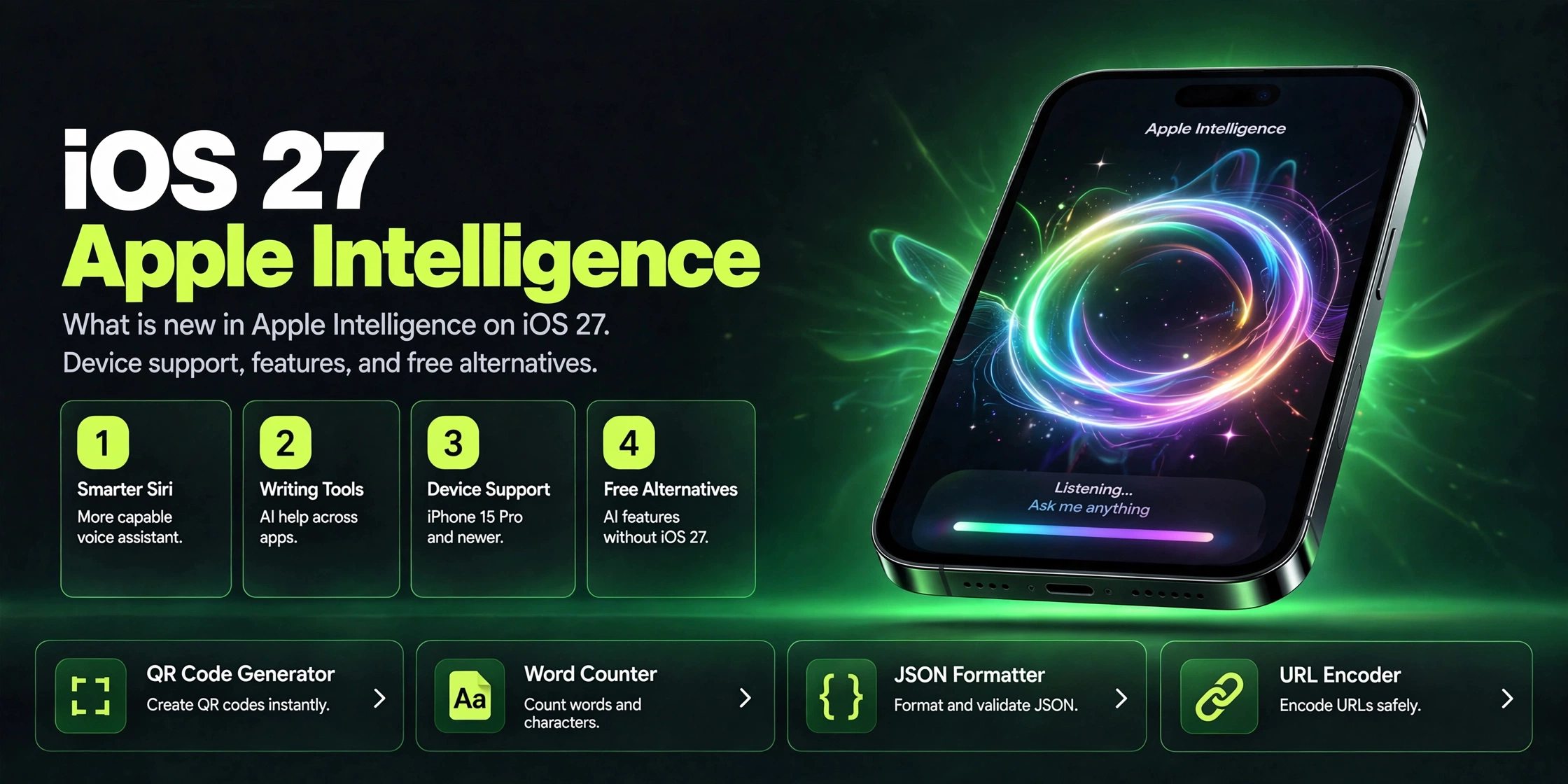
iOS 27 Apple Intelligence features explained: what is new, which devices are supported, and the best free alternatives if your iPhone is not eligible.
Introduction
Every September, Apple ships a new iOS. In September 2026, iOS 27 arrived, and this time the headline is one Apple has been promising for two years: the new Siri. Rebuilt on Apple Intelligence with personal context, on-screen awareness, and real app actions, Siri finally becomes the assistant Apple demoed back at WWDC 2024. It even gets its own dedicated app.
But there is a catch that affects millions of iPhone owners. Apple Intelligence only runs on newer hardware: iPhone 15 Pro, iPhone 16 or newer, and M-series Macs and iPads. Everyone else gets iOS 27 with its speed and design improvements, but the AI features stay switched off. And in the EU, even eligible devices do not get the new Siri yet, thanks to regulatory holdups.
This post breaks down what is actually new (from the September release, not the rumor mill), which devices qualify, and what to do if your phone does not make the cut, because the free alternatives are genuinely good now.
Key Takeaways
New Siri in iOS 27
iOS 27 launched in September 2026 with the new Siri AI: personal context, on-screen awareness, broader app actions, and a dedicated Siri app that syncs conversations privately through iCloud. It is in beta and English-only at launch.
Photos AI tools
Photos gains an "Apple Intelligence Tools" section: Extend (grow a photo beyond its frame), Enhance (one-tap AI tune-up), and Reframe (shift perspective in spatial photos), plus an upgraded Clean Up. Apple plans to add a SynthID watermark to AI-edited images, marking them as AI-altered.
Safari and app upgrades
Safari gets AI tab organization, "Notify Me" alerts when a tracked page changes (price drops, restocks), and custom extensions built from plain-language prompts. Shortcuts can now be built from plain English, and Passwords can update weak logins in one tap.
Strict hardware requirements
Apple Intelligence requires iPhone 15 Pro or 16 or newer, or an M-series Mac or iPad. Older iPhones run iOS 27 fine but skip the AI features. The new Siri is unavailable in the EU at launch.
Free alternatives work
Not eligible? Free tiers of ChatGPT, Gemini, and Copilot cover nearly every Apple Intelligence feature, on the phone you already own.
Main Topic - Part 1
The centerpiece is the new Siri, and this time it is not a coat of paint. Apple spent two years rebuilding Siri around large language models after the WWDC 2024 promises slipped, and iOS 27 is the payoff: Siri now understands personal context (it can use information from your messages, emails, and photos), sees what is on your screen, and takes actions across apps. Ask about a restaurant in an Instagram post and it knows the place; follow up with "book a table for Friday" and it keeps the thread.
The experience changed too. The old colorful edge glow is gone, replaced by a darker Dynamic Island-based interface, and Siri opens with a swipe down on the Dynamic Island. There is now a dedicated Siri app that keeps your conversation history in one place and syncs it privately across your Apple devices through iCloud. "Write with Siri" helps you draft text in a tone suited to the person you are writing to, and dictation got noticeably better as part of the rebuild.
Two honest caveats. First, the new Siri is launching in beta and in English only, with more languages promised later. Second, it is not available in the EU at launch because of regulatory requirements, and not in China either. If you are in Europe with an iPhone 16, you have the hardware and still do not get the headline feature, which will sting.
Main Topic - Part 2
Photos is where generative AI becomes visible. Alongside an upgraded Clean Up tool, there is a new "Apple Intelligence Tools" section with three additions: Extend, which generates scenery beyond your photo's original frame when you zoom out or change the crop; Enhance, a one-tap AI pass over color, contrast, and lighting; and Reframe, which shifts the perspective of spatial photos after capture. Apple says all of this runs on-device, and it plans for anything created or edited with Apple Intelligence to carry a SynthID watermark so viewers can tell an image was AI-altered. That watermark is a quiet but important move in an era of AI-generated fakes.
Safari got the sleeper upgrades. It can now organize your tabs by topic automatically, watch a page and notify you when it changes (genuinely useful for price drops and restocks), and build you a custom extension from a plain-language description. Shortcuts goes a similar direction: describe the automation in English and it builds itself. The Passwords app can now update multiple weak or compromised passwords in one tap, and search across Spotlight, Photos, Mail, and Siri runs on a rebuilt semantic index, which is why on-device search finally feels smart.
Under the hood, the privacy architecture is the real differentiator. Most Apple Intelligence processing happens on your device, and heavier requests go to Private Cloud Compute, servers Apple designed so that it cannot see your data. That is also the technical reason for the hardware cutoff: the neural engines in older chips cannot run these models at usable speed. It is a defensible engineering call and a frustrating ownership experience at the same time.
Main Topic - Part 3
So what if your iPhone is an iPhone 14, 13, or older, or you are in the EU staring at a greyed-out Siri? You are not locked out of AI, you are just locked out of Apple's built-in version. The free tier of the major AI assistants now covers every Apple Intelligence use case, and in several areas goes further.
For writing help, ChatGPT, Gemini, and Copilot all offer free plans with rewriting, proofreading, and summarization that match or exceed Apple's writing tools, with the advantage of working on any device and in a browser. For voice assistance, the Gemini app and ChatGPT's voice mode are available on older iPhones and are more conversational than even the new Siri in many situations. For image generation and editing, free tools like the ones built into these apps, plus dedicated free editors, handle object removal and generative fills.
The honest trade-off is integration versus capability. Apple Intelligence wins on being everywhere in the OS with no app-switching and on-device privacy. The free alternatives win on raw capability, cross-platform availability, and the fact that they run on the phone you already own. If you are buying a new iPhone anyway, Apple Intelligence is a nice bonus. If you are not, there is no reason to feel left behind.
Comparison Table
| Feature | Apple Intelligence (iOS 27) | Free alternatives |
|---|---|---|
| New Siri (context, app actions, dedicated app) | iPhone 15 Pro/16+, beta, English-only, not in EU | ChatGPT voice mode, Gemini app (any phone) |
| Writing help | System-wide rewrite/proofread, Write with Siri | ChatGPT, Gemini, Copilot (free tiers) |
| Photo tools (Extend, Enhance, Reframe, Clean Up) | On-device, planned SynthID watermark on edits | Free editors, chatbot image tools |
| Safari tab organizing + page-change alerts | Built into Safari | Extensions, manual tracking |
| Custom automations | Natural-language Shortcuts | Third-party automation apps |
| Privacy model | On-device + Private Cloud Compute | Cloud-processed; check each app's data policy |
| Device needed | iPhone 15 Pro/16+ or M-series Mac/iPad | Any smartphone or browser |
| Cost | Included with eligible device | Free tiers available |
Tips & Tricks
Check eligibility first.
Go to Settings, then Apple Intelligence (or Siri). If your device is not supported, the option simply will not appear. iPhone 15 Pro, iPhone 16 and newer, and M-series Macs and iPads qualify. EU users: the new Siri is held back at launch regardless of device.
Try the dedicated Siri app.
Your conversation history lives in one place and syncs privately via iCloud, so you can pick up threads across devices.
Use Safari's Notify Me for price tracking.
Set it on product pages instead of installing a third-party tracker.
Describe Shortcuts in plain English.
If you have a repetitive phone task, try describing it before building it manually.
On an older iPhone or in the EU?
Install one AI assistant app and learn its voice mode. A single free app replaces most of Apple Intelligence's daily value.
Watch your storage.
On-device models take gigabytes of space. If you are tight on storage, you can manage which AI features download in Settings.
Frequently Asked Questions
Conclusion
iOS 27 is the release where Apple's AI promises finally ship: a genuinely rebuilt Siri with its own app, useful generative tools in Photos, and a Safari that organizes and watches the web for you, all wrapped in the strongest privacy story in mainstream AI. The beta label, the English-only launch, and the EU holdout are reminders that this is still a rollout, not a finished product.
The hardware cutoff will sting for owners of perfectly good older iPhones, but it is an engineering constraint more than a marketing trick, and the free tiers of the big assistants mean nobody is truly locked out of AI. Check whether your device qualifies, try the features that fit your life, and if it does not qualify, grab a free alternative and get on with your day.