Enter page URL
Enter the full URL of the page to check (e.g. https://example.com/blog/post).

Check any page’s meta description length liveThe meta description does not rank you, but it sells the click. Too long and Google cuts it off mid-sentence; too short and you waste the space. This checker reports exact character count and pixel width with a direct verdict.
Check any page’s meta description length live
Enter the full URL of the page to check (e.g. https://example.com/blog/post).
Click "Check description" and wait for the live fetch to complete.
Review the description text, character count and the length verdict.
The meta description is your page's sales pitch in search results, and its length decides whether it displays fully or gets cut off. This checker fetches any URL, extracts the tag, and reports the character count with a verdict. It is built for SEOs, copywriters and site owners who audit descriptions across a site and rewrite snippets for higher click-through rates. The check follows redirects to the final URL.
Small fix, visible difference in clicks.
Copywriters use it while drafting to land descriptions in the 120 to 158 character sweet spot every time they publish.
Site owners run it across templates to catch CMS setups that auto-generate truncated or empty descriptions on every page silently.
Draft two or three description variants per important page, check each one here, and keep the version that reads strongest.
Treat descriptions as ad copy: lead with the benefit, close with a call to action, all inside the budget always.
Pixels beat characters.
Desktop shows roughly 920 pixels; wide letters eat more space than narrow ones.
Keep the key message and call to action inside the first 100 characters where they always display.
A missing description gets flagged hard, since Google then writes your pitch for you, usually badly.
It takes seconds per page, with compounding returns across the whole site.
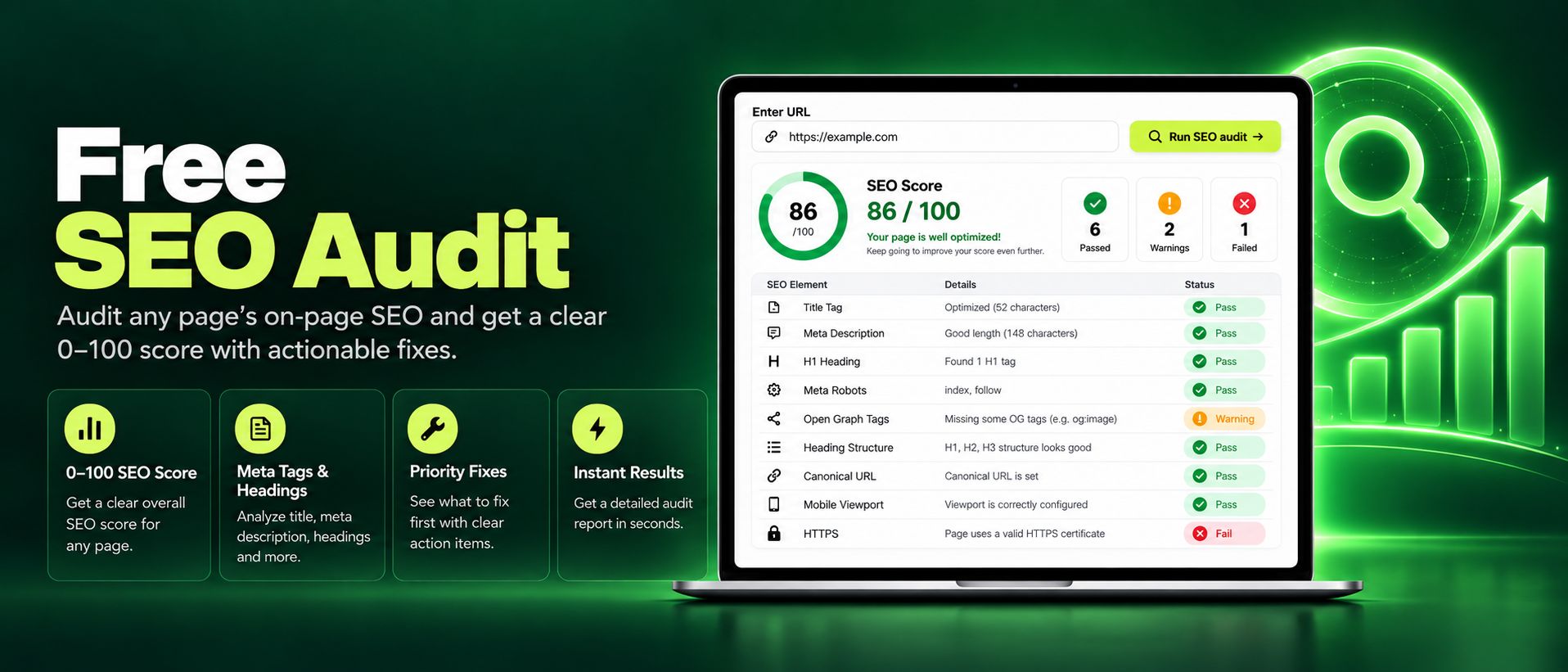
Run a free SEO audit on any page and get an instant 0 to 100 score. Check titles, meta tags, headings, images, and links, with clear actionable fixes today.
Read article →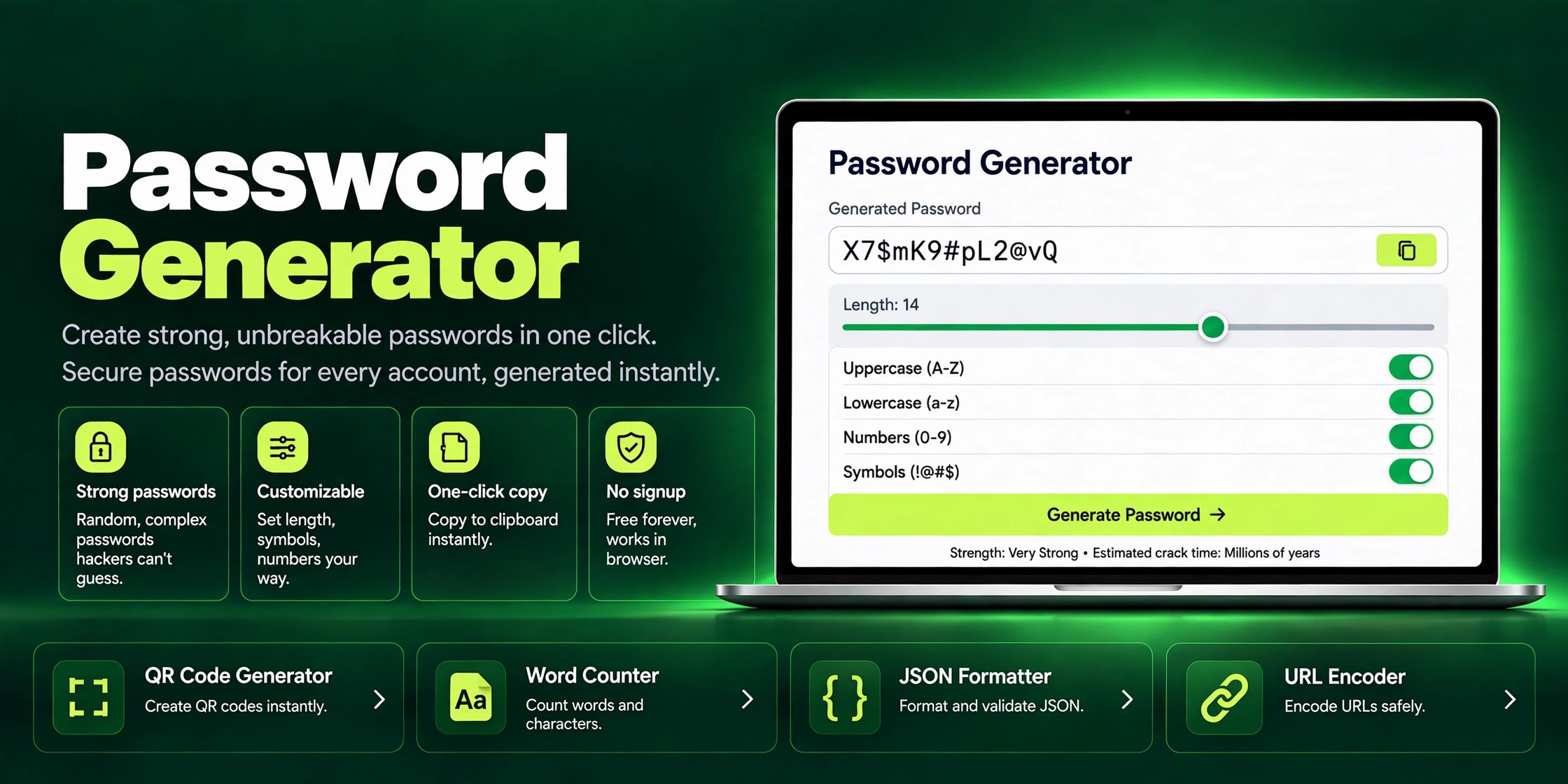
Generate strong, unbreakable passwords in one click with ZaxisMedia's free Password Generator. Customizable length, symbols & one-click copy. No signup needed.
Read article →