Enter your title
Type the page title exactly as it appears in your <title> tag.

Preview your page exactly as it appears in Google searchYour search listing is an advertisement, and most of them are written blind. This preview renders a Google-style result card live as you type, with character counts and pixel-width estimates beside it.
Preview your page exactly as it appears in Google search
Your meta description appears here. Write something compelling to win the click.
Pixel widths are estimates based on average character width: titles truncate around 580 to 600px, descriptions around 920px on desktop. Everything stays in your browser.
Type the page title exactly as it appears in your <title> tag.
Enter the page URL slug and the meta description.
Watch the live Google-style preview and adjust until the pills show OK.
The SERP Snippet Preview shows you exactly what searchers will see before they decide to click: a Google-style result card with your title in blue, your URL as a breadcrumb, and your description in gray, updating live as you type. Alongside it you get character counts and pixel-width estimates with clear OK or Too long indicators, so your snippets survive Google's truncation limits.
Publish knowing exactly what searchers will see.
Professional SEO copywriters draft and refine their search snippets here before ever touching the CMS fields on the site itself.
Teams test title variants against the pixel budget to protect the keyword sitting at the very front of titles always.
Publishers sanity-check how each listing stacks up visually against the competition before anything goes live on the site for searchers.
The tool flags the truncation danger zone clearly, before real searchers ever see a cut-off snippet in results on Google.
Engineer for the reality of search results.
Put the primary keyword and the core promise first; brand and filler go last.
Titles truncate around 580 to 600 pixels, descriptions around 920 on desktop.
A title that reads well even when chopped at 580 pixels is engineered for reality.
Everything runs in your browser, so nothing you type is uploaded or stored.
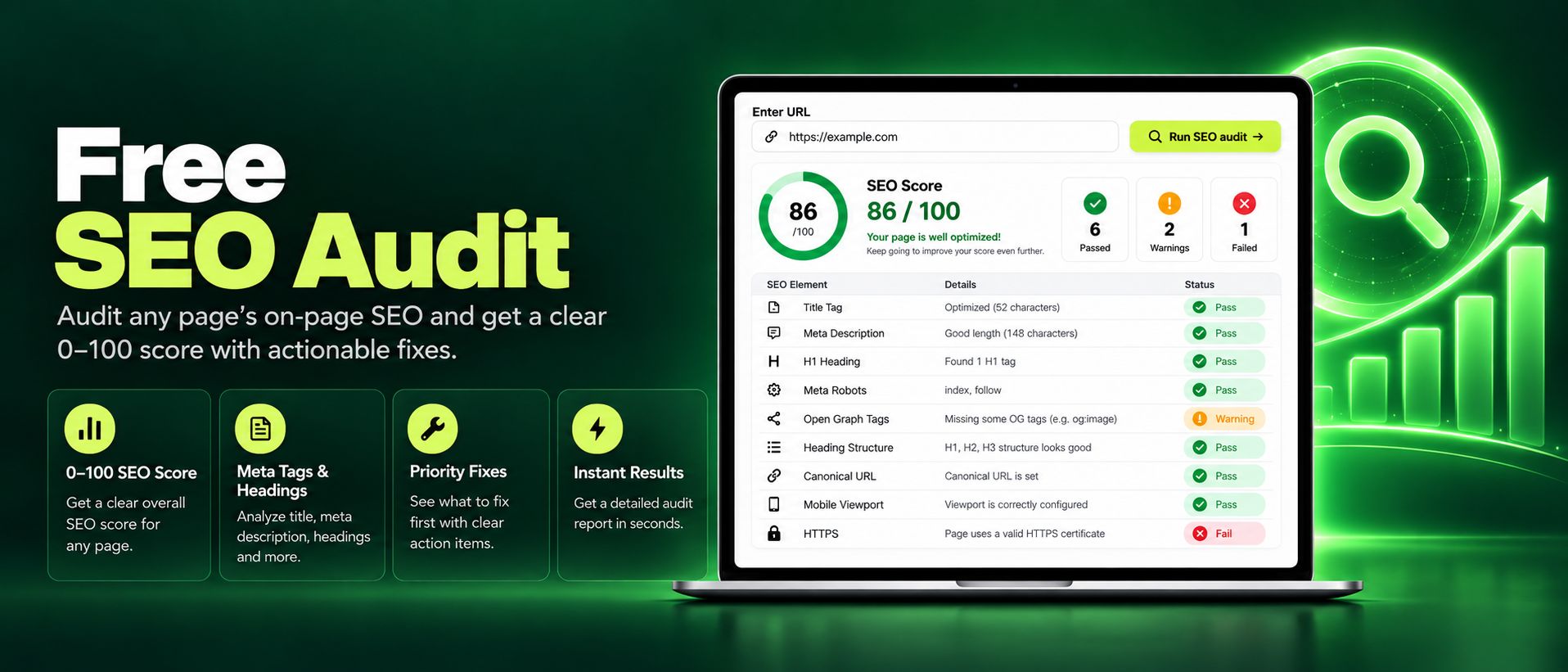
Run a free SEO audit on any page and get an instant 0 to 100 score. Check titles, meta tags, headings, images, and links, with clear actionable fixes today.
Read article →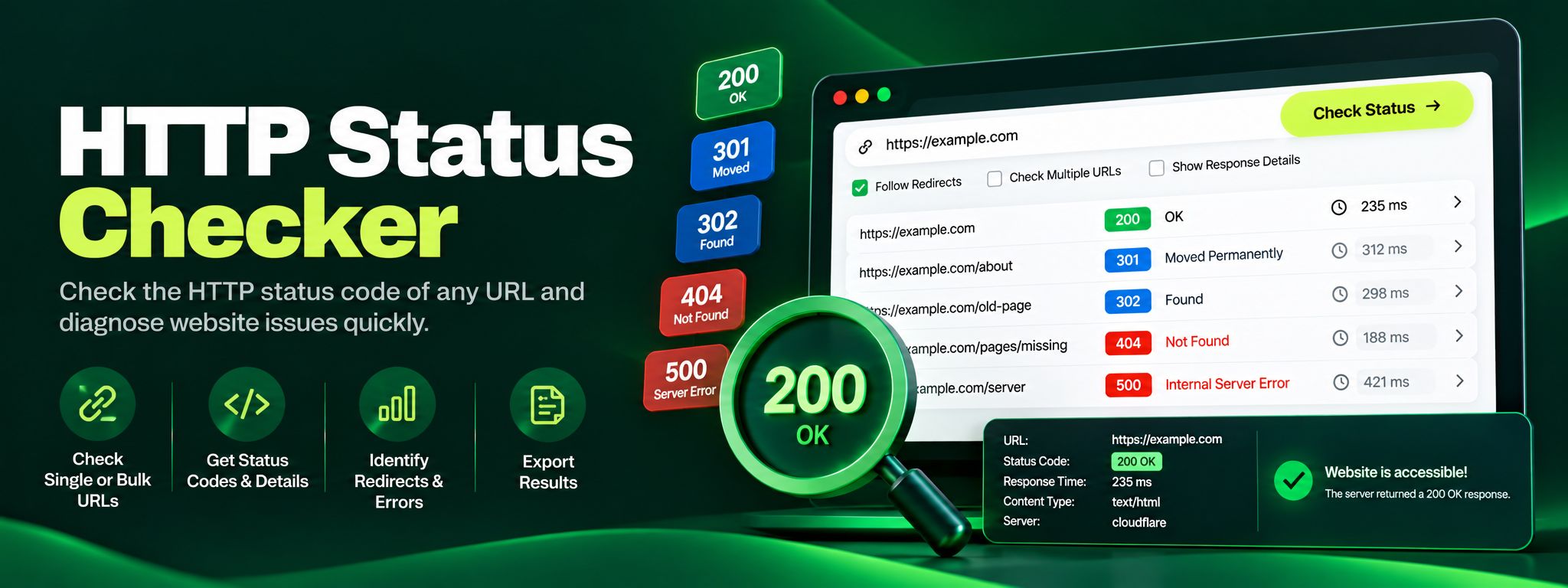
Free HTTP status checker. Check any URL's status code, trace redirect chains hop by hop, and fix 404, 301 and 500 errors before they silently hurt your SEO.
Read article →