Enter the website URL
Enter the full URL of the website you want to check.

Check whether any website has the Meta (Facebook) Pixel installedRunning Facebook or Instagram ads without a working Meta Pixel is like pouring water into a bucket you cannot see. Enter any page URL and this helper checks whether the pixel is installed, which IDs are active, and whether key events actually fire.
Check whether any website has the Meta (Facebook) Pixel installed
Enter the full URL of the website you want to check.
Click Check for Meta Pixel and wait for the page scan.
See whether the pixel is installed, its ID, and which code signals were detected.
This helper checks whether the Meta Pixel is installed on a page. It scans the page source for the pixel's fingerprints (the fbq function, fbevents.js loader and the connect.facebook.net endpoint) and extracts the numeric pixel ID.
The report lists every signal found, so positives are backed by evidence and negatives explain their own limits. No fake positives.
Checks that save ad budgets before a rupee is spent.
Advertisers use it before spending a single rupee, since a pixel missing on checkout means purchase events never reach Meta.
Agencies onboarding a new client verify the previous setup first; finding two pixels firing at once is a classic catch.
Store owners check after installing a new theme or app, because theme changes are the number one silent pixel killer.
When the ads manager shows zero conversions but orders keep coming, the usual suspect is a broken pixel, and this check takes seconds.
Client-side pixel checks, honestly scoped.
It detects the standard events, PageView, ViewContent, AddToCart, InitiateCheckout and Purchase, plus custom events that are named clearly in the code.
Pixels often fire on the homepage and nowhere else, so run the check on product pages, cart and checkout too.
The helper reads only browser-side pixel code; Conversions API events travel server to server and stay visible only inside Events Manager.
Reads only public page code, exactly what Meta's browser code sees too. Your Events Manager and server data stay untouched.
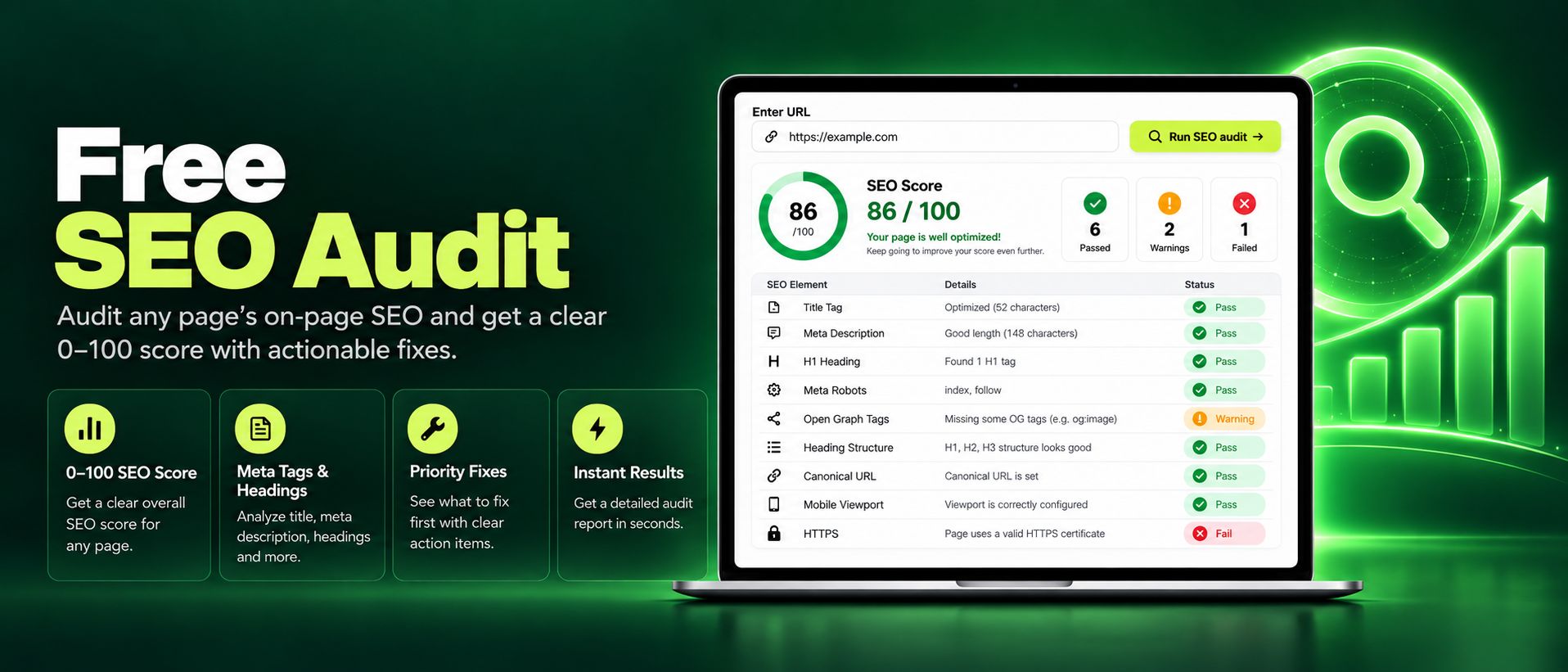
Run a free SEO audit on any page and get an instant 0 to 100 score. Check titles, meta tags, headings, images, and links, with clear actionable fixes today.
Read article →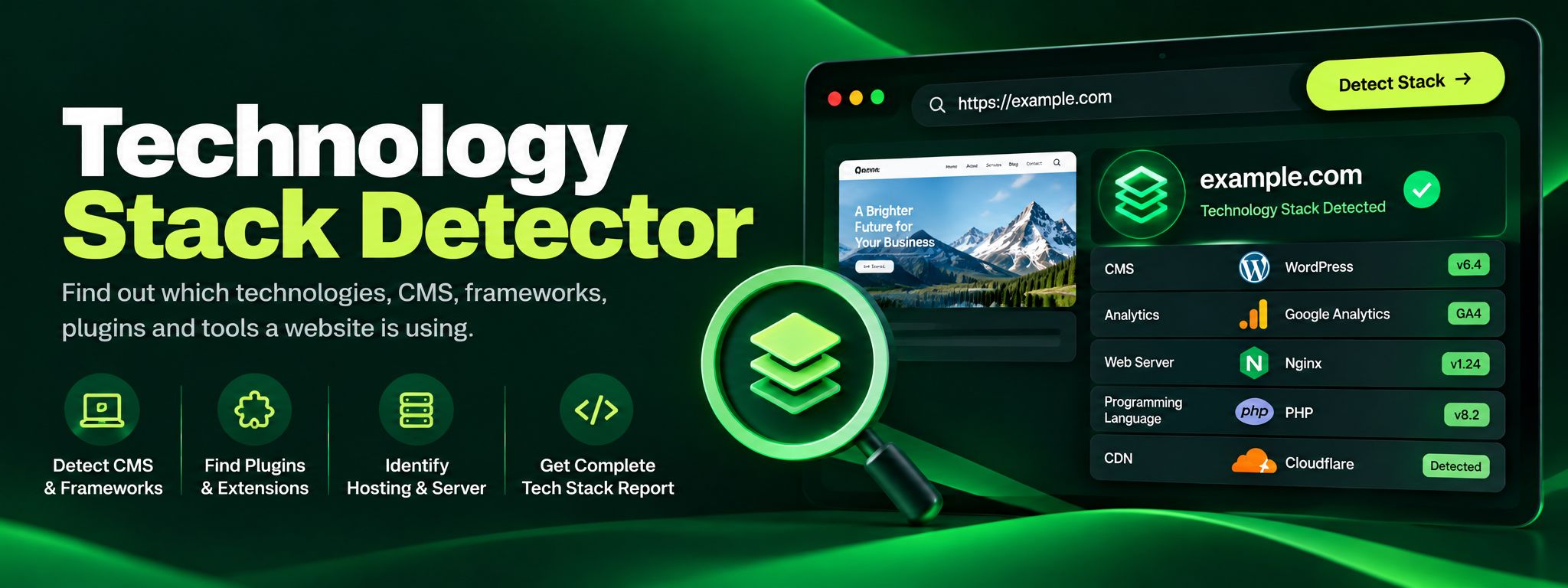
Discover the technology stack behind any website in seconds. Our free Technology Stack Detector uncovers CMS, frameworks, hosting, and analytics instantly.
Read article →