Pick options
Choose the length and character sets you want.

Cryptographically secure random passwords, generated on your deviceHuman brains are terrible random number generators: we pick patterns and birthdays, exactly what attackers build guessing lists from. Every character here comes from your device's cryptographic random number generator, with rejection sampling so each character is equally likely.
Cryptographically secure random passwords, generated on your device
Character sets
Choose the length and character sets you want.
Click "Generate Password".
Copy it into your password manager.
Human-invented passwords follow human patterns, which is exactly what attackers model. This generator skips the human: every character comes from your device's cryptographic random number generator.
Control length (8 to 64), character sets and ambiguous lookalikes. Each password shows its estimated entropy, with a history of recent generations for copying. Nothing is ever sent to a server.
Every place a guessable password is a liability.
Generate a strong, unique password for every new account instead of reusing a familiar one.
Create keys too long to shoulder-surf, and exclude ambiguous lookalikes for easy reading aloud.
Mint high-entropy secrets for integrations and services without touching a terminal.
Generate fresh passwords in bulk when rotating credentials across accounts or teams.
The recipe controls the strength.
Length defeats brute force far better than exotic symbols; 20 or more characters is comfortable.
Lowercase, uppercase, digits, and symbols together maximize entropy per character.
Drop characters like lowercase l, uppercase I, and digit 1 that get mistyped when read off a screen.
The bits readout shows actual strength: a 20-character full-set password carries around 131 bits of entropy.
Nothing ever leaves your device: generation happens entirely in your browser and is never transmitted, logged, or stored on any server.
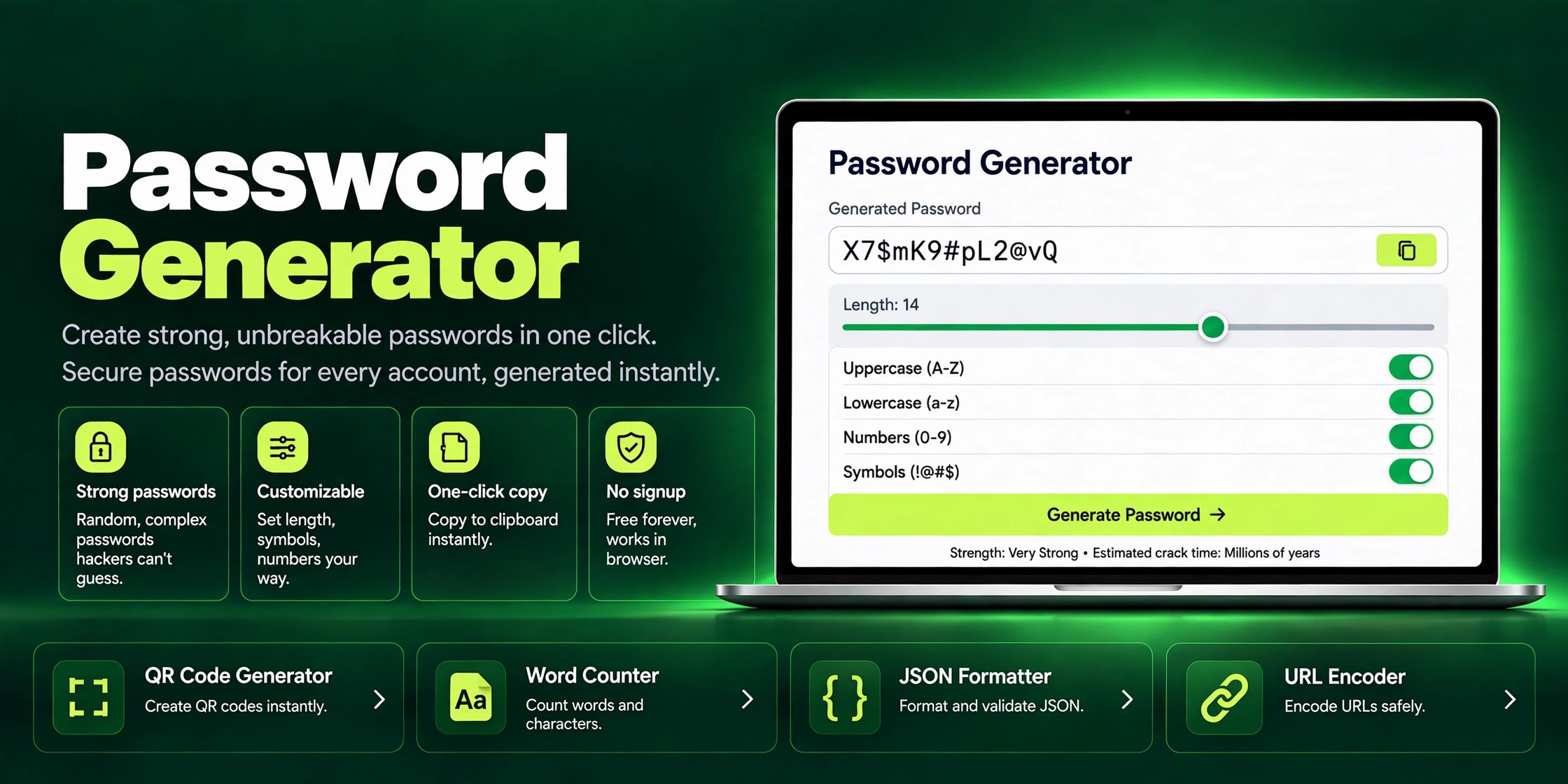
Generate strong, unbreakable passwords in one click with ZaxisMedia's free Password Generator. Customizable length, symbols & one-click copy. No signup needed.
Read article →
Free security headers checker. Instantly scan HSTS, CSP, X-Frame-Options and more on any site, get an A to F grade and clear steps to fix every website gap.
Read article →