Enter website URL
Enter the website URL (e.g. https://example.com).

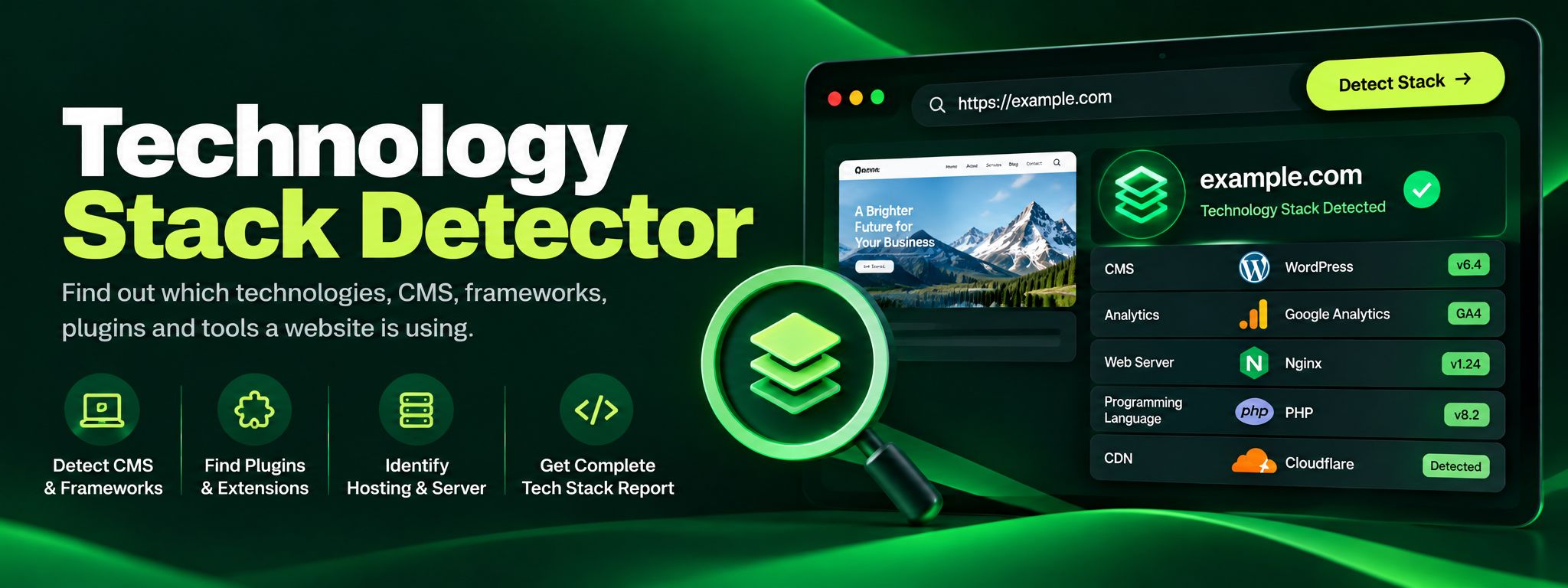
Reveal the full tech stack behind any websiteFew questions come up more often in web work than: what is this site built with? Enter any URL and get a full profile across five categories, server and CDN, CMS, frontend frameworks, analytics, and fonts, each backed by evidence.
Reveal the full tech stack behind any website
Enter the website URL (e.g. https://example.com).
Click "Detect stack".
Browse the results grouped by server, CMS, frontend, analytics and fonts.
Every website broadcasts its technology choices in its HTML and headers. The Technology Stack Detector fetches a page and matches fingerprints across five categories, server and CDN, CMS, frontend frameworks, analytics, and fonts, to build a complete profile. It is the fastest free way to answer "what is this site built with", whether you are researching competitors, auditing a client site, or choosing tools for your own project.
Three ways the full picture gets used.
Competitor researchers benchmark the full picture: which analytics and marketing tools a rival runs, which CDN they trust, which framework their storefront uses.
Agencies auditing a new client's site get the lay of the land in one scan before they quote anything at all.
Builders choosing their own stack treat the fastest sites in their niche as a dataset, picking technologies proven in the wild rather than hype.
Students and junior developers use it as a study tool, reverse-engineering admired sites into concrete reading lists for faster learning.
What stays hidden, stated plainly.
Each report spans five categories: the server and CDN layer, the CMS, frontend frameworks and libraries, analytics and tracking pixels, and fonts.
Backend languages only appear when the server reveals them through something like an X-Powered-By header; most production sites hide those details.
Heavily customized or bundled code can mask library names, though what the page declares publicly still shows up grouped and readable.
Fingerprint-based detection from public page data only. Free, no signup, no browser extension, no private probing.