Enter domain
Enter the domain (e.g. example.com).

See which TLS versions a server actually supportsTLS 1.0 and 1.1 were deprecated years ago, yet plenty of servers still quietly accept them. This checker probes your server and reports exactly which TLS versions it will speak, from the long-deprecated 1.0 and 1.1 up to the current 1.3.
See which TLS versions a server actually supports
Enter the domain (e.g. example.com).
Click "Check TLS" to run a live handshake.
See the negotiated version, cipher, and verdict.
TLS is the encryption behind the padlock, and its version decides how strong that protection really is. This free tool performs a genuine TLS handshake with any HTTPS server and reports the negotiated protocol version and cipher, flagging deprecated versions in plain language.
Server admins use it to verify TLS 1.0 and 1.1 are truly disabled and TLS 1.3 is preferred. The check runs against the live endpoint, so it reflects what visitors actually negotiate.
You cannot fix what you cannot see.
Re-run the probe after disabling old versions to confirm 1.3 negotiates and the weak ones are gone.
Confirm a server migration or CDN change did not silently weaken encryption.
Add the version check to routine security reviews alongside cipher and certificate checks.
PCI DSS has required 1.0 and 1.1 disabled since 2018; prove it with a live probe.
What the versions mean.
Both carry known vulnerabilities and serve only attackers and ancient clients.
TLS 1.3 handshakes complete faster than older versions, so the upgrade buys speed as well.
On nginx or Apache it is usually a one-line config change, then re-run to confirm.
Disabling old versions is usually a one-line server config change; this tool tells you whether you still need to make it, and confirms the fix afterward. No signup.
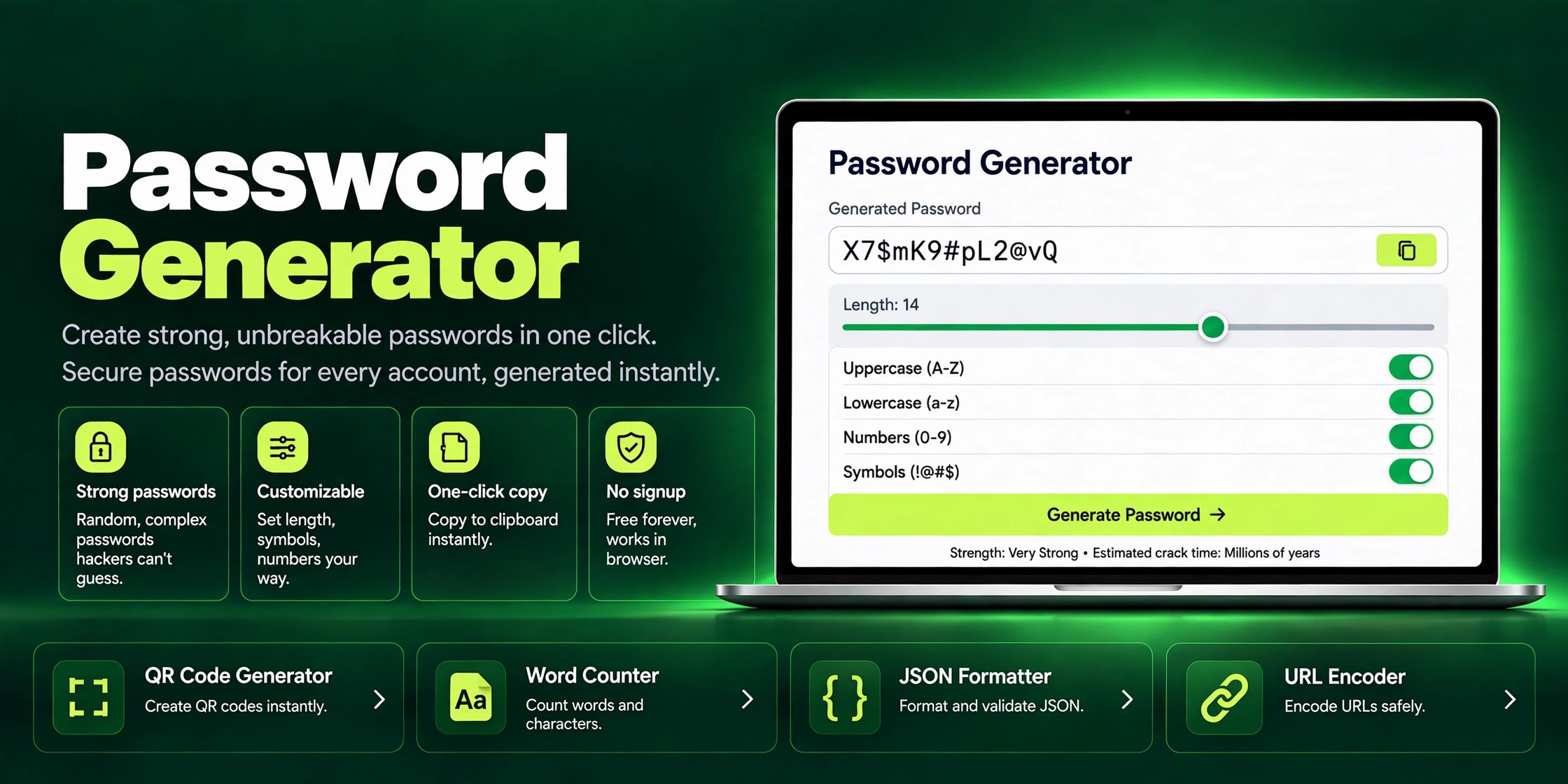
Generate strong, unbreakable passwords in one click with ZaxisMedia's free Password Generator. Customizable length, symbols & one-click copy. No signup needed.
Read article →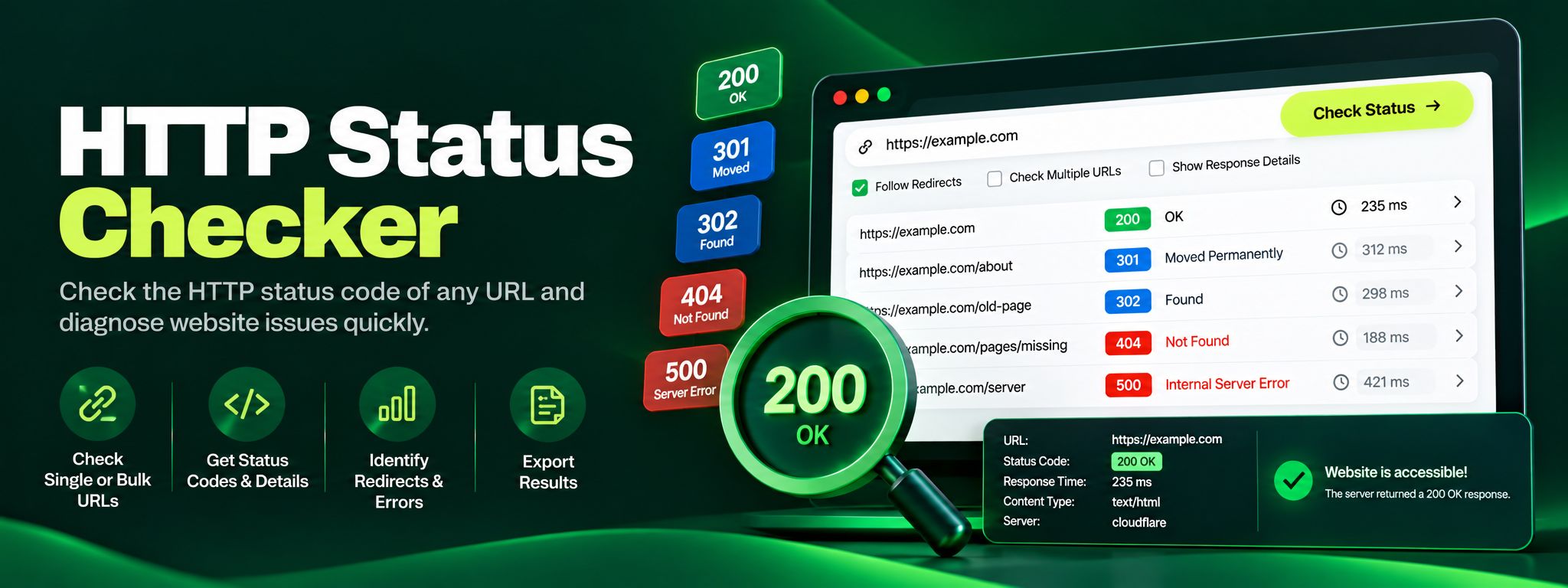
Free HTTP status checker. Check any URL's status code, trace redirect chains hop by hop, and fix 404, 301 and 500 errors before they silently hurt your SEO.
Read article →