Build your schedule
Pick a schedule preset and adjust the time, days or interval.

Build cron schedules visually and see the next runsCron's five-field syntax is compact, powerful, and completely unreadable at 2am when the backup did not run. This generator removes the memorization: pick values from plain controls and get the expression, next to a sentence explaining what the schedule does.
Build cron schedules visually and see the next runs
Expression
0 9 * * *
Runs every day at 09:00.
Next 5 runs (your local time)
Pick a schedule preset and adjust the time, days or interval.
Read the generated expression and its plain-English description.
Check the next 5 run times, then copy the expression into your crontab or scheduler.
Cron syntax is compact, unforgiving and read far more often than it is written. The Cron Expression Generator flips the workflow: describe the schedule with ordinary controls and get the expression, a plain-English reading, and the next five run times.
Paste in an existing expression to decode what it does. Everything runs locally in your browser.
Where schedules get built.
The generated schedules drop straight into Linux crontabs for backups, log rotation and maintenance jobs.
GitHub Actions workflow schedules built without consulting a syntax chart each time.
Laravel's task scheduler and similar app-level schedulers accept the same five-field format, no translation needed.
Presets like every five minutes, hourly, daily at 3am and Monday morning each show expression plus meaning.
Two deserve a permanent place in memory.
Reading the schedule in English before pasting catches classic mistakes like the hour value in the minute field.
Cron runs on the server's timezone, not yours, which surprises everyone exactly once and never again.
Traditional crontab files need a newline at the end of the last entry, or that final job silently never runs.
Everything happens in your browser. No signup, no server, just the expression and its meaning.
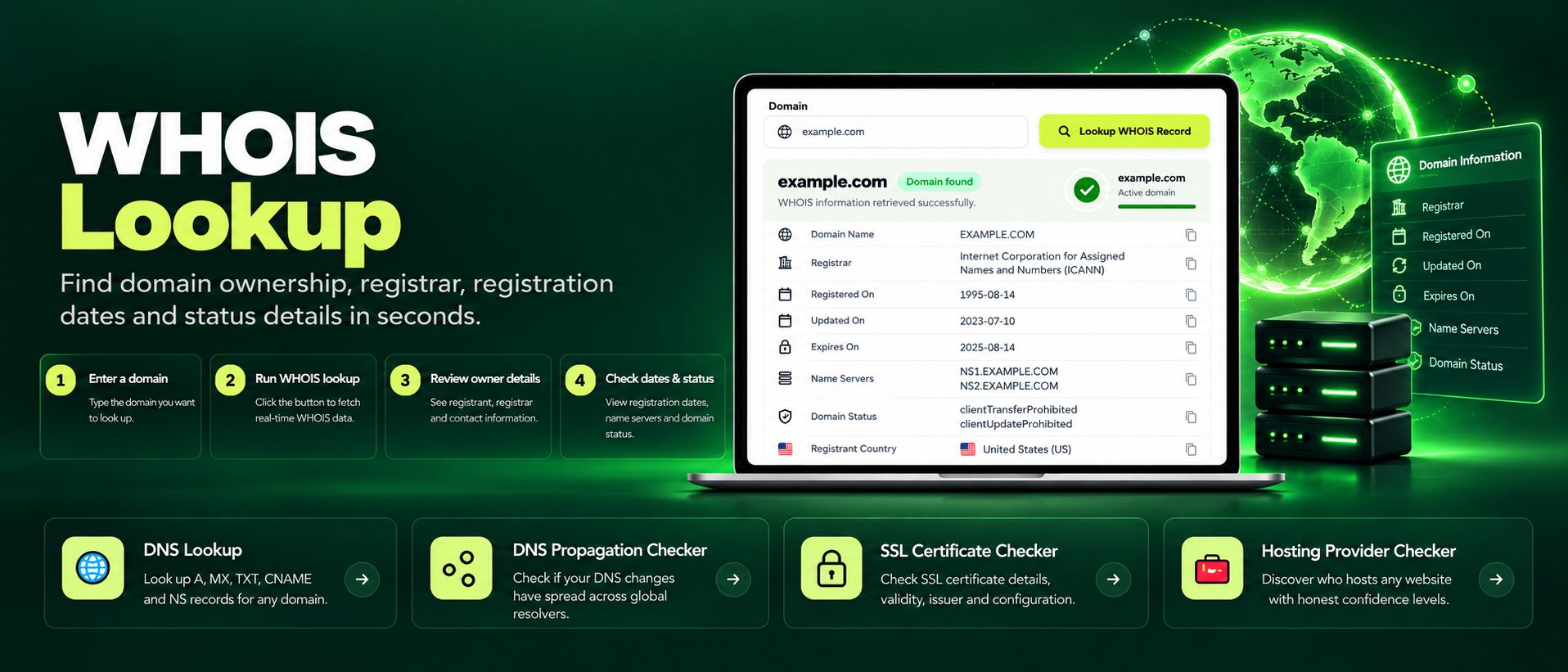
Free WHOIS lookup for any domain. Check the registrar, registration and expiry dates, name servers and the full WHOIS record instantly, no sign-up needed.
Read article →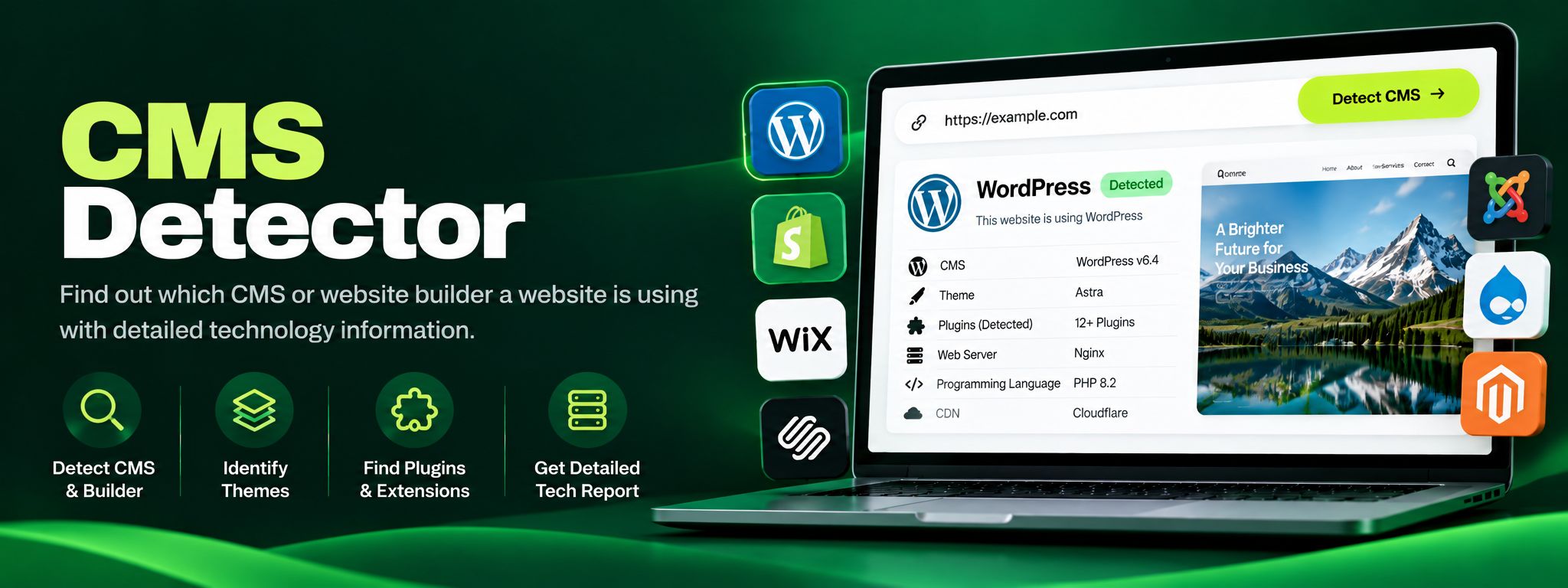
Free CMS detector. Detect WordPress, Shopify, Wix, Joomla, Drupal and more from code fingerprints. Perfect for competitor research and client website audits.
Read article →