Choose policy
Enter your domain and choose a policy (start with none, then quarantine, then reject).

Build a correct DMARC DNS record with a guided formHand-typing a DMARC record is exactly how typos end up in DNS. One misspelled tag or stray space, and servers ignore the entire policy. This generator produces a correctly formatted record ready to paste into your DNS zone.
Build a correct DMARC DNS record with a guided form
Monitoring only. Failed mail is delivered normally, but you receive reports.
v=DMARC1; p=none; pct=100; adkim=r; aspf=r; fo=1; ri=86400;
How to publish: add a TXT record at _dmarc.yourdomain.com with the value above. Changes usually take effect within a few hours, depending on your DNS TTL.
What each tag means
v v=DMARC1 identifies the record as DMARC version 1.p p is the policy for your main domain: what receivers do with mail that fails DMARC.sp sp is the policy for subdomains. "Inherit" means subdomains follow the main policy.pct pct is the percentage of failing mail the policy applies to (100 = all of it).rua rua is where providers send daily aggregate XML reports about your mail.ruf ruf is where forensic failure reports for individual messages are sent.adkim adkim sets DKIM alignment: relaxed allows subdomains, strict requires an exact domain match.aspf aspf sets SPF alignment: relaxed allows subdomains, strict requires an exact domain match.fo fo controls when failure reports are generated (1 = any authentication failure).ri ri is how often aggregate reports are sent, in seconds (86400 = daily).Enter your domain and choose a policy (start with none, then quarantine, then reject).
Add your report email addresses and pick alignment settings.
Copy the generated record and add it as a TXT record at _dmarc.yourdomain.com.
DMARC sits on top of SPF and DKIM: it tells the world what to do with mail that fails authentication, and it gives you visibility through daily reports.
This generator turns your choices into a valid record, explains every tag in plain language, and recommends the safe policy ramp-up from none to reject.
Correct syntax on the first try.
A domain with no record yet gets a proper monitoring policy with reports pointed at a real mailbox, which is the correct day-one posture.
When reports show clean authentication, generate the next stage, quarantine at a rising percentage then reject, instead of guessing at syntax.
The percentage of mail the policy applies to is the standard way to roll out enforcement gradually while you watch the reports.
Advanced options expose subdomain policy and the adkim and aspf alignment modes, so the record matches your infrastructure rather than a template.
The decisions that matter.
The policy selector walks through p=none for monitoring, p=quarantine for spam-foldering and p=reject for enforcement, with plain explanations of each.
Separate fields collect the aggregate report address (rua) and the forensic address (ruf), plus the percentage the policy applies to.
Because the output is a single TXT value, publishing takes one DNS edit, and you can verify the result immediately with the DMARC checker.
Pick your policy, fill in a few fields, and paste the generated TXT value into your DNS in one edit.
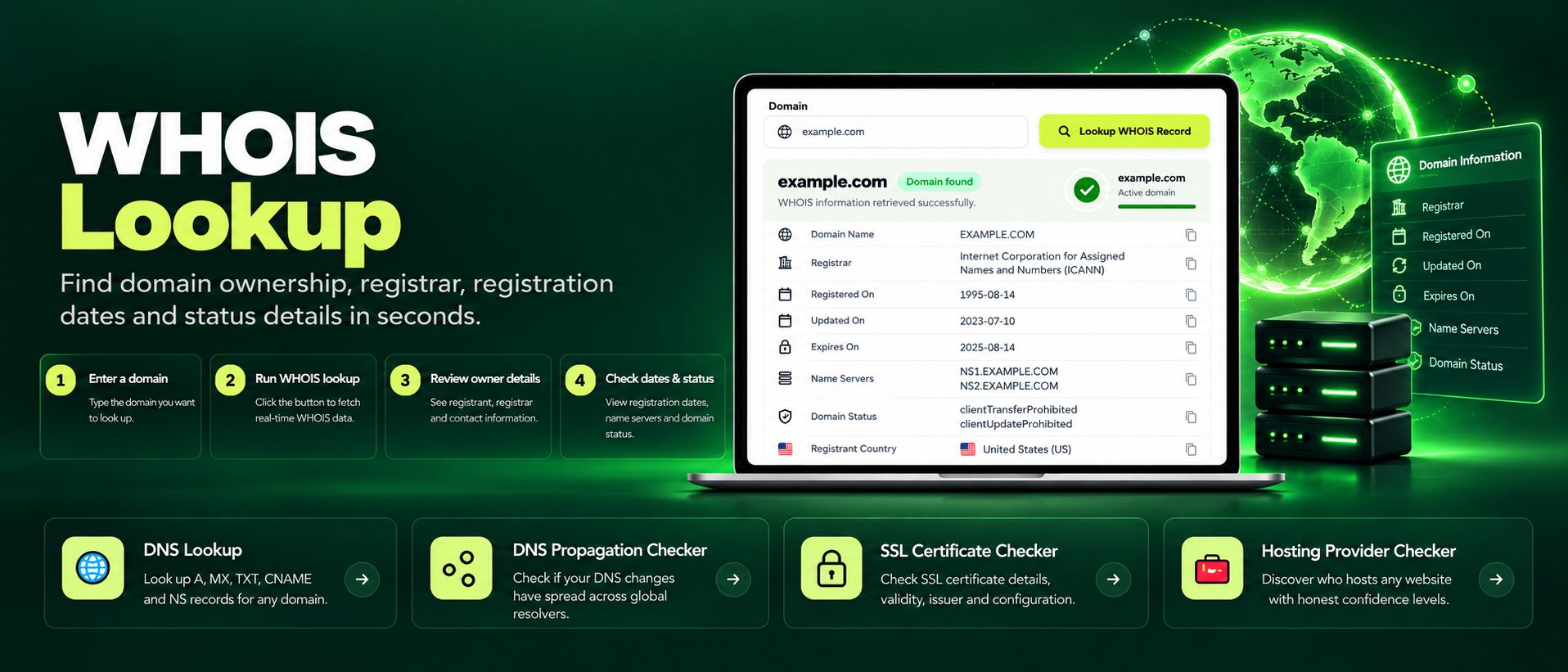
Free WHOIS lookup for any domain. Check the registrar, registration and expiry dates, name servers and the full WHOIS record instantly, no sign-up needed.
Read article →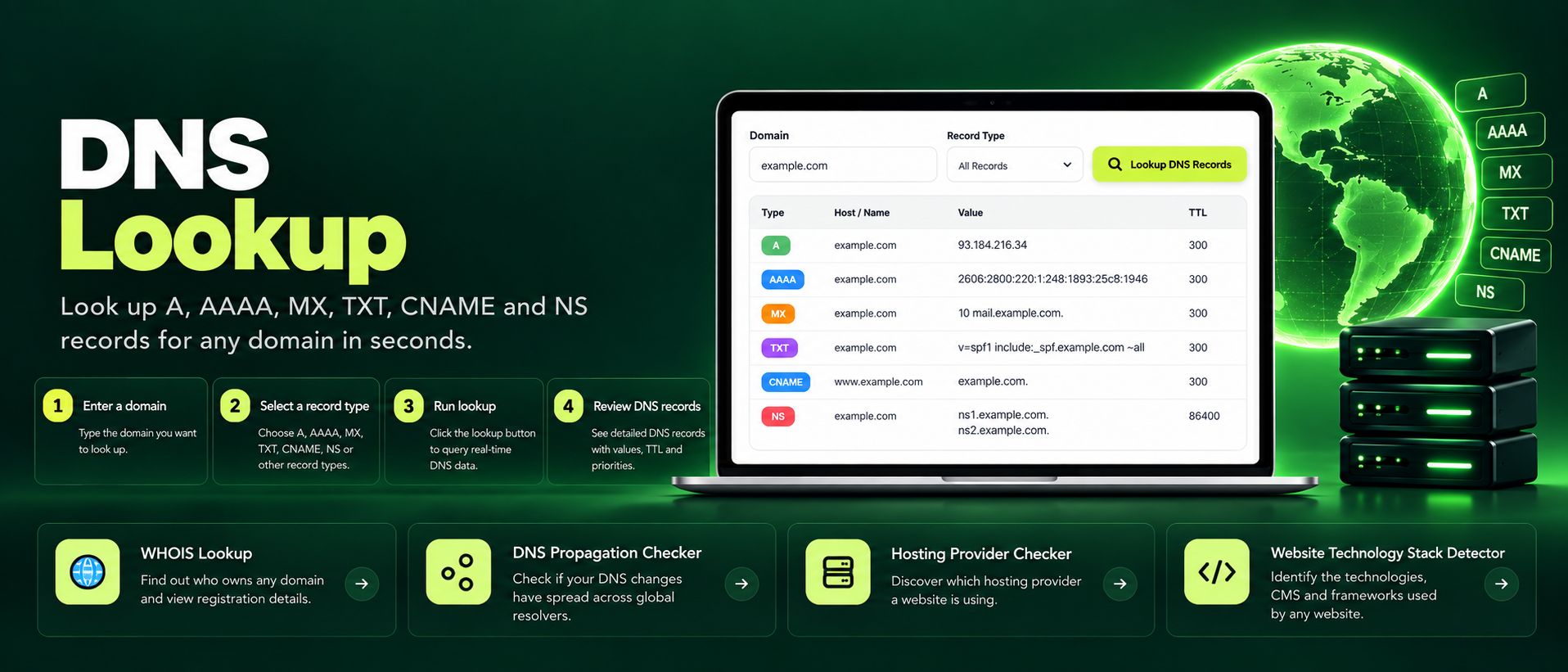
Free online DNS lookup tool. Check A, AAAA, MX, TXT, CNAME, NS and SOA records for any domain instantly. Fast, private, accurate, no sign-up required.
Read article →