Search
Type in the search box to filter snippets.

Arrays, DOM, fetch, async, and ES6 patterns with copy-ready snippetsFree JavaScript cheat sheet: 60+ copy-ready snippets for arrays, DOM, events, fetch, async/await, and modern ES6. Searchable and printable.
Arrays, DOM, fetch, async, and ES6 patterns with copy-ready snippets
62 of 62 entries shown. Click Copy on any snippet.
const name = 'Ada';
let score = 0;
typeof 42; // 'number'
typeof 'hi'; // 'string'const msg = `Hello, ${name}!`;const v = input ?? 'default';const city = user?.address?.city;const { name, age } = user;
const [a, b] = pair;const doubled = nums.map(n => n * 2);const evens = nums.filter(n => n % 2 === 0);const sum = nums.reduce((t, n) => t + n, 0);const hit = users.find(u => u.id === 3);nums.some(n => n > 10);
nums.every(n => n > 0);['a','b'].includes('b'); // truenums.sort((a, b) => a - b);const copy = [...arr];[[1],[2,3]].flat(); // [1,2,3]user.name;
user['first-name'];const merged = { ...a, ...b };Object.keys(user);
Object.values(user);for (const [k, v] of Object.entries(user)) {}const s = JSON.stringify(obj);
const back = JSON.parse(s);user.save?.();const add = (a, b) => a + b;function greet(name = 'friend') {}function sum(...nums) {}setTimeout(() => {}, 1000);const id = setInterval(tick, 500);const d = debounce(fn, 300);document.querySelector('.card');document.querySelectorAll('li');document.getElementById('app');el.closest('.card');el.textContent = 'Hi';el.innerHTML = '<b>Hi</b>';const li = document.createElement('li');list.append(li);
list.prepend(li);el.classList.add('on');
el.classList.toggle('on');el.dataset.userId; // data-user-idel.remove();btn.addEventListener('click', e => {});input.addEventListener('input', e => {});form.addEventListener('submit', e => e.preventDefault());list.addEventListener('click', e => {
if (e.target.matches('li')) {}
});btn.addEventListener('click', fn, { once: true });const res = await fetch('/api/data');
const data = await res.json();await fetch('/api/save', {
method: 'POST',
headers: { 'Content-Type': 'application/json' },
body: JSON.stringify(payload),
});if (!res.ok) throw new Error(res.status);const [a, b] = await Promise.all([fa(), fb()]);try { await load(); } catch (e) { console.error(e); }async function load() {
return await fetch(url);
}'a,b'.split(',');
['a','b'].join('-');s.includes('x');
s.startsWith('http');s.trim();s.replaceAll('a', 'b');String(5).padStart(3, '0'); // '005'(3.14159).toFixed(2); // '3.14'parseInt('42px', 10);
parseFloat('3.5');Math.max(1, 9);
Math.floor(4.9);
Math.random();import { x } from './lib.js';
export const y = 2;class Dog extends Animal {
constructor() { super(); }
}for (const item of list) {}const m = new Map();
const s = new Set([1,2,2]);new Promise((resolve, reject) => {});Type in the search box to filter snippets.
Click Copy on any snippet to grab the code.
Print the page for a desk reference.
The JavaScript you reach for every day: variables and types, array and object methods, functions, DOM selection and manipulation, events, fetch with async/await, string and number helpers, and modern ES6 syntax. Each entry is a working snippet with a plain-English note.
Search to jump to what you need, copy with one click, and print for an offline reference while you code.
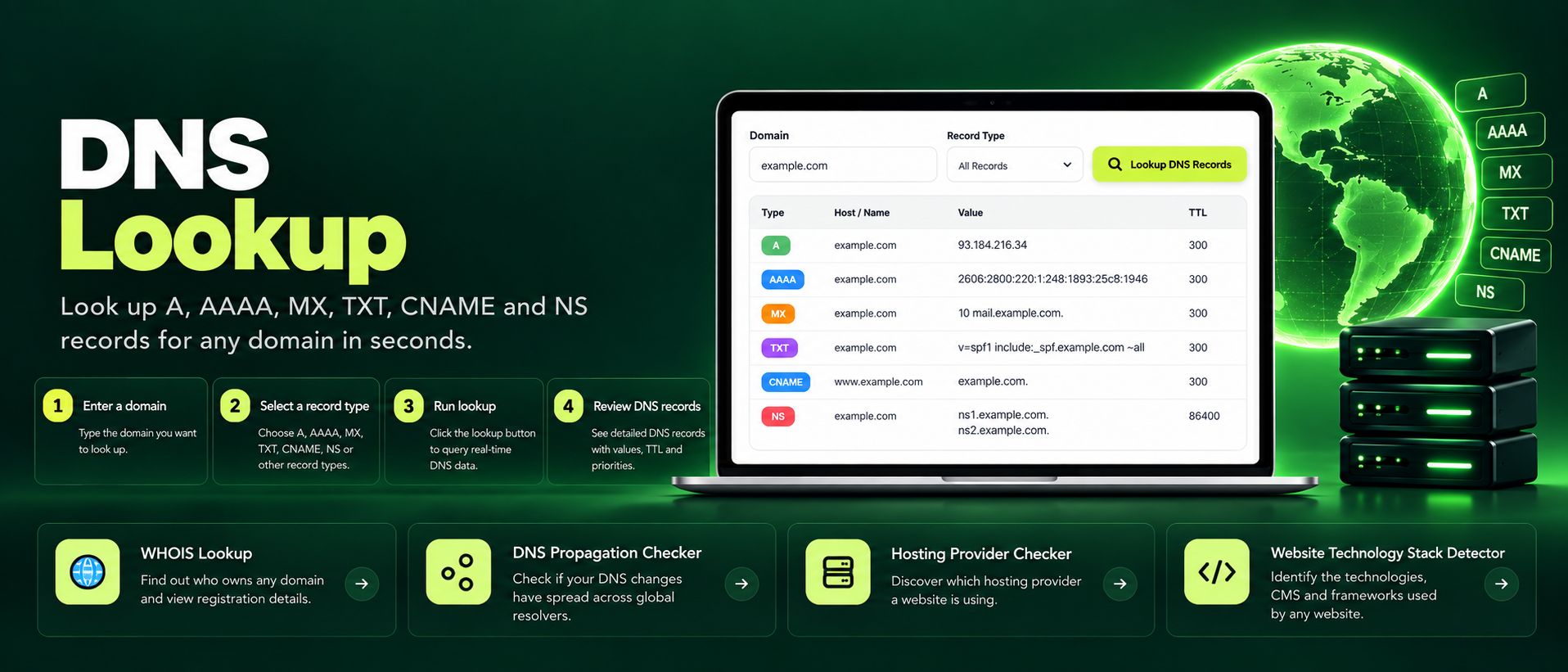
Free online DNS lookup tool. Check A, AAAA, MX, TXT, CNAME, NS and SOA records for any domain instantly. Fast, private, accurate, no sign-up required.
Read article →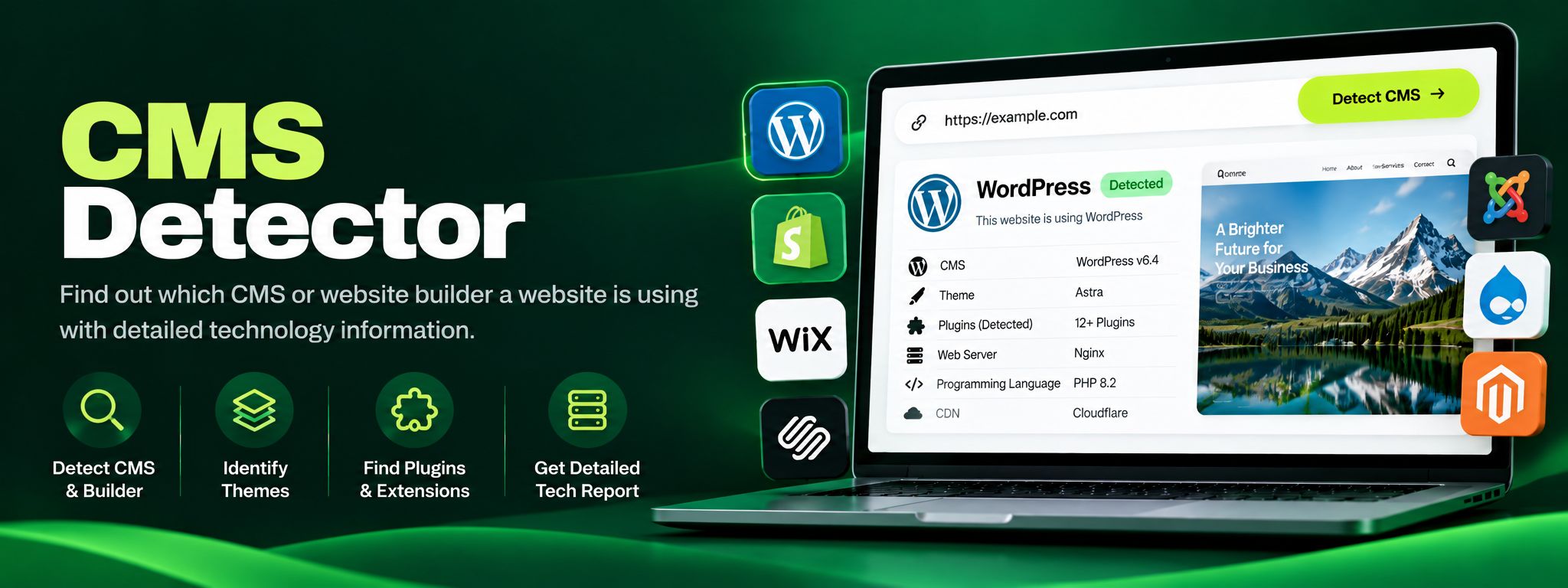
Free CMS detector. Detect WordPress, Shopify, Wix, Joomla, Drupal and more from code fingerprints. Perfect for competitor research and client website audits.
Read article →