Enter URL or details
Enter a page URL to fetch its real OG tags, or switch to manual mode.

See how any link looks when shared on social mediaNever publish a page without seeing its share card first. Perfect Open Graph tags can still render an ugly preview: a badly cropped image, a cut-off title. This preview renders a faithful mock of the card as platforms display it.
See how any link looks when shared on social media
Enter a page URL to fetch its real OG tags, or switch to manual mode.
Click "Preview" to load the tags.
Review the Facebook and X card previews side by side.
A broken share preview costs real clicks. This tool pulls the og and twitter tags from a live page and renders the Facebook and X cards exactly as sharers will see them.
Marketers verify launch-day sharing before a post goes live; developers debug missing or relative og:image URLs. Manual mode tests copy variations without publishing.
Two minutes of previewing saves real embarrassment.
Social media managers preview every important link before it enters the content scheduling queue each and every week without fail.
Developers verify their tag changes instantly here instead of waiting on slow platform debuggers and cache clears every deploy now.
Content teams catch the classic failure, a missing or undersized og:image, before launch day rather than after the post flops.
When a card renders as a gray box, the image URL is guilty nine times out of ten, so verify it first.
Iterate until the card looks right.
Keep share images at 1200 by 630 pixels, under a few hundred kilobytes, on a fast host.
Test with the exact image file you will ship, not a placeholder.
Type the title, description and image directly to perfect the card before the page goes live.
Look at the card before your audience does, and no broken preview travels halfway across the internet.
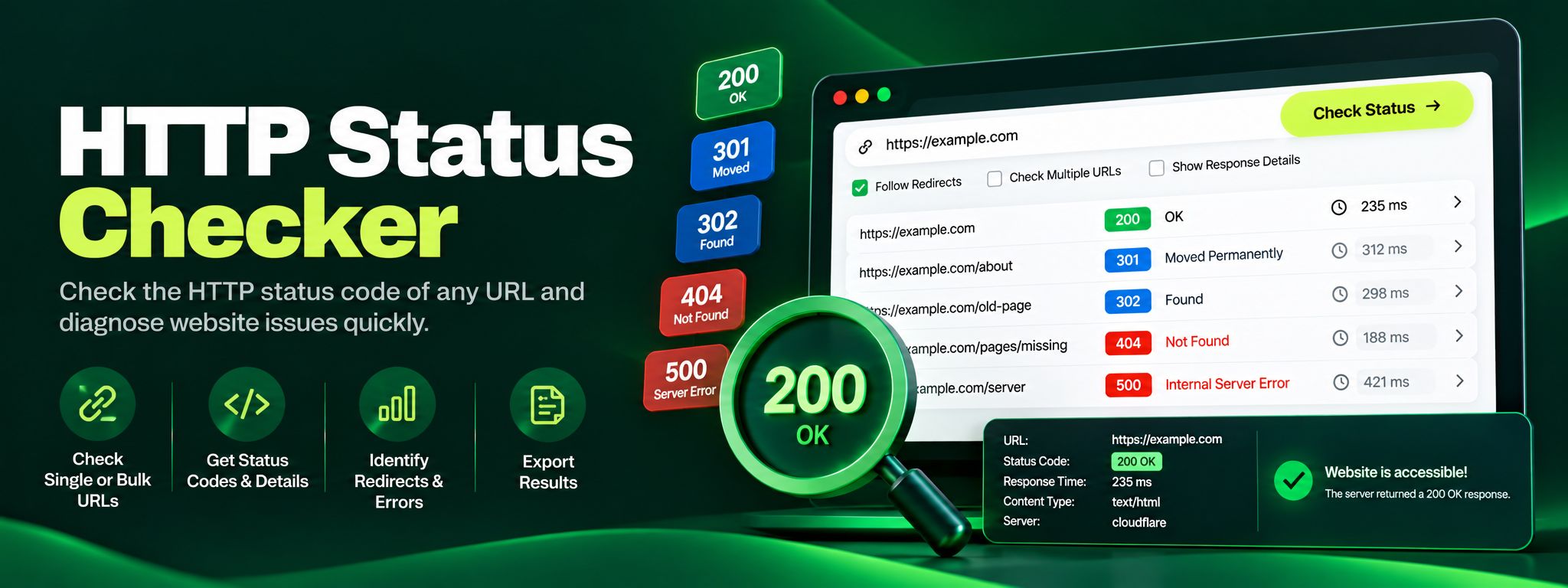
Free HTTP status checker. Check any URL's status code, trace redirect chains hop by hop, and fix 404, 301 and 500 errors before they silently hurt your SEO.
Read article →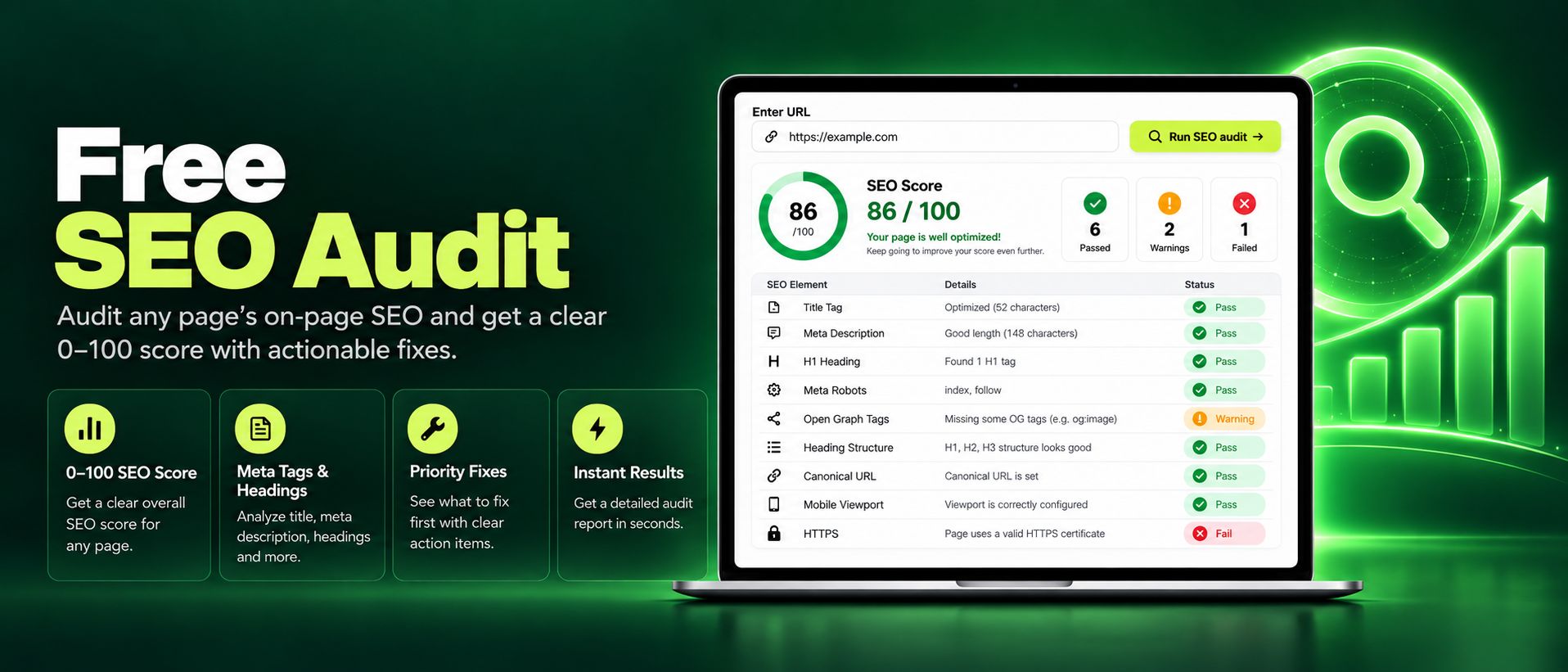
Run a free SEO audit on any page and get an instant 0 to 100 score. Check titles, meta tags, headings, images, and links, with clear actionable fixes today.
Read article →