Pick protect or unlock
Choose Protect to add a password, or Unlock to remove one.

Add a password to a PDF, or remove one you knowAdd a password to a PDF free with AES-256 encryption, or unlock a PDF with its password. Powered by QPDF, running in your browser. Files never uploaded.
Add a password to a PDF, or remove one you know
Choose the PDF to protect
Your file and password stay on your device. Nothing is uploaded.
Choose Protect to add a password, or Unlock to remove one.
Upload the PDF and enter the password details the mode asks for.
For Protect, optionally set printing, copying and modifying permissions.
Download the new file and test opening it before you delete or share anything.
Some documents should not be readable by whoever happens to find them: contracts, salary letters, medical reports, exam papers, financial statements. This tool protects them properly, with real AES-256 encryption from the QPDF engine, not a viewer trick, and it removes protection again when you present the correct password, for the everyday case of your own file whose password has become a daily annoyance.
Two design choices make it trustworthy. First, permissions are real: you can allow reading but block printing, copying or modification, enforced by the encryption itself. Second, everything happens on your device. The engine is WebAssembly loaded with the page; your document and your typed password are never transmitted, stored or logged, which is the only responsible way to handle other people's secrets.
Keep two honest limits in mind. A forgotten password cannot be recovered here, by design. And encryption protects the file at rest; once an authorized reader opens it, they can photograph or retype what they see. Within those limits, this is the same calibre of protection professional tools apply, free and private.

Create professional invoices online for free: no signup, no watermark, just a clean PDF in minutes.
Read article →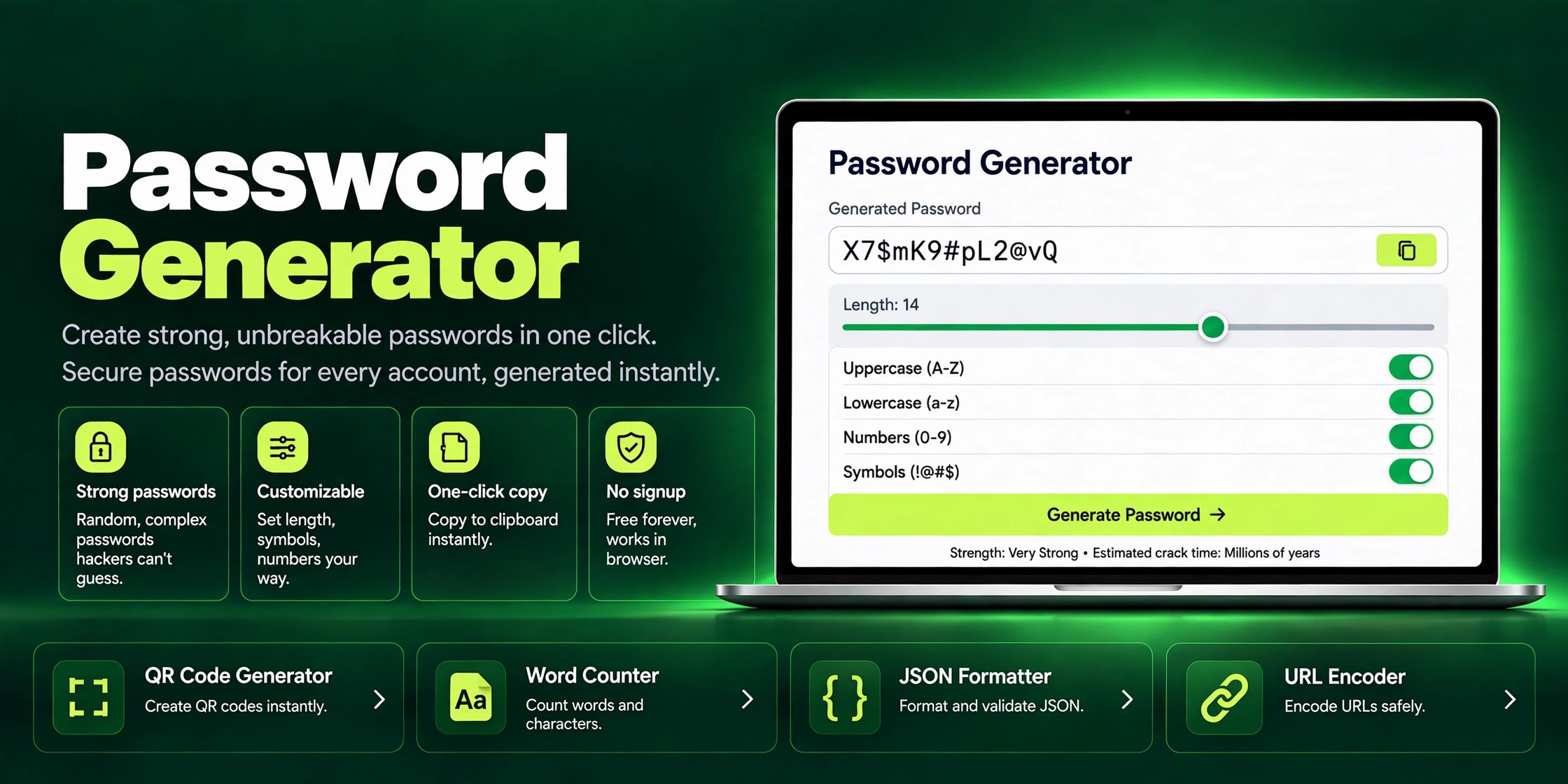
Generate strong, unbreakable passwords in one click with ZaxisMedia's free Password Generator. Customizable length, symbols & one-click copy. No signup needed.
Read article →