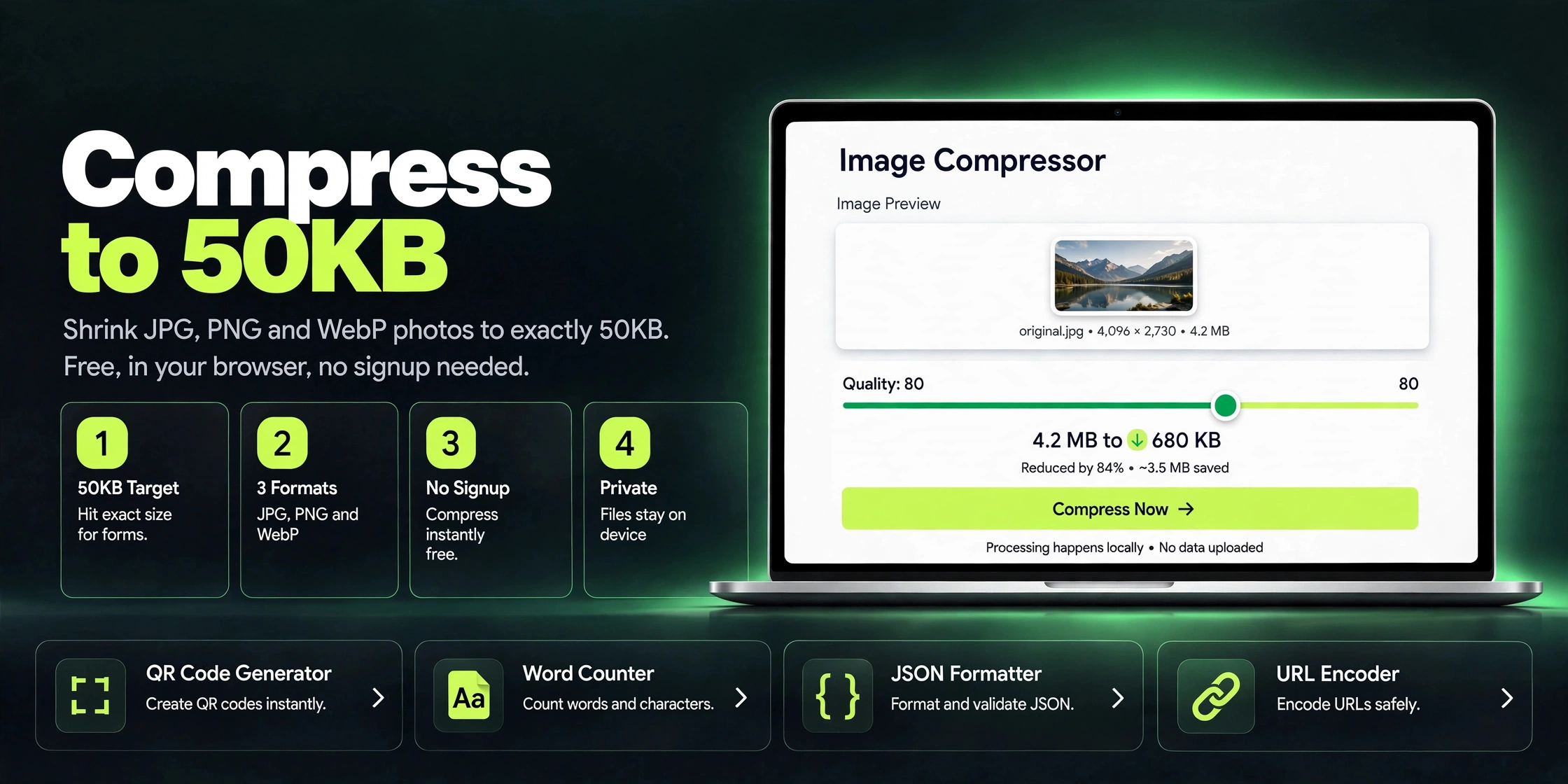
Free Invoice Generator Without Registration: Create Invoices Online
Use a free invoice generator without registration to create professional invoices online. No signup, no account. Download as PDF in minutes.
Introduction
You finished the work. The client is happy. Now comes the part freelancers dread: the invoice. You open a word processor, fiddle with a table that refuses to align, try to calculate tax in your head, and forty minutes later you have something that looks like a school project. There has to be a better way, and there is.
An online invoice generator builds a clean, professional invoice from a simple form: your details, the client's details, what you did, what it costs. The good ones handle the math, the layout, and the PDF export, so you go from blank page to sendable invoice in about five minutes. The catch with many of them is the signup wall: "create a free account to download." You do not want an account. You want an invoice.
A free invoice generator without registration skips all of that. No email, no password, no trial that expires. You fill in the form, download the PDF, and send it. This guide shows you what makes a good invoice, how to fill one out properly, and how to generate one online without handing over your personal details.
Why this matters
Explain the benefits to the reader.
For personal projects
Freelancers, tutors, designers, developers, and part-time consultants often invoice irregularly, maybe a few times a month. Paying for invoicing software makes no sense at that volume, and neither does creating an account you will use six times a year. A no-registration generator matches the reality: occasional, fast, free invoicing with zero commitment.
For business and team use
Small agencies and studios send dozens of invoices monthly. Even here, a quick no-signup tool is perfect for one-off invoices, pro-forma invoices, and quotes that do not belong in the accounting system yet. It is also ideal for contractors in regions where international invoicing tools are overkill or priced in foreign currencies.
Helpful details
No registration wall: The defining feature. You never create an account, verify an email, or start a trial. Open the page and start typing; the invoice is yours to download.
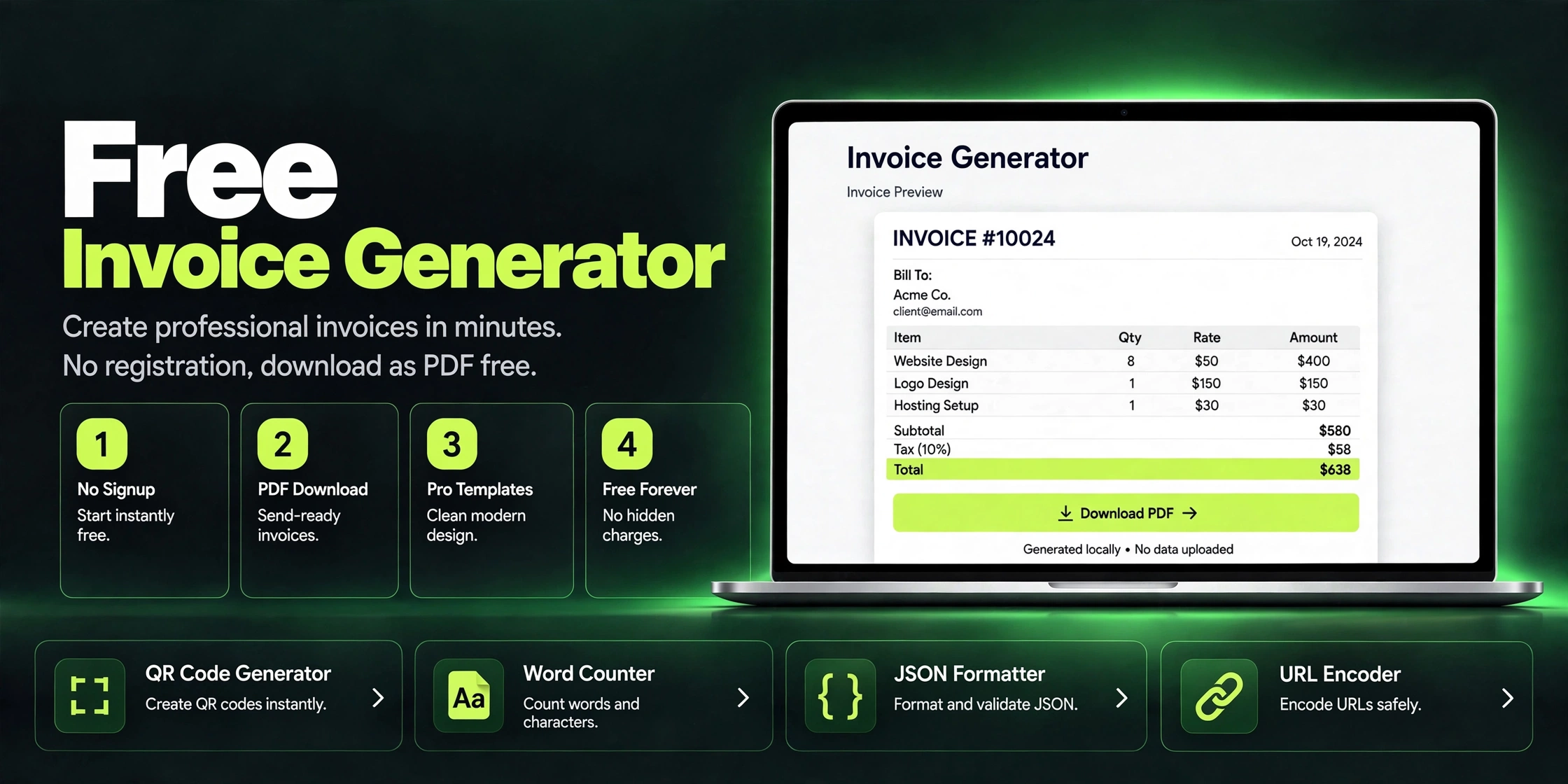
Professional layout: A proper invoice has your business name and contact, the client's details, a unique invoice number, issue and due dates, an itemized list of work, subtotal, tax, total, and payment instructions. The generator arranges all of this in a clean layout that looks like it came from an accounting department.
Automatic calculations: Enter quantities and rates, and the tool computes line totals, subtotals, tax, and the grand total. No spreadsheet formulas, no mental arithmetic, no embarrassing math errors in front of a client.
Tax and currency flexibility: Add tax as a percentage or a fixed amount, and work in your own currency. This matters for freelancers billing across borders who need the numbers to read correctly for their client's country.
PDF download: The finished invoice downloads as a PDF, the universal format for billing. PDFs look identical everywhere, cannot be casually edited, and attach cleanly to emails.
Free with no watermark: Some "free" generators stamp their logo on your invoice unless you pay. A genuinely free one gives you a clean document with only your branding on it.
Picture a freelance graphic designer in Karachi who just delivered a logo package to a client in Dubai. The client asks for an invoice "in the proper format" before releasing payment. The designer has never made one. She opens a no-registration invoice generator, types her name and the client's company, adds two line items (logo design, brand guidelines document), sets the amounts in USD, adds her bank transfer details, and downloads the PDF. Four minutes later the invoice is in the client's inbox, and payment arrives the next day. The alternative, wrestling with a Word template, would have eaten her evening and probably contained a math error.
Step-by-step guide
Open the tool.Open the Invoice Generator page. There is no login screen, just the invoice form.
Fill in your details.Add your name or business name, address, email, and phone. This is the "from" block your client will pay.
Add the client's details.Enter the client's name or company, and their address or email. Double-check the spelling of the company name; invoices with wrong names get questioned.
Set invoice number and dates.Use a simple numbering scheme (001, 002, or 2026-001) and keep it sequential. Add today's date as the issue date and a due date (14 or 30 days is standard).
List the work.Add one row per item or service: a short description, quantity, and rate. "Logo design, 1, $300" beats a vague "design work $300" because itemization prevents disputes.
Add tax if applicable.If you charge sales tax or VAT, add it as a percentage. If not, leave it at zero rather than deleting the line, so the client sees you considered it.
Add payment instructions.Write exactly how you want to be paid: bank transfer details, a payment link, or "payable within 14 days." Vague invoices get paid late.
Download and send.Download the PDF, give the file a clear name (invoice-001-clientname.pdf), and email it with a one-line note. Try the free Invoice Generator (https://www.zaxismedia.site/tools/invoice-generator), no registration needed.