PHP2Shell Alert: Critical PHP Flaw Under Active Attack. Is Your Website Safe?
Introduction
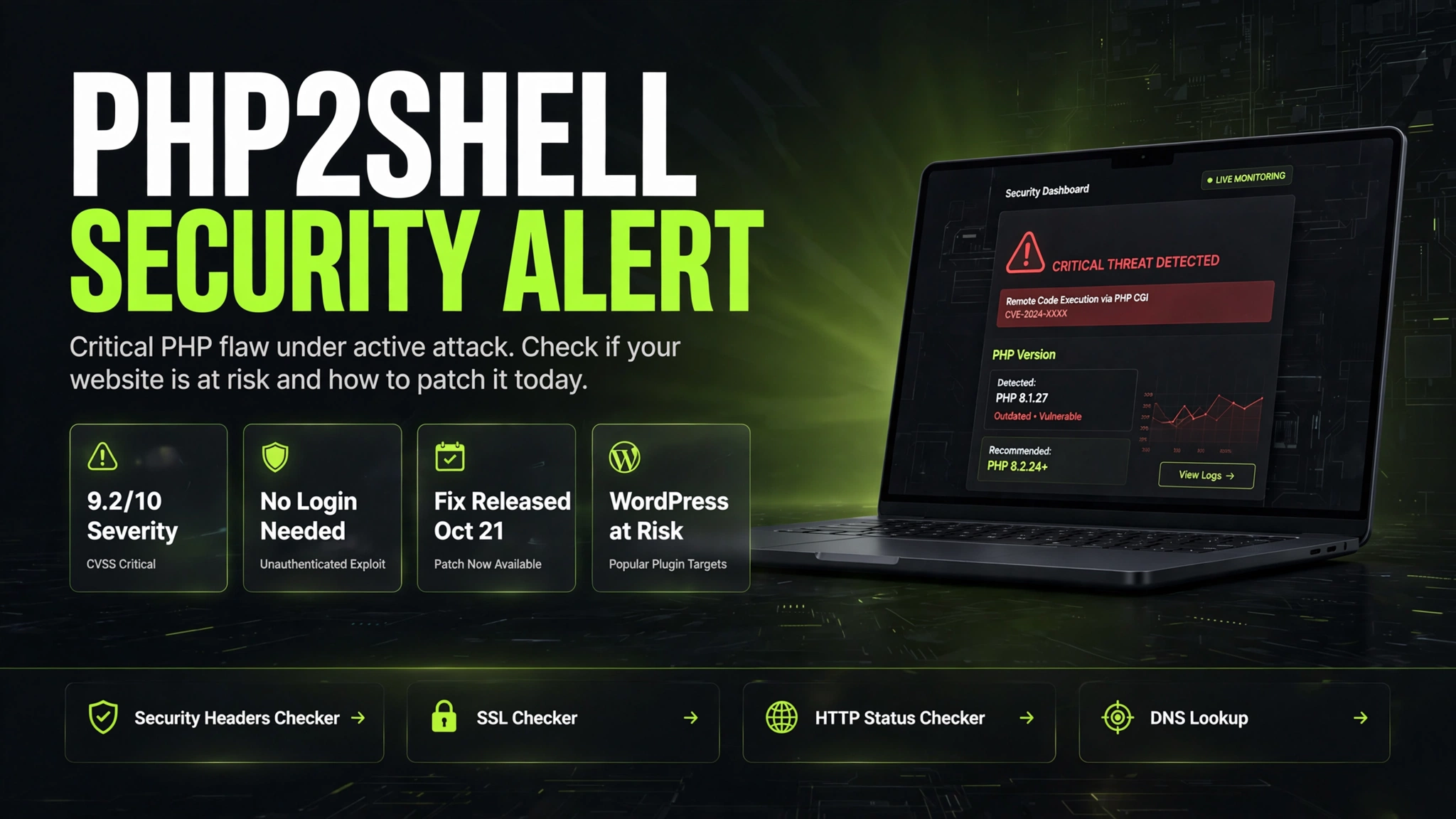
If your website runs on PHP, and most websites do, this is the one alert you should not scroll past this week. On 21 October 2026, the PHP team released emergency fixes for two critical flaws, nicknamed PHP2Shell, that let an attacker run their own code on a web server without any login, password or account. Attack attempts were already being recorded before the fix was even public, and security firms now report broad exploitation in the wild.
The direct answer, before anything else: your site is at risk if it runs on an unpatched PHP version, no matter how well you maintain the site itself. Updating WordPress, your theme or your plugins does not fix this, because the flaw sits underneath all of them, inside PHP itself. The fix is a PHP update on your server, and on most hosting plans that update is your hosting company's job to apply. This guide shows you how to check your PHP version in under a minute, which versions are safe, who is not affected at all, and the exact steps to protect your site today.
Key Takeaways
- PHP2Shell is the nickname for two critical PHP flaws, CVE-2026-109618 and CVE-2026-109619, both rated 9.2 out of 10 in severity.
- Attackers can execute code on a vulnerable server without logging in. One crafted request is enough, and it lands before your website code even starts.
- The emergency fix was released on 21 October 2026 in PHP 8.5.12, 8.4.27, 8.3.36 and 8.2.35.
- Amazon Threat Intelligence recorded an exploitation attempt as early as 17 October, and Cloudflare reported attack traffic climbing from thousands of attempts to millions after the announcement.
- WordPress, WooCommerce, Drupal, Joomla, Magento, Laravel and custom PHP sites are all exposed if their PHP is unpatched.
- Updating WordPress or installing a security plugin does not close this hole. Only updating PHP on the server does.
- PHP 8.1 and older receive no official fix release. Sites stuck on those versions must move to PHP 8.2 or newer, or confirm their host applied a backported patch.
- Websites that do not run PHP at all, and sites on fully hosted platforms like Shopify or Wix, have nothing to patch themselves.
What Happened: Two Flaws Hidden in PHP for Over a Decade
PHP powers roughly 70 percent of websites whose server technology is known, which is why a flaw inside PHP itself is a much bigger event than a flaw in any single plugin. Researchers at Wiz and Calif, working with AI models and the PHP security team, found two memory safety bugs in the PHP engine. One flaw can make PHP treat half prepared request data as complete after memory runs out. The other leaves one visitor's request data sitting in memory where the next request can pick it up. Put together, they can give an attacker remote code execution, the most serious category of web vulnerability, with no authentication at all.
The timeline made it worse. Details of the flaws leaked on 20 October, a day before the planned disclosure, and working exploit code began circulating soon after. Cloudflare switched on emergency firewall rules for all its customers in the early hours of 21 October and confirmed it was already seeing real attacks, hours before the patch shipped. Several governments treated it as an emergency: the Netherlands took services including the DigiD identity system offline as a precaution, France shut down prefecture websites, and Finland, Denmark and others followed. CISA, the NSA and the UK National Cyber Security Centre all urged organisations to patch immediately.
Wiz demonstrated working attacks against current WordPress, Drupal and Joomla installations, and pointed out that even a simple hello world page on a vulnerable PHP version can be exploited. The researchers say at least one of the flaws reaches back to PHP 5.4, so this is not a problem limited to one recent release. Servers running Apache with mod_php are considered most at risk, because the demonstrated exploit runs before application code, bypassing login screens and security plugins entirely. PHP's upload progress feature, on by default for over a decade, was identified as one confirmed attack route.
Who Is at Risk and Who Is Safe
You are at risk if your website or application runs on PHP and the server has not been patched. That covers WordPress and WooCommerce sites, Drupal, Joomla, Magento and PrestaShop stores, Laravel, Symfony and CodeIgniter applications, custom PHP dashboards and portals, and even products that quietly bundle PHP inside them, such as self hosted tools and Docker images. It does not matter which plugins you run or how strong your passwords are. The request that exploits this flaw is processed by PHP before your site, your login page or your security plugin gets a say.
Some situations raise the risk further. Sites on PHP 8.1 or older are in the hardest spot, because those branches no longer receive official security releases, so there is nothing to update to inside the same version. Forgotten sites are a classic target too: the old microsite, the staging copy, the client portal nobody has touched in two years. Attackers scan the whole internet, and they only need one unpatched corner.
You are safe, or close to it, in three cases. First, if your PHP has already been updated to a fixed release, or your host applied an equivalent backported patch and restarted the PHP service, you are covered. Second, if your website does not use PHP at all, for example a static site or an app built on Node.js, this flaw cannot touch it. Third, if you are on a fully hosted platform such as Shopify, Wix, Webflow or Squarespace, there is no server for you to patch. Protecting the platform is the provider's job, and there is nothing you need to do.
One myth to drop right away: putting WordPress into maintenance mode does not protect you. The attack reaches PHP before WordPress even checks whether maintenance mode is on. The only ways to remove the exposure are patching PHP, or taking the site offline at server level until you can.
How to Check Your PHP Version and Protect Your Site
Start with the check, because it takes less than a minute and decides everything else. In WordPress, open your dashboard and go to Tools, then Site Health, then the Info tab, and expand the Server section. The PHP version listed there is the one actually serving your site. No dashboard access? Your hosting control panel shows it too, usually under a section called PHP Settings or Select PHP Version in cPanel, and the same idea in Plesk and custom panels. If you manage your own server, php -v on the command line gives the version, although the command line PHP and the web PHP are not always the same installation, so check the version your web server or PHP-FPM pool actually uses.
Compare what you find with the fixed releases in the table below. If your version is at or above the fixed release for your branch, you are patched, as long as the PHP service was restarted after the update. If you are below it, contact your host today. Many hosts patched within hours, but cheaper and older plans can lag, and some lock sites to old PHP versions unless you ask. A short message works best, and you can copy this one:
"Please confirm whether the PHP running my website includes the fixes for CVE-2026-109618 and CVE-2026-109619 (PHP2Shell). Which exact PHP version serves my domain? If you applied a backported fix, please confirm it covers both flaws, and when the patched version was loaded."
While you wait for patching, reduce your exposure. Put the site behind a firewall such as Cloudflare if it is not already. Cloudflare deployed rules against this exploit across its plans, including free, and they block known attack patterns. Treat that as a seatbelt, not a cure: attackers who reach your server's real IP address directly bypass the firewall, and new attack variants may not match the rules. Take a full backup of files and database now, before anything changes, so you have a clean restore point whatever happens next.
Finally, remember that patching closes the door but does not undo a break in that already happened. Attacks have been recorded since 17 October, so look for signs someone got in before the patch. Check your WordPress users list for administrator accounts you do not recognise. Look for strange new files, especially in upload folders, and for spam pages or redirects appearing in Google results. If your logs are available, review them back to 17 October for suspicious requests. If you find anything you cannot explain, treat the site as compromised, change passwords and keys, and restore from a backup taken before 17 October or get specialist help. Because one of the flaws can expose server memory, rotating important secrets after a confirmed incident is a sensible step.
Comparison Table
| Your PHP version | Status | What to do |
|---|---|---|
| PHP 8.5, below 8.5.12 | Vulnerable | Update to 8.5.12 or later and restart PHP |
| PHP 8.4, below 8.4.27 | Vulnerable | Update to 8.4.27 or later and restart PHP |
| PHP 8.3, below 8.3.36 | Vulnerable | Update to 8.3.36 or later and restart PHP |
| PHP 8.2, below 8.2.35 | Vulnerable | Update to 8.2.35 or later and restart PHP |
| PHP 8.1, 8.0 or 7.4 | No official fix release | Ask your host about a backported patch, and plan a move to PHP 8.2 or newer |
| PHP 7.3 or older | No fix available | Move to a supported PHP version as fast as possible, or take the site offline until you can |
| At or above the fixed release for your branch | Patched | Confirm the PHP service was restarted after the update, then check for signs of an earlier break in |
| No PHP (static site, Node.js app) or hosted platform (Shopify, Wix) | Not affected | Nothing to patch. The platform or your stack does not use PHP |
Tips and Tricks
- Check the PHP that serves the website, not just the one on the command line. Servers often run several versions side by side, and your site may be on the old one.
- Ask your host in writing, inside their support system, and keep the reply. A clear answer with a version number and a date is what you want on record.
- A lower version number does not always mean unpatched. Linux distributions and some hosts backport security fixes without changing the main version, so confirm against the CVE numbers instead of guessing from the number alone.
- After any PHP version jump, test the money pages of your site: contact forms, login, checkout or booking, and password reset. Very old plugins are the usual breakage point on newer PHP.
- Make the backup before the update, not after. A fresh files plus database backup turns a scary server change into a routine one.
- Scan your whole footprint, not just the main site. Staging copies, old campaign microsites and test installs are exactly where unpatched PHP hides.
- Use your free security tools while you are here. Check what your site exposes with a security headers check and confirm your SSL certificate is healthy, since both are quick wins attackers look for.
- Set a calendar habit: PHP 8.2 support ends on 31 December 2026, so if you are moving versions anyway, going to 8.3 or 8.4 buys you more quiet years.
FAQ
Conclusion
PHP2Shell is as serious as security alerts get: a flaw in the engine under most of the web, exploit code already public, and attacks recorded even before the fix existed. The good news is that the response is simple and the fix is already out. Find your PHP version, compare it with 8.5.12, 8.4.27, 8.3.36 and 8.2.35, and make sure your server is patched today, not next week. If your host handles PHP for you, get their confirmation in writing. Then take the extra ten minutes to look for signs of an earlier break in, because closing the door only helps if nobody is already inside. Do those things, and this alert becomes a story about other people's websites, not yours.