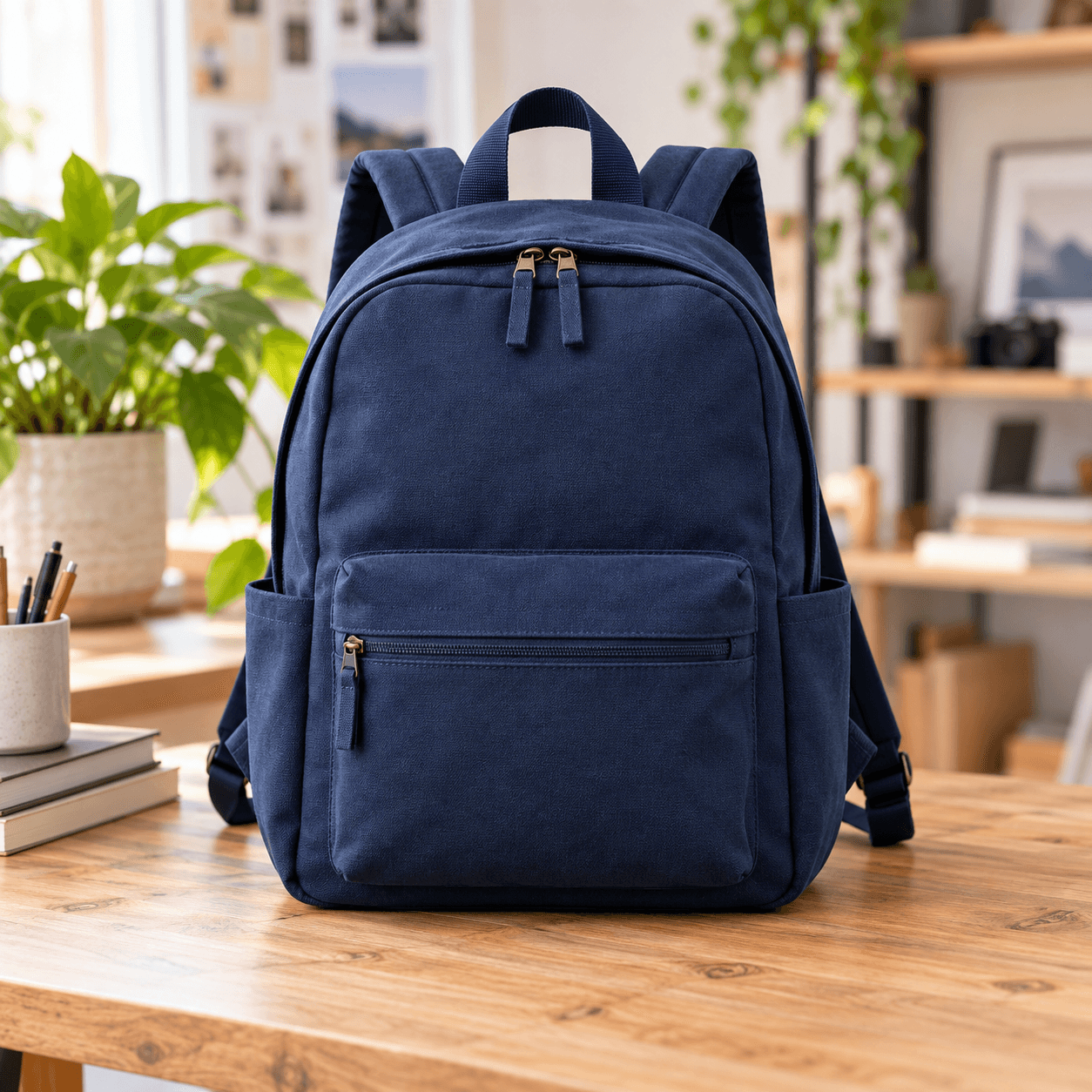
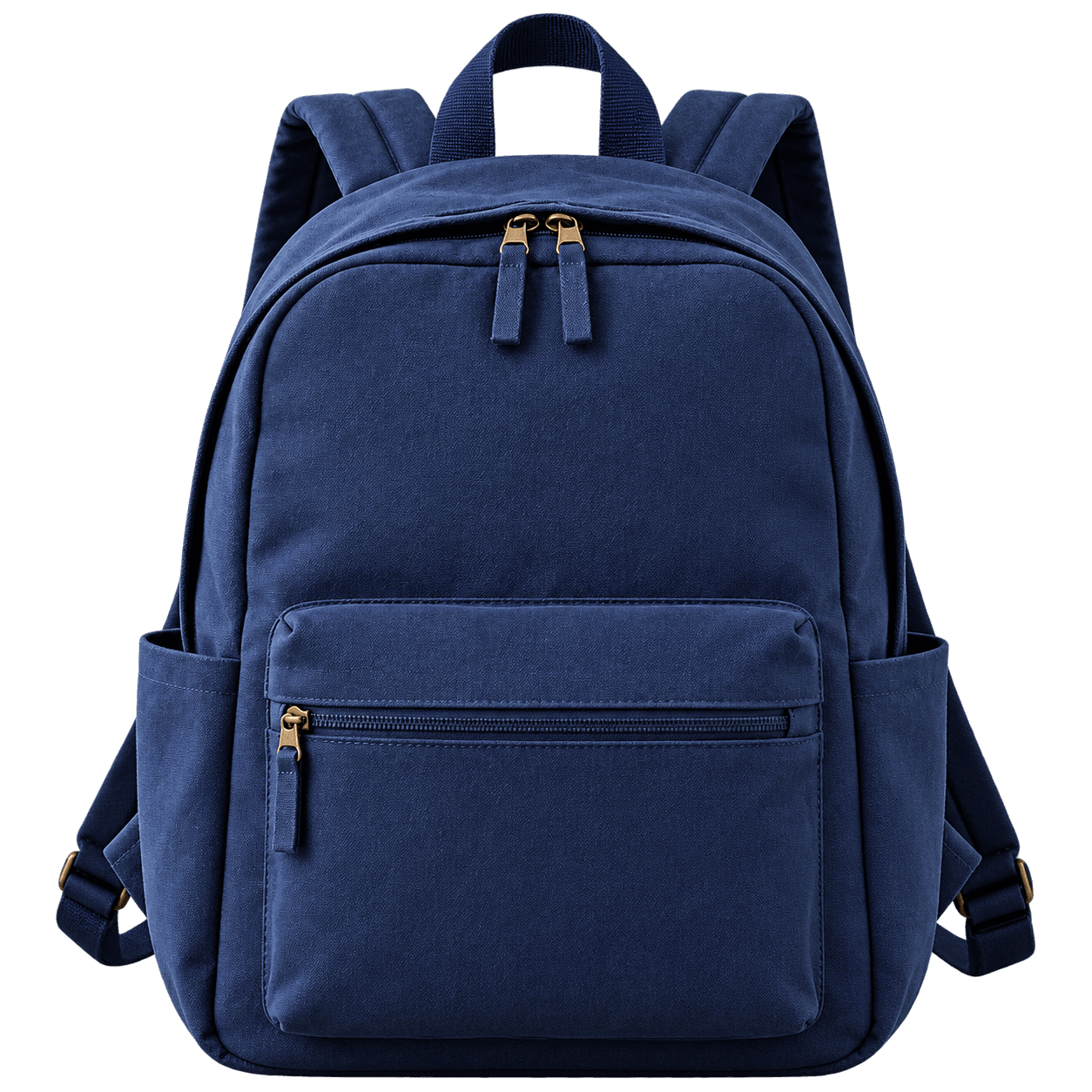
Product photos
Prepare product images for your store.

Upload a photo and get a clean cutout with a transparent or solid background in seconds. Free, private, and ready to use in your browser.
Upload an image

Get a transparent PNG or solid color background in a few steps.
Your cutout will appear here
Upload an image to preview and download a transparent or solid background PNG.
Explore clean cutouts for products and portraits. Drag each slider to see the difference.
Prepare product images for your store.
Clean cutouts for profile photos and portraits.
Clean cutouts in four simple steps.
Choose a JPG, PNG or WebP image.
Run AI removal or select a solid backdrop color.
Check the transparent preview.
Save a transparent PNG.
From e-commerce to social media, remove a background and create a polished visual.

A smooth editing experience, right in your browser.
Handles hair and detailed edges.
Your image stays on your device.
No hidden costs or watermark.
Download a crisp PNG.
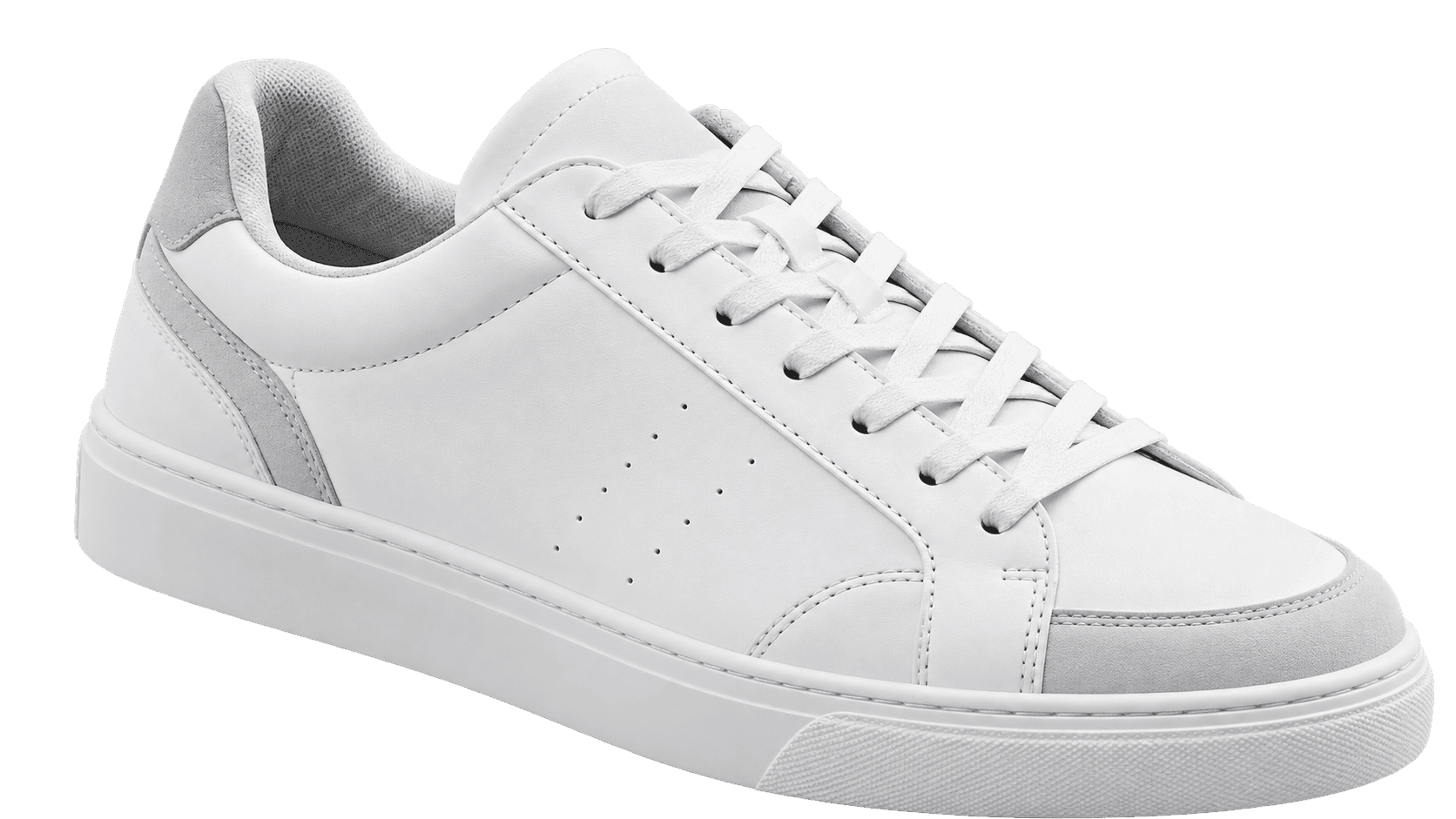
Choose transparent PNG for flexible design, or a solid color that matches your brand. Processing stays in your browser.
A few simple tips to get the best possible result.
Sharp edges are easier to separate.
Good light and resolution improve results.
A clear boundary helps the model.

A neural network trained to find the main subject runs directly in your browser and separates it from the background pixel by pixel. The compact model prepares itself after the page loads, about 44 MB on first visit, and is cached for faster use later.
Use Solid Color mode when the background is one flat tone, such as a white studio backdrop or a green screen. It keys out that color instantly without waiting for AI inference. Use AI mode for real-world scenes like streets, rooms or nature.
You get a high-resolution PNG, either fully transparent or with your subject on a solid background color you pick. The original image dimensions are preserved in the export.
Yes, that is the AI mode's main strength. It was designed for soft, detailed edges like hair and fur, where basic color-key tools leave a halo. Sharp, well-lit source photos give the cleanest edges.
No watermark and no stated download limit. The output PNG is clean and free to use in your own projects.
Make product photos, profile images, presentations and marketing visuals with a clean transparent cutout.
Profiles, invitations and personal projects.
Speed up portraits and client delivery.
Create campaign graphics and ads.
Prepare assets for websites and apps.
Clean catalog and marketplace images.
Design stories and thumbnails.
Show vehicles on consistent backgrounds.
Keep teams and assets consistent.

Remove backgrounds from your images in seconds.

Remove the background from any photo in seconds and get a clean transparent PNG, free, with no signup required.
Read article →
Cut JPG, PNG and WebP file sizes by up to 80% with no visible quality loss. Here is how image compression works and how to do it free in your browser.
Read article →