Enter domain
Enter your domain (e.g. example.com).

Check your BIMI record and brand logo setupYour logo can appear right beside your emails in the inbox, but only if every prerequisite lines up. This checker reads your live BIMI record the same way Gmail, Yahoo and Apple Mail do, and shows which pieces are in place.
Check your BIMI record and brand logo setup
Enter your domain (e.g. example.com).
Click "Check BIMI" to look up the default._bimi DNS record.
Review the record validation, logo URL status, and next steps.
BIMI turns your email authentication work into something visible: a verified brand logo beside your messages in the inbox. This checker queries your domain's live default._bimi record and inspects it the way mailbox providers do.
It also validates the logo URL, version tag and Verified Mark Certificate, giving you a clear list of what is ready and what still needs work before your logo can appear.
Diagnosing the record in seconds instead of guessing.
Marketers rolling out a BIMI program use this to diagnose the record in seconds, seeing which DNS-visible pieces still need work.
Agencies setting up client domains verify each one before promising inbox logos, instead of guessing at the record from memory.
IT teams audit brand visibility across all their domains in one pass, catching missing prerequisites before they can block a launch.
Know whether the DNS record is ready before you spend on the Verified Mark Certificate, since Gmail requires one for display.
What gets validated.
The checker looks up the default._bimi entry for your domain and confirms the record starts with the required version tag.
The logo URL must use HTTPS and point to an SVG file, in the stricter SVG Tiny PS profile most exports fail.
The tool reports whether the authority evidence location is present, which is the slot where the Verified Mark Certificate is declared.
Fix the record first, then handle the VMC and logo conversion offline.
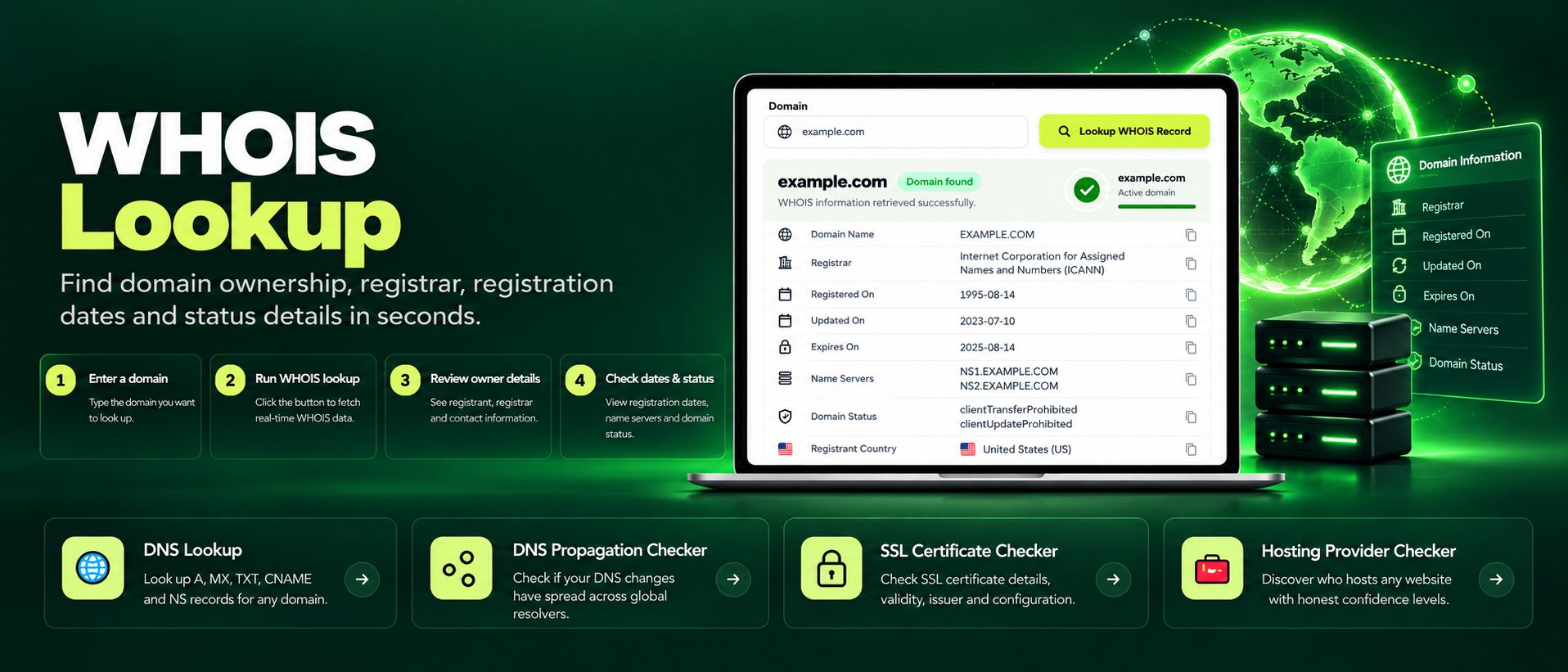
Free WHOIS lookup for any domain. Check the registrar, registration and expiry dates, name servers and the full WHOIS record instantly, no sign-up needed.
Read article →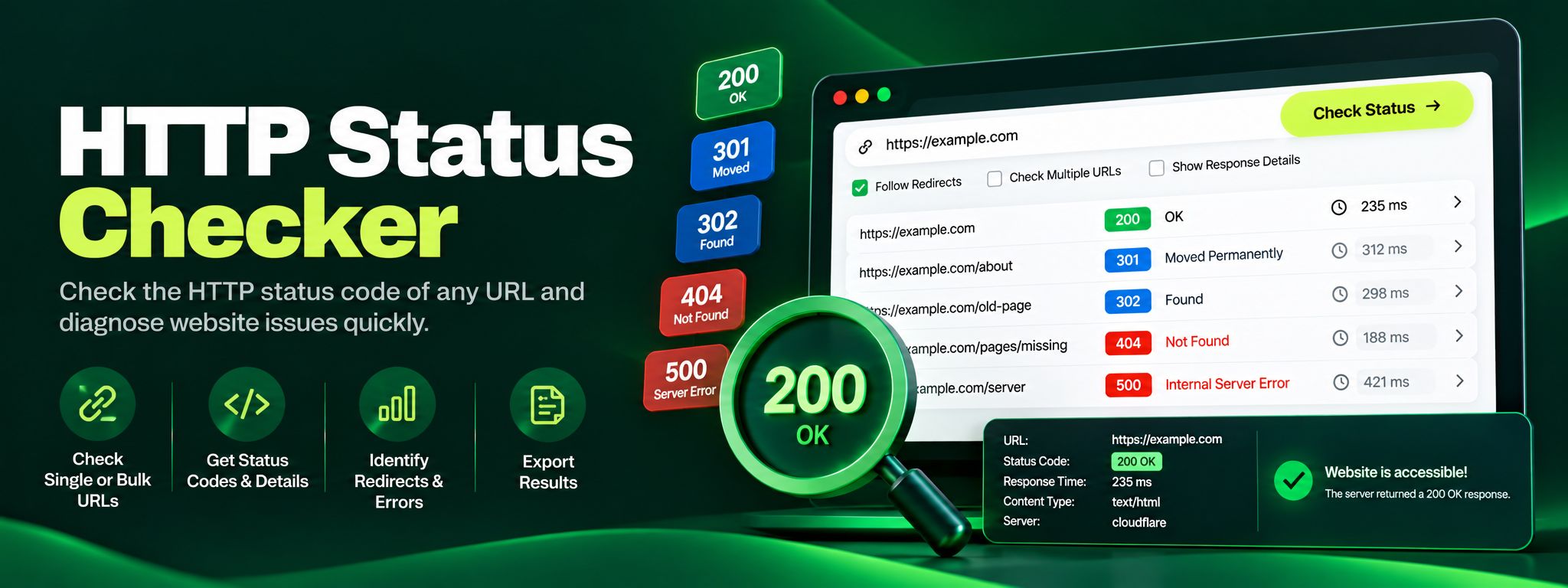
Free HTTP status checker. Check any URL's status code, trace redirect chains hop by hop, and fix 404, 301 and 500 errors before they silently hurt your SEO.
Read article →