Enter URL
Enter the URL whose headers you want to see.

See every HTTP header a website sendsEvery time your browser loads a site, the server sends invisible instructions alongside the page: caching rules, security policies, redirects. This checker fetches any URL and lays those headers bare.
See every HTTP header a website sends
Enter the URL whose headers you want to see.
Click "Fetch Headers" to request it live.
Browse every header with its explanation, hop by hop.
Headers carry the hidden configuration of the web: cache lifetimes, content encoding, security policies, cookies and server fingerprints. This tool requests your URL like a browser would, follows the redirect chain, and lays out every response header with a clear explanation of the important ones.
Developers use it to debug caching and CORS issues, SEOs use it to verify canonicals and robots directives, and the curious use it to see what servers reveal about themselves.
Who reads headers and why.
Web developers confirm security headers survived every release before moving on.
Specialists check status codes and redirect headers when diagnosing crawl issues or tangled redirect chains.
Auditors run it as a first pass over client sites, since missing HSTS or a permissive CSP take seconds to spot here.
When a page behaves differently in production than in development, comparing headers often reveals the caching layer or proxy behind it.
One request, full transparency.
The status code, every header in a readable list, and the redirect chain if the URL bounces before landing.
Strict-Transport-Security, Content-Security-Policy and X-Frame-Options are evaluated, with missing ones flagged and explained.
Server and technology headers are shown too, useful context for what a site runs on.
One live request, full transparency. No browser devtools required, no signup needed.

Free security headers checker. Instantly scan HSTS, CSP, X-Frame-Options and more on any site, get an A to F grade and clear steps to fix every website gap.
Read article →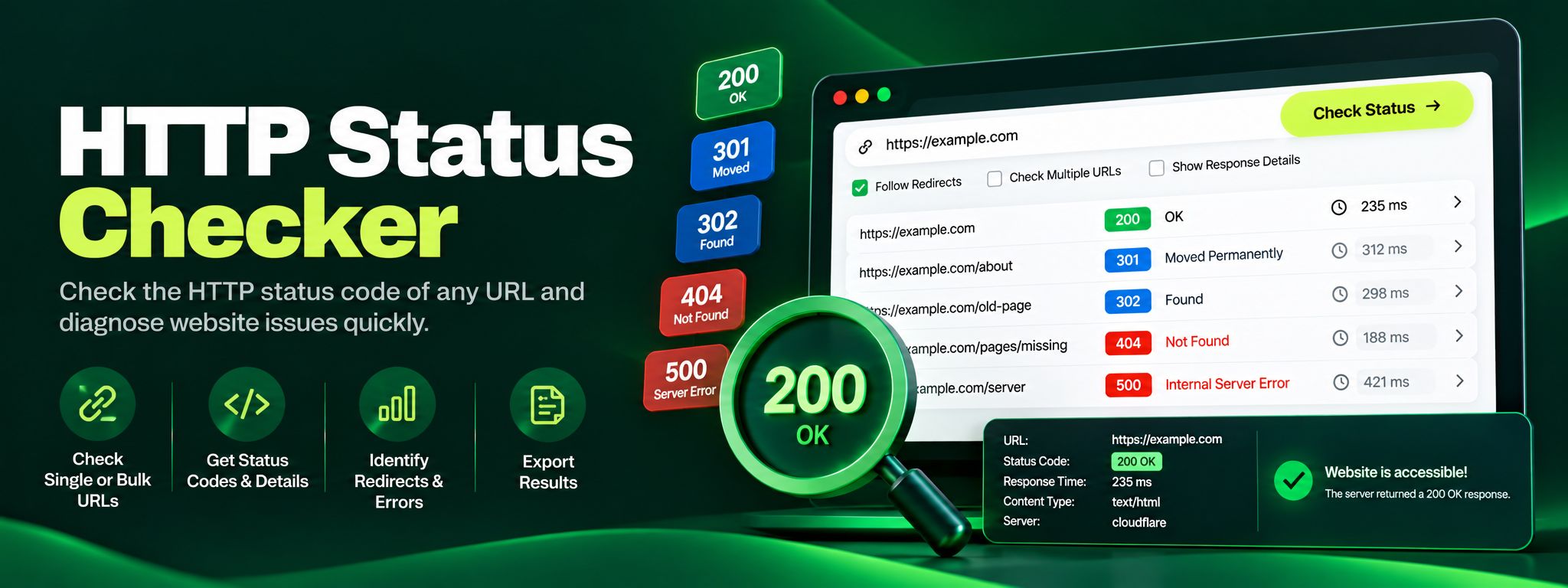
Free HTTP status checker. Check any URL's status code, trace redirect chains hop by hop, and fix 404, 301 and 500 errors before they silently hurt your SEO.
Read article →