Paste JSON
Paste your JSON into the input box (or load the sample).

Format, minify and validate JSON with clear errorsJSON is the backbone of modern APIs, and a single missing comma or quote can break an entire integration. This tool beautifies JSON for readability, minifies it for production, and validates it with precise line-and-column error messages.
Format, minify and validate JSON with clear errors
Paste your JSON into the input box (or load the sample).
Click "Format" to beautify, "Minify" to compress, or "Validate" to check correctness.
Read any error messages with line/column positions and fix the issues.
Copy the result with one click.
JSON is the backbone of modern APIs, configuration files and data exchange, and a single missing comma can break an entire integration. This tool beautifies JSON for readability, minifies it for production, and validates it with precise error messages including line and column numbers. All processing happens locally on your machine, so API responses containing tokens or personal data stay completely private.
The loop takes seconds.
An API returns an error and the raw body needs reading; formatting reveals the true nesting instantly.
A config file refuses to load and the culprit is one misplaced bracket; the validator points at the exact position.
A payload needs slimming before it goes into a mobile app; minify strips it to the smallest valid form.
Structural stats like object depth and key counts answer how big and how nested an inherited API is at a glance.
Three actions, full lifecycle.
Adds indentation and line breaks that reveal the true nesting of an API response at a glance.
Strips formatting back out for the smallest possible payload when JSON ships to production systems.
Checks correctness and points at the exact spot where parsing broke: usually a trailing comma or unquoted name.
Everything runs locally in your browser, so responses with tokens, keys or personal data never leave your device.
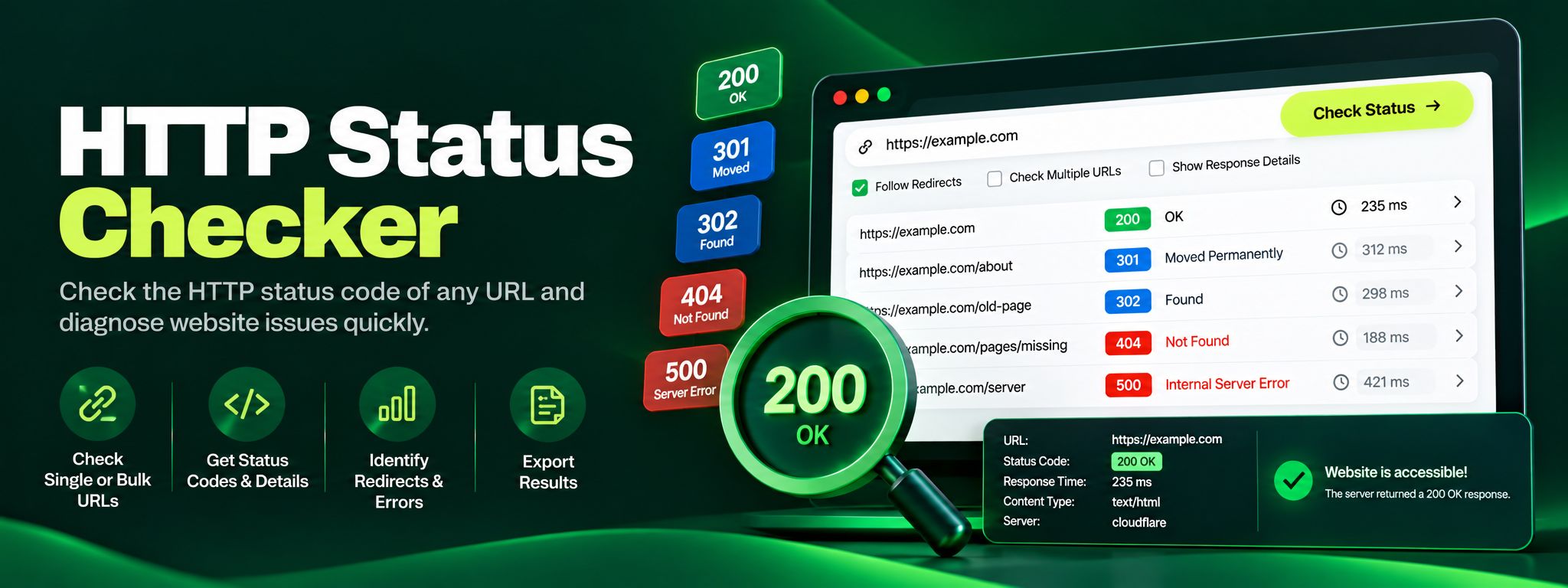
Free HTTP status checker. Check any URL's status code, trace redirect chains hop by hop, and fix 404, 301 and 500 errors before they silently hurt your SEO.
Read article →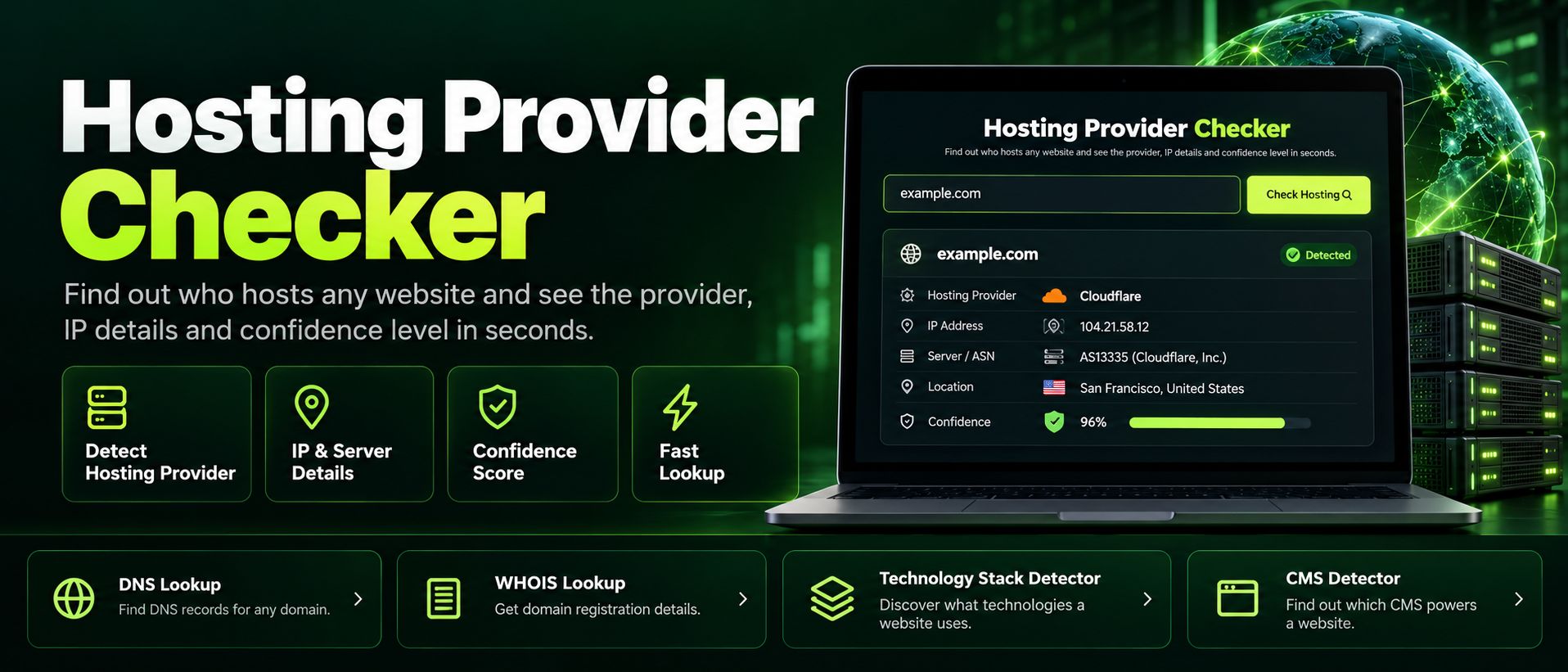
Free hosting provider checker. Reveal any website's hosting company accurately, server IP and reverse DNS from header and DNS fingerprints, in seconds.
Read article →