
QR codes bridge print and digital: menus, business cards, product packaging, event posters and receipts all use them to send people to a URL, share Wi-Fi credentials or pass along contact details in one scan.
DEVELOPER TOOLS · FREE ONLINE TOOL
QR Code Generator
Create QR codes for URLs, text and contact infoQR codes turned the phone camera into a universal input device: point, tap, and a URL opens. This generator creates those codes in seconds: enter any URL or text, get a scannable QR image, download it as a PNG. No account, no watermark.
// QR CODE GENERATOR · GET STARTED
Use QR Code Generator
Create QR codes for URLs, text and contact info
Advertisement
Step 1, Content
What should the code open?
Pick a type and fill the fields. The preview updates live.
https:// is added automatically if you skip it.
Step 2, Colors
Foreground
Dark colors on a light background scan best.
#0d1117
Finder eyes
The three corner squares. Give them their own color.
#0d1117
#0d1117
Background
#ffffff
Step 3, Shapes
Module style
Body shape styles the data dots. Eye shapes style the corner finders.
Body shape
Eye frame shape
Eye ball shape
Step 4, Center logo
Brand it
A logo in the middle. Error correction jumps to High automatically.
Drop your logo here or browse
PNG, JPG, SVG or WebP. A square logo with padding scans best.
Step 5, Export quality
Resolution and safety
The slider sets the PNG download resolution.
PNG export size1024 x 1024 px
1024 px or more stays sharp in print. SVG, PDF and EPS are resolution independent.
Effective now: Medium (auto, no logo). Higher levels survive damage but make denser codes.
Live preview
Scan to test
Updates as you type. Point your phone camera at it.
Download
Export your code
Direct downloads, no print dialog, no watermark.
Static codes, they never expire and contain no tracking.
Advertisement
QR Code Generator: what to know first.
Create QR codes for URLs, text and contact info
The ZaxisMedia QR Code Generator creates high-quality static QR codes instantly. You control the output size (up to 1024px for crisp printing) and the error correction level, which determines how well the code survives damage or partial obstruction.
Codes are generated locally in your browser and encode your data directly, they never expire, contain no tracking, and carry no watermark.
How to use the QR Code Generator
Enter text or URL
Enter the text or URL to encode (full URLs work best with https://).
Choose size
Choose the image size and error correction level.
Generate QR code
Click "Generate QR Code" and verify it scans with your phone.
Download PNG
Download the QR code as a PNG.
// QR CODE GENERATOR · ABOUT THIS TOOL
About the QR Code Generator
QR codes bridge print and digital: menus, business cards, packaging, posters and receipts use them to send people to a URL, share Wi-Fi credentials or pass along contact details in one scan. This generator creates static QR codes instantly, with control over output size and error correction level. Codes are generated locally in your browser: they never expire, contain no tracking, and carry no watermark.
Where it helps most
Where a physical object needs a digital destination.
Restaurant tables
Link table tents to menus that update without reprinting anything.
Business cards
Carry a code that opens a portfolio or vCard when scanned.
Event posters
Link posters directly to ticket pages guests can open instantly.
Product packaging
Point packaging to manuals, warranty registration, or how-to videos for buyers.
Reliable scans
Presentation is everything.
Size for distance
Print large enough for the viewing distance; a code scanned across a room needs to be far bigger than one on a card.
Quiet space
Keep a blank margin around the code so scanners can find its edges reliably.
High contrast
Dark codes on light backgrounds scan far more reliably than reversed or low-contrast designs do.
Test before printing
Test with a real phone before printing a thousand copies of anything.
QR Code Generator: built for trust
Static codes encode the destination directly: no expiry, no tracking, no signup. Download as PNG, free forever.
QR Code Generator FAQs
No. A static QR code encodes the URL or text directly in its pattern, so it works forever as long as the destination itself is alive. There is no account to lapse and no service that can switch it off.
tools-guide
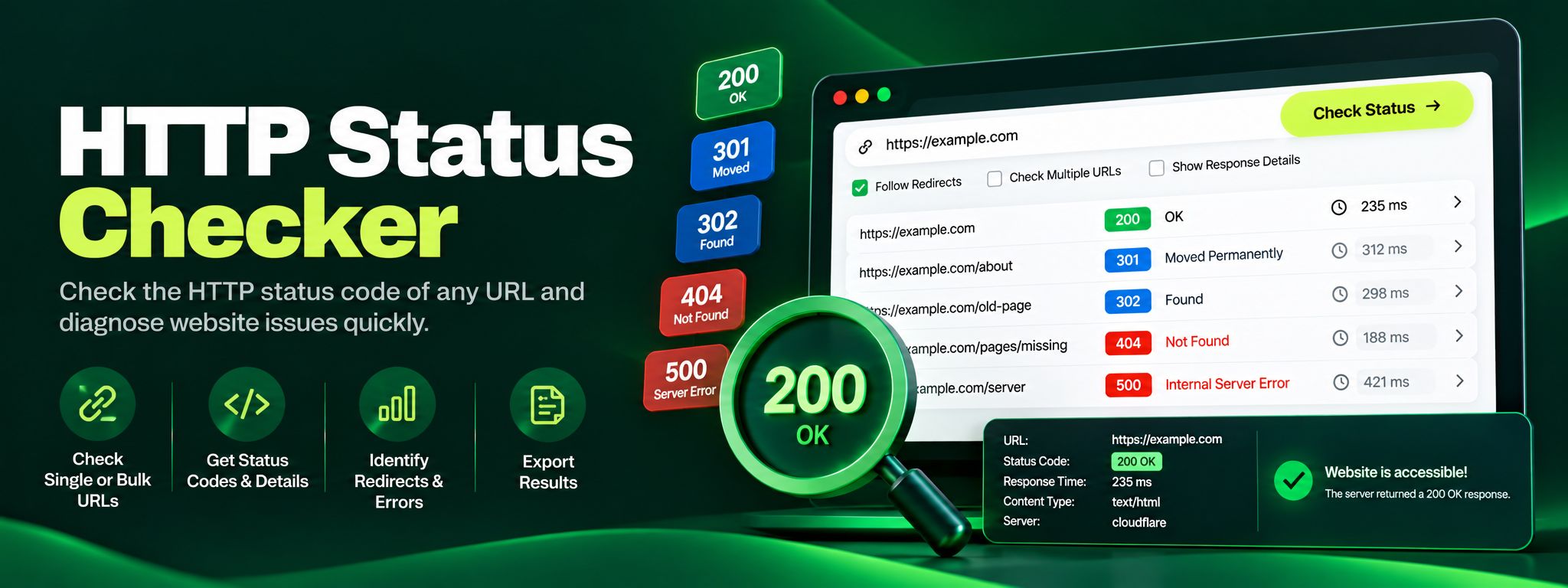
HTTP Status Checker: Instantly Diagnose Any URL Response
Free HTTP status checker. Check any URL's status code, trace redirect chains hop by hop, and fix 404, 301 and 500 errors before they silently hurt your SEO.
Read article →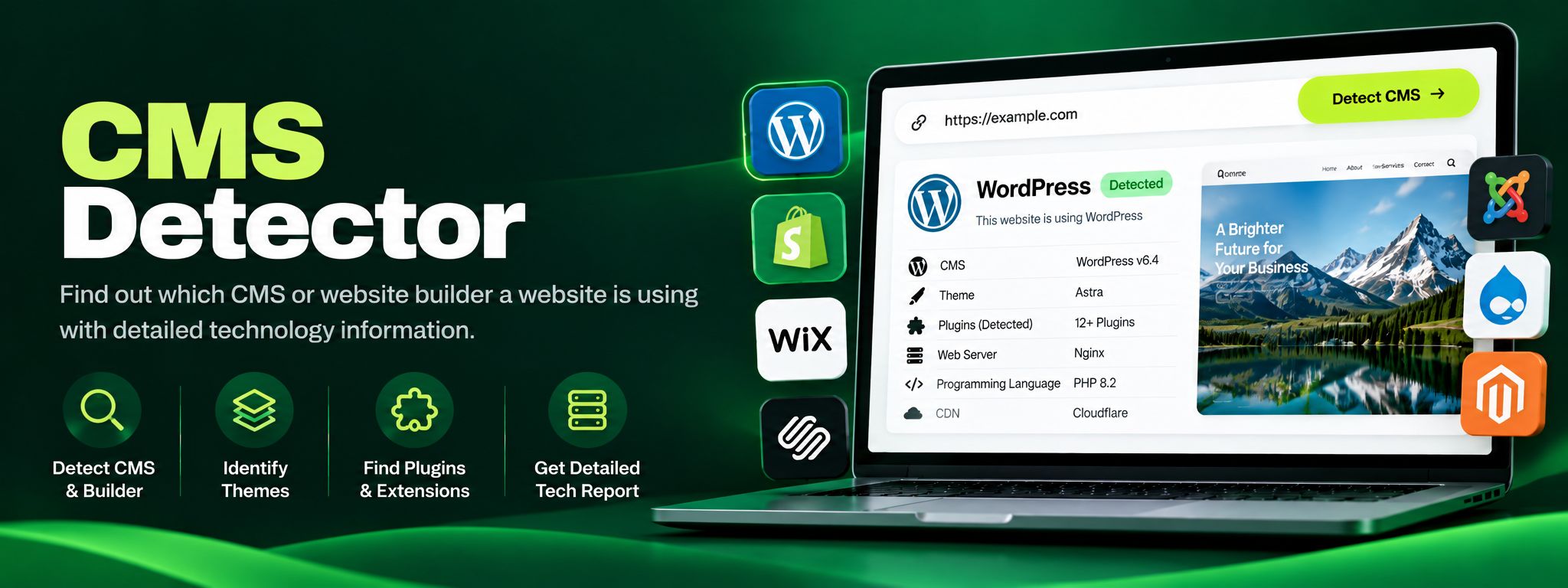
tools-guide
CMS Detector: Find What Powers Any Website
Free CMS detector. Detect WordPress, Shopify, Wix, Joomla, Drupal and more from code fingerprints. Perfect for competitor research and client website audits.
Read article →