Add both versions
Paste the original text on the left and the changed version on the right.

Compare two texts and see every change line by lineTwo versions of the same text, and the question is always the same: what changed? Paste the original and the revised version, and this checker highlights every added, removed, and modified line, so the changes announce themselves.
Compare two texts and see every change line by line
Paste the original text on the left and the changed version on the right.
Set the ignore options if whitespace or case should not count as changes.
Read the highlighted result: green for additions, red for removals.
Two versions of a contract, a config file or a web page can look identical while hiding one changed line that matters. The Text Diff Checker lines both versions up and marks exactly what was added, removed or unchanged, with counts so you know the scale of the change immediately. Practical touches are built in: ignore-whitespace for re-indented files and ignore-case for lists and data. Everything is computed in your browser, so sensitive documents never travel.
Tedious jobs made quick.
Comparing a config file before and after an edit confirms exactly what changed before the new version goes live.
Reviewing a revised document shows whether the edits match what was agreed, without re-reading untouched paragraphs.
Checking generated code after tweaking a template reveals what the generator actually altered behind the scenes.
Writers see what an editor changed; developers sanity-check merges that happen outside version control.
Line-level highlighting.
Unchanged lines fade into the background while additions and removals stand out in contrasting colors.
Small changes within a line show up too, so an altered value in a long line does not slip past.
Unlike a version control diff, there is no repository, no commits, no setup: two pastes and the answer is on screen.
The comparison runs in your browser, so contracts, configs and unreleased content stay on your device. No signup needed.
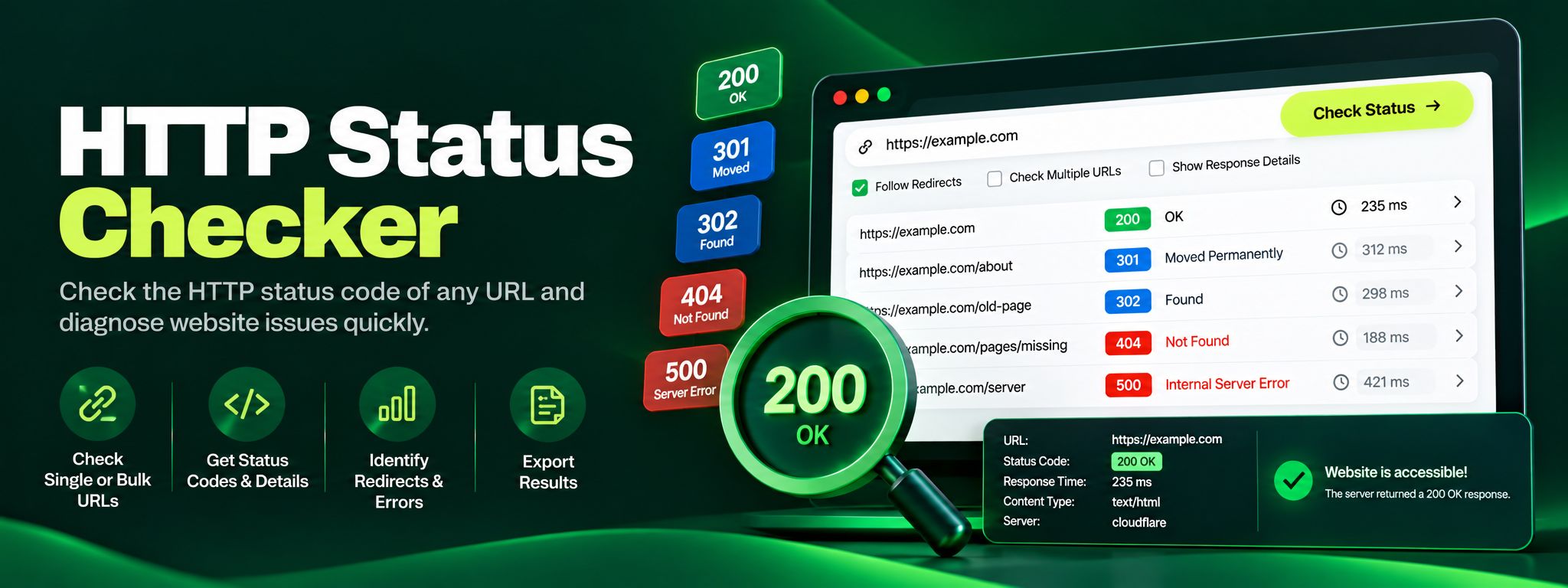
Free HTTP status checker. Check any URL's status code, trace redirect chains hop by hop, and fix 404, 301 and 500 errors before they silently hurt your SEO.
Read article →
Discover the technology stack behind any website in seconds. Our free Technology Stack Detector uncovers CMS, frameworks, hosting, and analytics instantly.
Read article →