Enter URL
Enter the website URL (e.g. example.com).

Reveal the web server software behind any siteType a URL and this checker asks the server a polite question: who are you? It reads response headers to identify the software serving the site, from nginx and Apache to LiteSpeed, Caddy, or Cloudflare in front.
Reveal the web server software behind any site
Enter the website URL (e.g. example.com).
Click "Detect server" to read the response headers.
See the identified server software with evidence.
Every web server introduces itself in the Server response header, from nginx and Apache to LiteSpeed, IIS and Caddy. This free detector fetches page headers and matches them against a signature list, so you can see exactly what software answers requests for any public site.
It is a quick way to sanity-check your own stack or research competitors, and it reports uncertainty honestly when the header is masked or belongs to a CDN edge instead of guessing.
Infrastructure questions answered from headers.
System administrators survey which server software the top sites in a niche run, informing infrastructure choices better than benchmarks alone.
Security-minded teams run it as a baseline step, since a server broadcasting its exact version number is information worth hiding.
Developers debugging odd behavior confirm the production server matches local testing, since nginx and Apache handle redirects and caching differently.
Migration planners check the target environment first, so rewrite rules and configs are written for the right server from day one.
What servers advertise, and what silence means.
It reports the server name, version strings when exposed, plus extra hints like X-Powered-By headers suggesting the application stack behind it.
Many hardened servers suppress or spoof the Server header, so a missing version usually means the administrator configured things properly.
Cloudflare answers in place of the origin server, so its headers are what you see and the origin software stays hidden by design.
Reports what is actually advertised and notes when a header is silent, rather than guessing. Pair with a hosting check for the full lower stack.
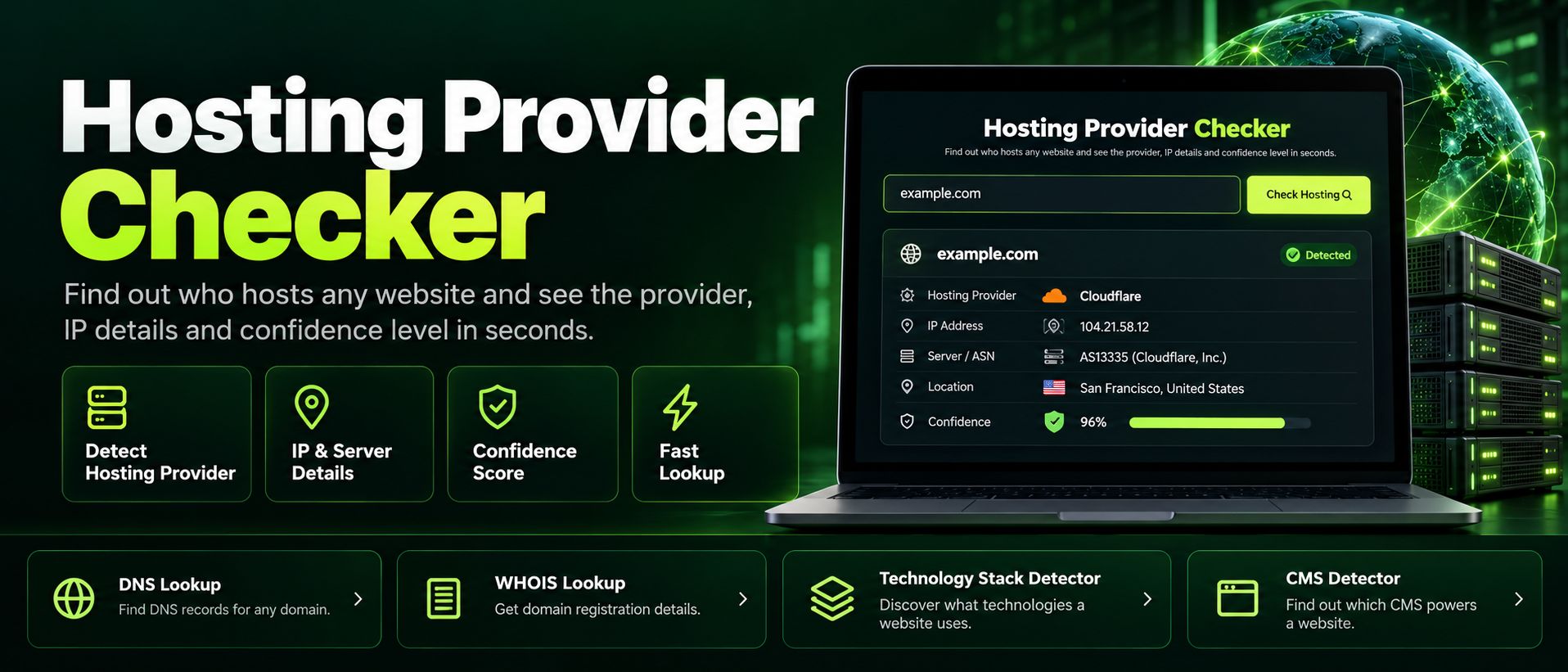
Free hosting provider checker. Reveal any website's hosting company accurately, server IP and reverse DNS from header and DNS fingerprints, in seconds.
Read article →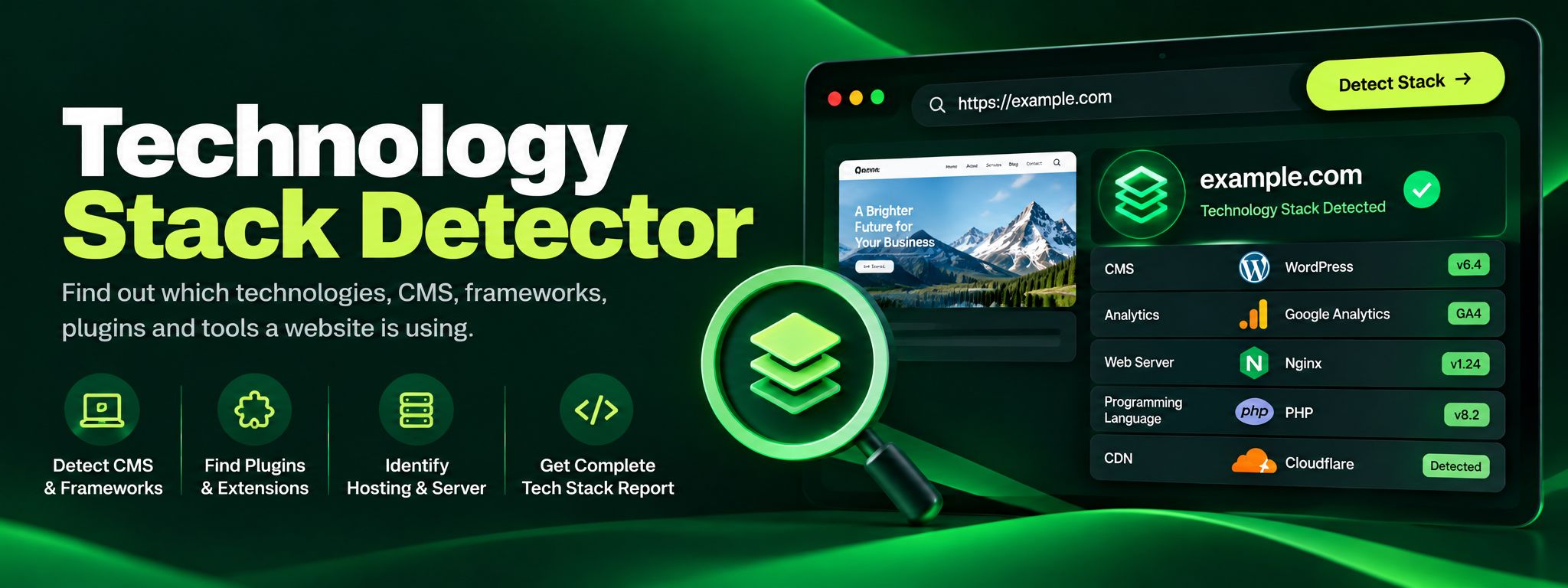
Discover the technology stack behind any website in seconds. Our free Technology Stack Detector uncovers CMS, frameworks, hosting, and analytics instantly.
Read article →