Enter URL
Enter the website URL (e.g. example.com).

Discover which plugins a WordPress site runsWordPress sites are built from plugins the way houses are built from bricks, and the mortar lines are visible in the code. Enter any WordPress URL and this checker scans /wp-content/plugins/ asset paths to list the plugins it can identify.
Discover which plugins a WordPress site runs
Enter the website URL (e.g. example.com).
Click "Detect plugins" to scan the page source.
Browse the plugin list with evidence for each finding.
Most WordPress plugins announce themselves in the page source through asset URLs under wp-content/plugins/. This detector scans any page's public HTML and lists the plugins it loads, with the evidence shown for each one.
It's handy when choosing your own stack: see what real sites in your niche run. Only plugins with front-end assets on the scanned page can be found.
Plugin questions answered from asset paths.
See a booking system, quiz or slick slider on a rival's site, run the URL through, and often learn the exact plugin behind it.
Developers troubleshooting a broken site use it to inventory every installed plugin before they ever get dashboard access.
Plugin shoppers compare stacks across several sites in their niche to shortlist tools proven in the wild rather than just well reviewed.
Freelancers pricing maintenance plans see the plugin count and complexity first, so every quote they send reflects the real workload.
What public code reveals, and what it hides.
Paid plugins leave the same folder fingerprints as free ones, so their presence is visible even when settings stay private.
Security plugins and performance tools often hide their presence deliberately, while custom-built plugins show their folder names but nothing more.
The checker names each match with its evidence, so you can verify every single claim in the page source yourself.
Reports what the public code reveals and nothing it cannot verify. License keys and settings stay private, as they should.
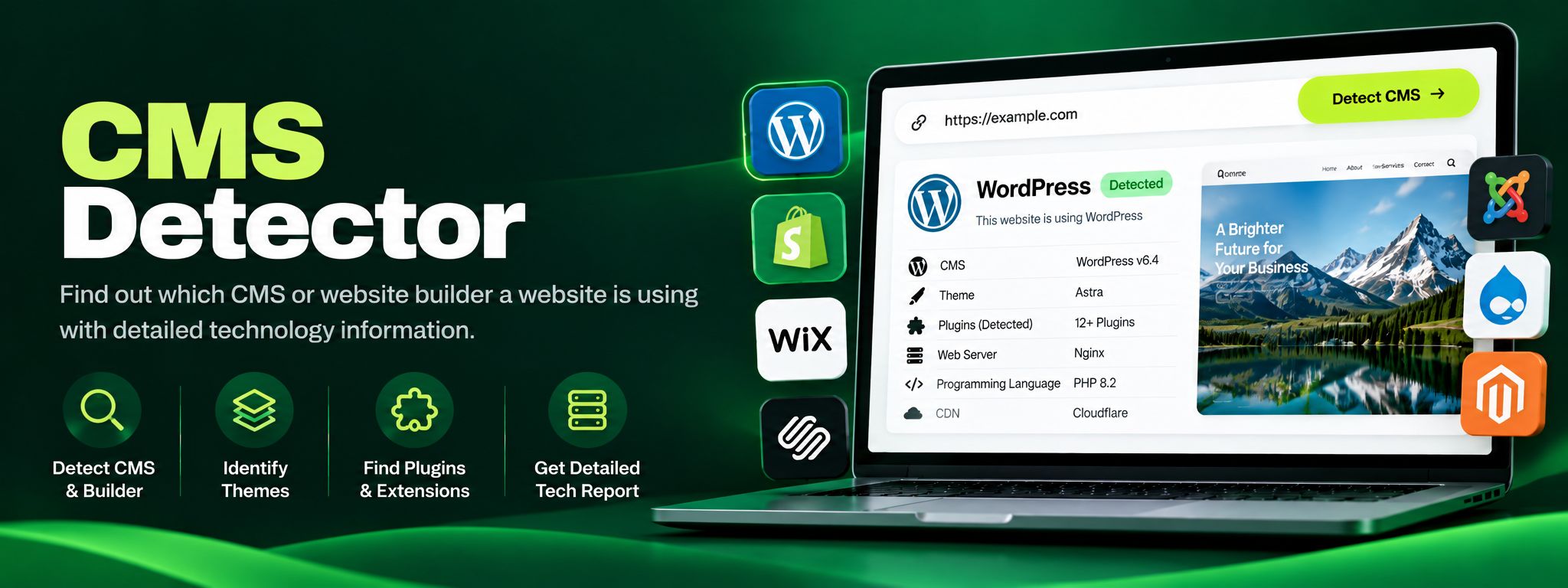
Free CMS detector. Detect WordPress, Shopify, Wix, Joomla, Drupal and more from code fingerprints. Perfect for competitor research and client website audits.
Read article →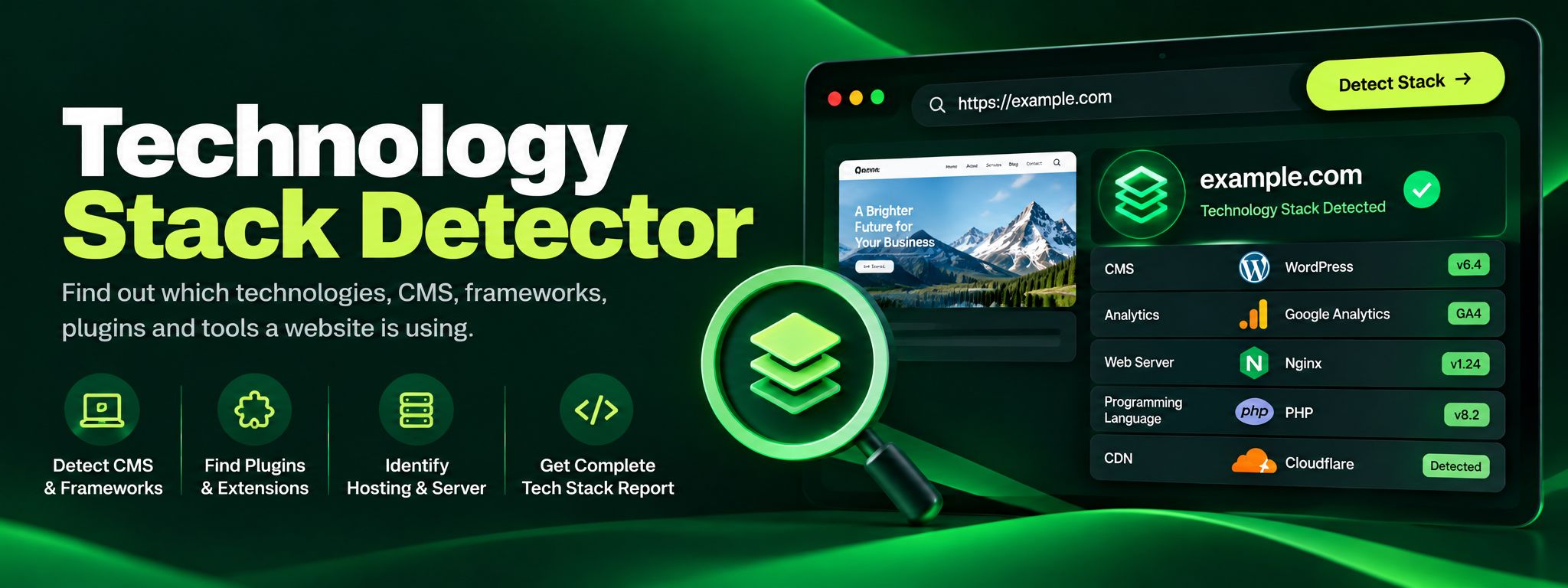
Discover the technology stack behind any website in seconds. Our free Technology Stack Detector uncovers CMS, frameworks, hosting, and analytics instantly.
Read article →