Paste your JSON
Paste a JSON array of objects (or a single object).

Convert JSON arrays into spreadsheet-ready CSVAPIs speak JSON, but the people who need the data often live in spreadsheets. This converter turns an array of JSON objects into a proper CSV file in one step: object keys become the header row, each object becomes a data row.
Convert JSON arrays into spreadsheet-ready CSV
Paste a JSON array of objects (or a single object).
Choose the delimiter and flattening options.
Copy the CSV or download it as a .csv file.
APIs speak JSON, but managers, clients and finance teams speak spreadsheets. This converter turns an array of objects into a tidy CSV with a header row built from every key and your choice of delimiter, opening cleanly in Excel or Google Sheets. Nested objects become dot-notation columns and arrays become readable single cells. Everything runs locally in your browser, so production API responses and customer exports stay safe.
The unglamorous backbone of data handoffs.
Exporting analytics events for a report without writing a throwaway script each time.
Sending a customer list to a marketing colleague who will never touch an API directly.
Archiving JSON logs in a spreadsheet format that auditors can filter and search.
Generating a CSV import file for a legacy system that predates JSON entirely, no custom code needed.
Structural mismatches handled.
Objects with different key sets still produce aligned columns, with blanks where a field is missing.
Values with commas, quotes or line breaks get properly quoted so spreadsheets parse them back into single cells.
Nested objects and arrays are flattened into readable representations instead of breaking the row layout.
Conversion runs in your browser. Your data never leaves your device, no signup needed.
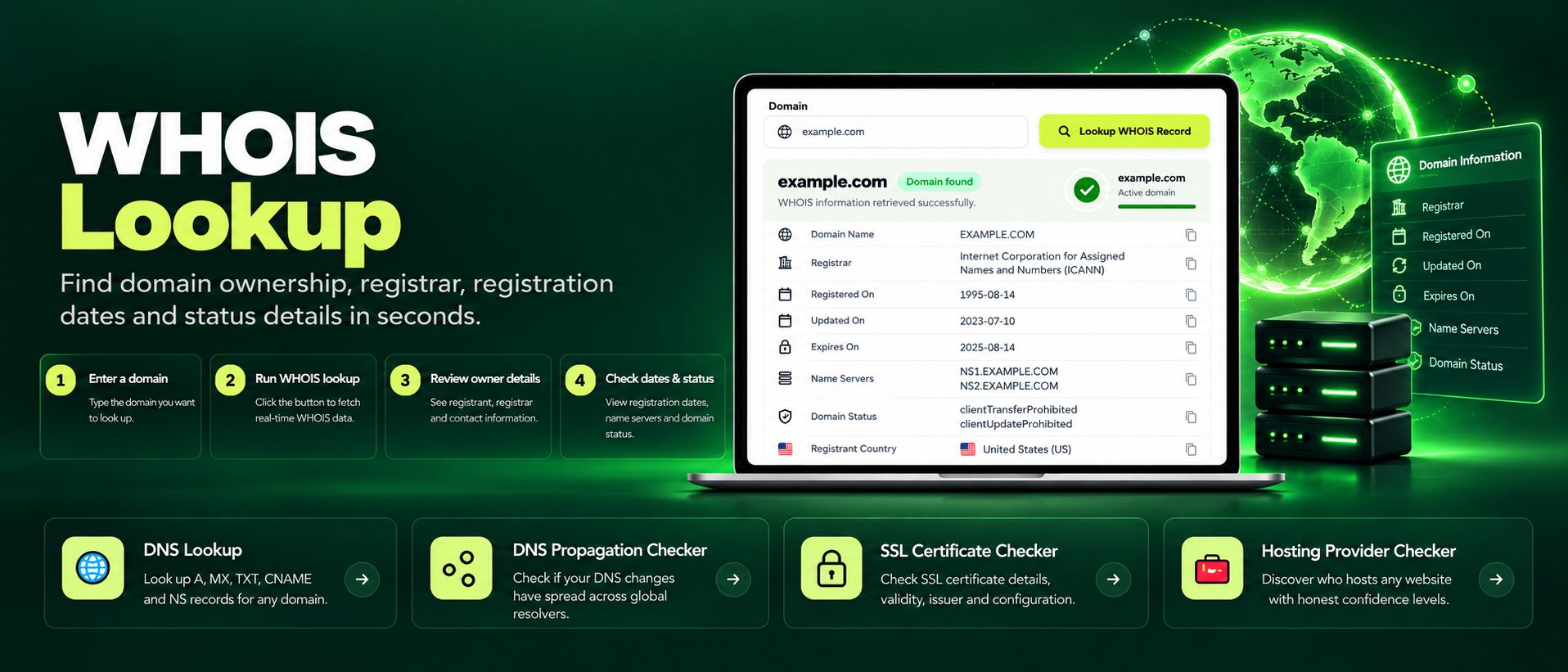
Free WHOIS lookup for any domain. Check the registrar, registration and expiry dates, name servers and the full WHOIS record instantly, no sign-up needed.
Read article →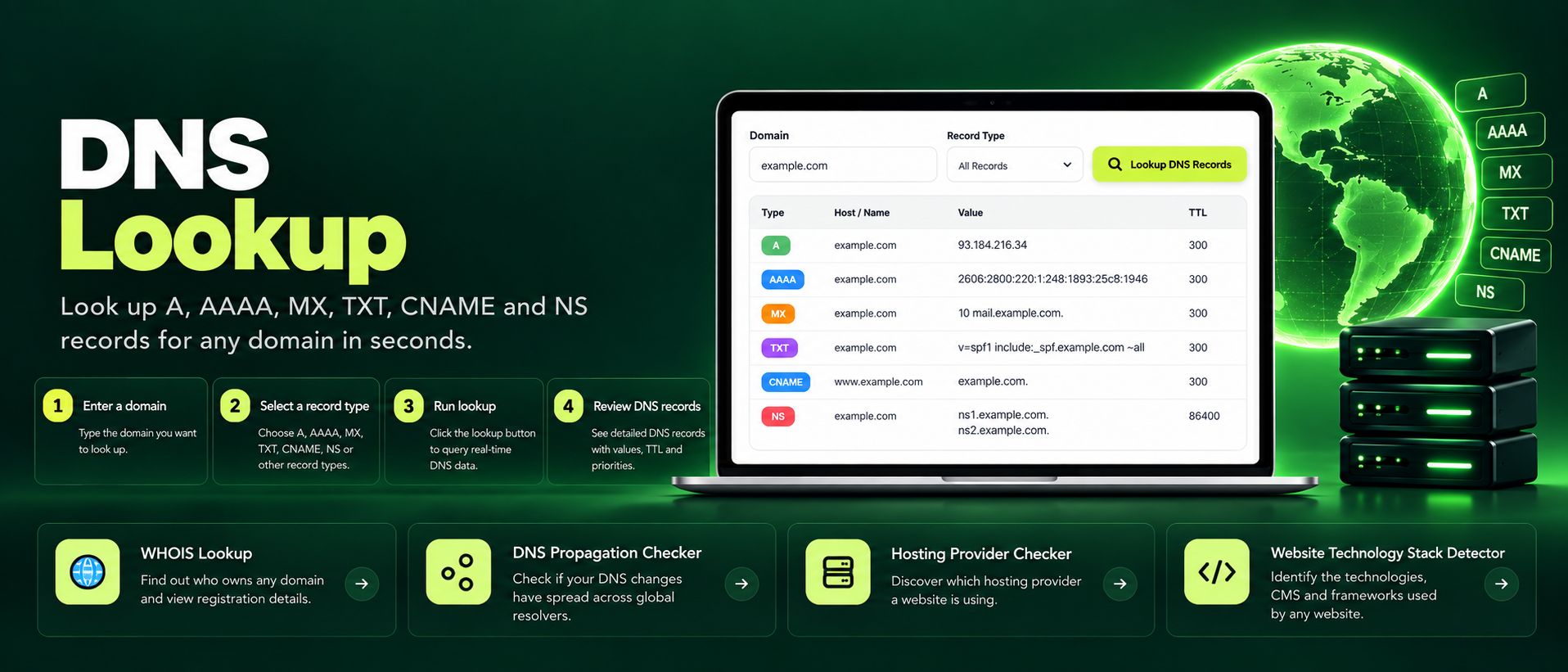
Free online DNS lookup tool. Check A, AAAA, MX, TXT, CNAME, NS and SOA records for any domain instantly. Fast, private, accurate, no sign-up required.
Read article →