Paste your YAML
Paste your YAML into the input box.

Convert YAML config and data to clean JSONYAML is the language of configuration: Kubernetes manifests, CI pipelines, Ansible playbooks, Docker Compose files. But plenty of tools only accept JSON. Paste YAML and get equivalent JSON, with every nested map, list, and scalar preserved.
Convert YAML config and data to clean JSON
Paste your YAML into the input box.
Click Convert and review the formatted JSON.
Copy the JSON or download it as a .json file.
Data moving into an API, database, or JavaScript app usually needs JSON. This converter bridges YAML and JSON with a full YAML 1.2 parser in your browser, handling anchors, multi-line strings, and multi-document files.
When the YAML is broken, it reports the exact line and column of the problem instead of a vague failure, doubling as a quick validator.
Translating at system boundaries.
A Kubernetes manifest needs to feed a tool that only parses JSON. Hand-translating is error-prone busywork; the converter replaces it with one paste.
A CI configuration must sometimes be validated by a JSON-schema checker that cannot read YAML. Convert first, validate second, and skip the error-prone hand translation.
An Ansible variable file has to become a payload for a REST API. One paste turns the familiar YAML into ready-to-send JSON.
A developer learning JSON can see what their familiar YAML config looks like in the other syntax. Seeing the translation is the fastest way to learn.
YAML's famous rule, handled.
Indentation is structure in YAML, and tabs are forbidden. If the conversion produces surprising nesting, the input almost certainly mixed spaces or used a tab.
Anchors and aliases, YAML's reuse feature, resolve into their repeated values in the JSON output. Nothing is lost in translation.
Seeing the JSON output is the fastest way to verify you understood a YAML file's real structure. Innocent-looking indentation mistakes become glaringly obvious.
One paste replaces error-prone hand translation. Free, instant, no signup.
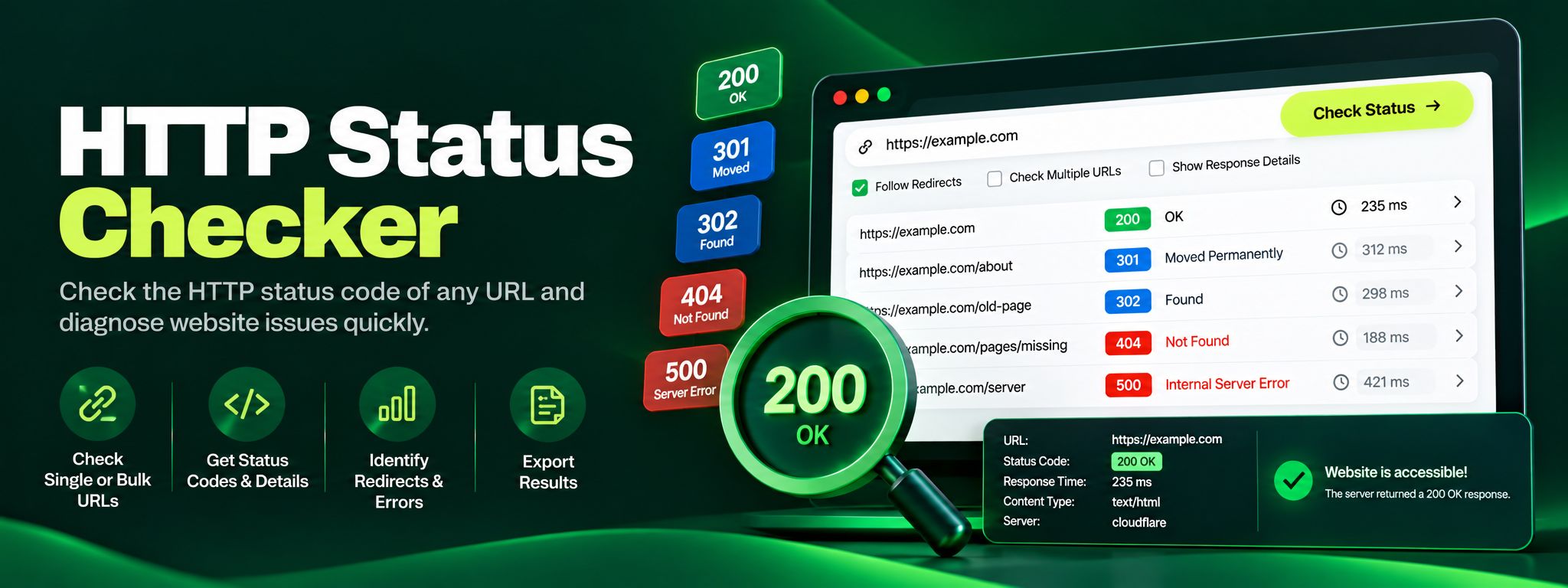
Free HTTP status checker. Check any URL's status code, trace redirect chains hop by hop, and fix 404, 301 and 500 errors before they silently hurt your SEO.
Read article →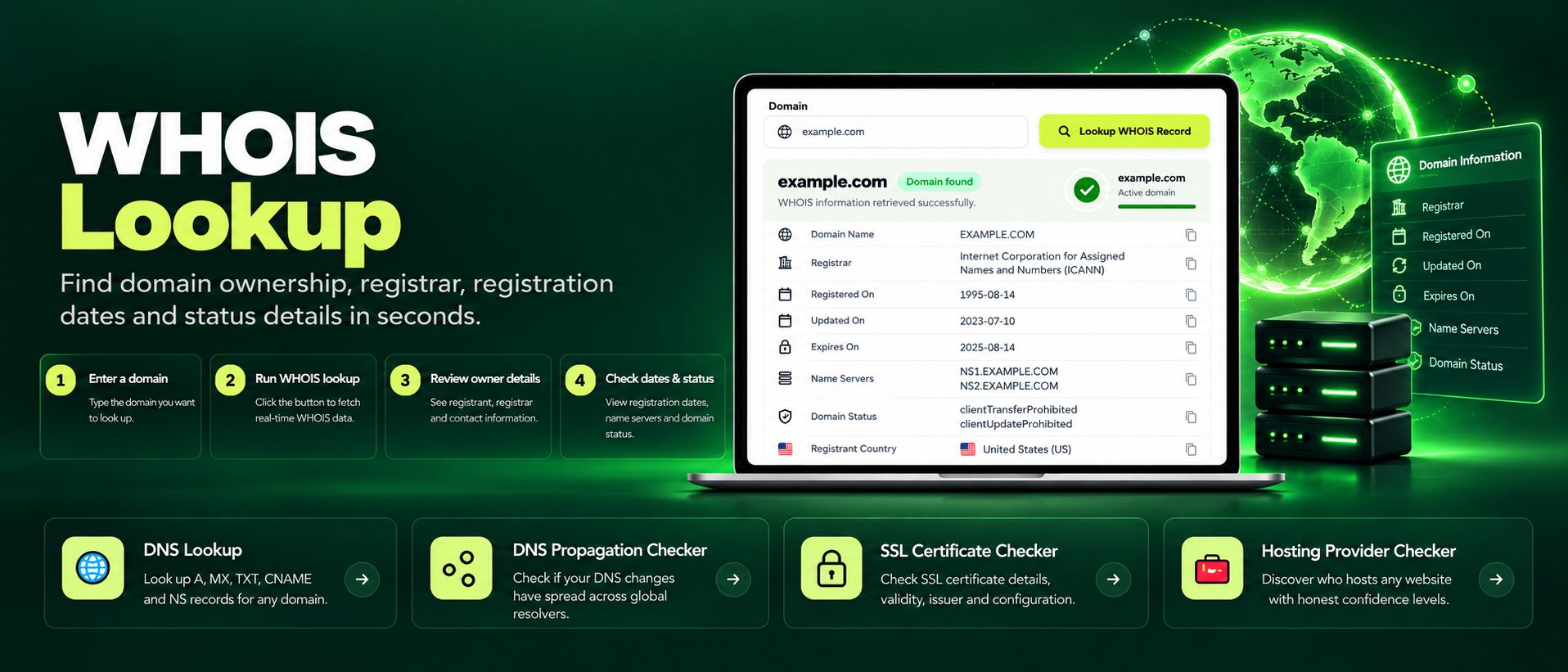
Free WHOIS lookup for any domain. Check the registrar, registration and expiry dates, name servers and the full WHOIS record instantly, no sign-up needed.
Read article →