Enter network details
Enter your WiFi network name (SSID) and choose the security type.

Let guests join your WiFi by scanning a QR code, no typing neededNobody enjoys dictating a 24-character WiFi password across a noisy room while the guest mistypes it twice. Enter your network name, password, and security type, and get a QR code that connects phones the moment they scan it.
Let guests join your WiFi by scanning a QR code, no typing needed
Enter your WiFi network name (SSID) and choose the security type.
Enter the password (skip for open networks) and tick hidden if needed.
Click "Generate WiFi QR", then download or print the code.
A WiFi QR code packs the SSID, security type, and password into the format phone cameras read natively, so guests join with one scan. No more reading out 20-character passwords.
The payload is built exactly to spec, supporting WPA/WPA2/WPA3, WEP, open, and hidden networks, and everything runs in your browser so your password is never uploaded.
Wherever guests come and go.
Cafes and restaurants print the code on table tents so ordering starts faster. Staff stop spelling the password across a noisy room, and guests connect themselves.
Airbnb hosts frame the code in the entryway and stop answering late-night messages asking for the WiFi password. Guests scan on arrival and connect instantly.
Offices put the code in meeting rooms for visiting clients. Event venues share staff network access without shouting credentials across the hall.
Home users stick one on the fridge and never spell the password again. Guests join without ever seeing or typing the password themselves.
Small details, working codes.
Enter the network name exactly as the router broadcasts it. A typo produces a code that confidently connects to nothing.
Test the scan with a real phone before printing a stack of codes. A typo in the SSID produces a code that confidently connects to nothing.
The QR encodes the password in plain text, so use a separate guest network with client isolation when you can.
Setup takes under a minute: network name, password, security type, done. Print it, frame it, stick it on the fridge.
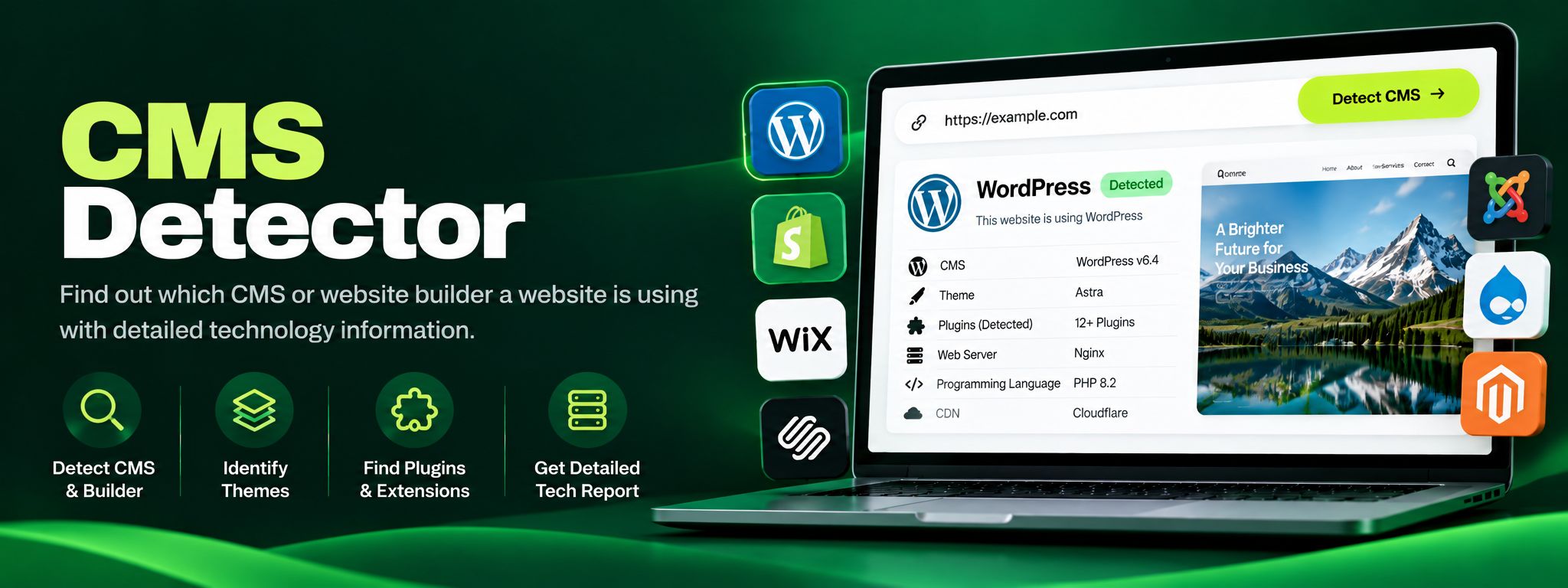
Free CMS detector. Detect WordPress, Shopify, Wix, Joomla, Drupal and more from code fingerprints. Perfect for competitor research and client website audits.
Read article →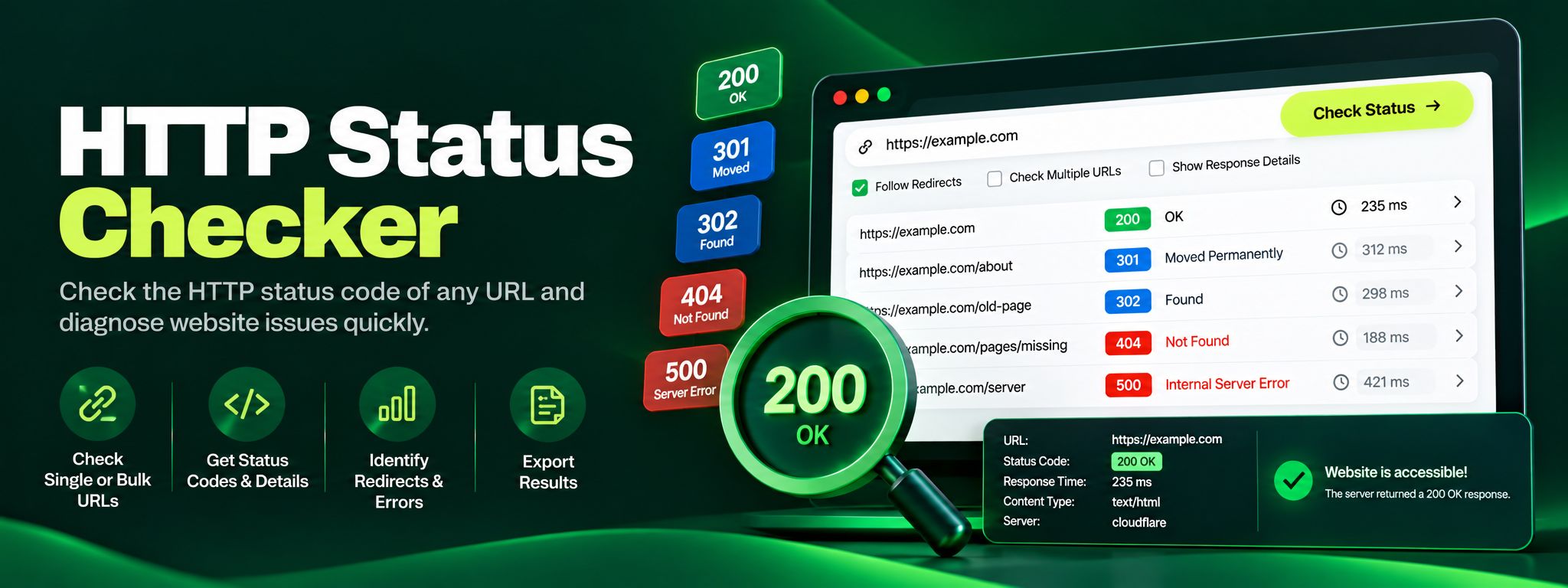
Free HTTP status checker. Check any URL's status code, trace redirect chains hop by hop, and fix 404, 301 and 500 errors before they silently hurt your SEO.
Read article →