
Free Resume Builder: Create a Professional Resume Online That Gets Interviews
Learn how to write an ATS-friendly resume that survives the 7-second scan, with real examples and a free online builder.
Your resume has 7 seconds. Make them count.
Recruiters spend an average of 7.4 seconds on the initial scan of a resume before deciding whether to keep reading or move on. That number comes from an eye-tracking study by The Ladders, and it has held up for years. Your resume is not read like a novel. It is scanned like a billboard on a highway, and most of it never gets a second glance.
Most resumes fail that scan for predictable reasons. Dense paragraphs nobody reads. Fancy templates with columns and graphics that confuse both humans and software. Job titles with no results attached. A generic objective at the top that says nothing at all. The person behind the resume might be perfect for the role, but the document never gets them past those first few seconds.
The fix is not complicated, but it is specific. A clear layout, the right sections in the right order, bullet points that show impact instead of listing duties, and a format that survives applicant tracking systems. This guide walks through all of it step by step, and at the end you can put it into practice with a Resume Builder that handles the formatting while you focus on the words.
What actually gets a resume read in 2026
Two gatekeepers stand between your resume and a human decision. The first is software. Around three quarters of large employers use an applicant tracking system (ATS) to filter applications before a recruiter ever sees them. The ATS parses your resume into plain data: name, contact details, experience, skills. If your resume uses text boxes, tables, headers, footers, or unusual fonts, the parser can scramble the order or drop whole sections. A resume the ATS cannot read is a resume that never existed.
The second gatekeeper is the recruiter's eye. Eye-tracking research shows recruiters scan resumes in an F-shaped pattern. They read across the top, then down the left side, barely touching the right edge. That means your name, your current title, and your most recent role carry the most weight. Anything important buried in the bottom-right corner is effectively invisible.
What works in 2026 is almost boring in its simplicity. One clean column. Standard section headings like Work Experience and Education that both software and humans recognize instantly. Keywords taken from the actual job posting, because many ATS rank candidates by keyword match. And measurable results, because increased sales means nothing while increased regional sales 22% year over year means everything. An ATS friendly resume is not a dumbed-down resume. It is a resume that puts substance exactly where machines and humans both look.
How to build a resume online, step by step
You do not need design software or a paid subscription to make a strong resume. A good free resume builder does the layout work while you focus on content. Here is the practical walkthrough. First, pick a clean single-column template and ignore anything with sidebars, skill bars, or photo placeholders. Those look modern but break ATS parsing and squeeze your content into a narrow strip.
Second, fill in your contact header: full name, phone number, a professional email address, city and country (no full street address), and one link, either LinkedIn or a portfolio. Third, write a three to four line professional summary tailored to the role you want, not a life story. Fourth, add your work experience in reverse chronological order, with three to five bullet points per role focused on results. Fifth, list a compact skills section with eight to twelve hard skills that match the job posting.
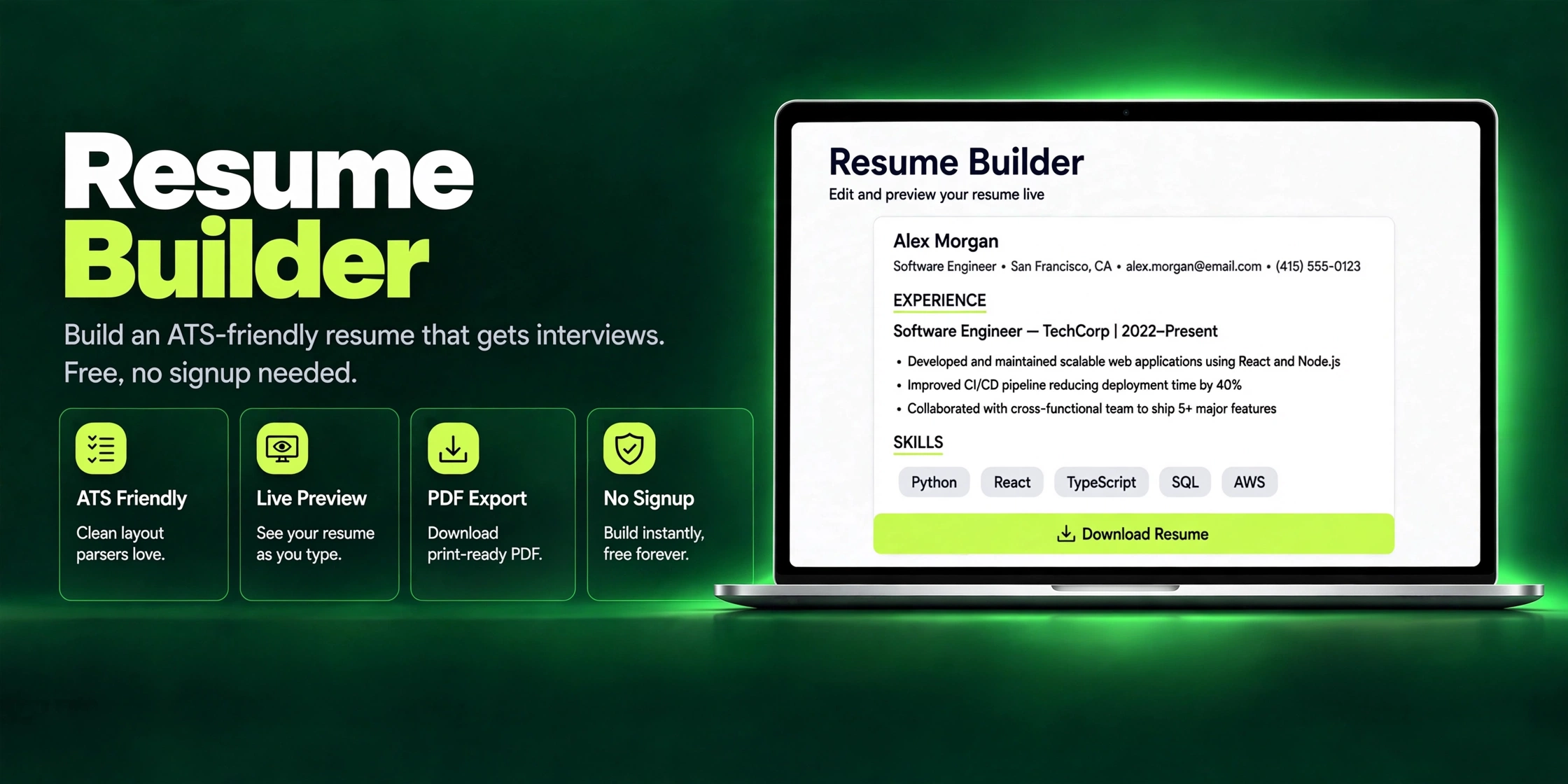
Sixth, add education, most recent first, with degree, institution, and graduation year. Certifications go here or in their own short section if they matter for the role. Seventh, preview the whole thing and read it out loud, slowly. You will catch awkward phrasing and typos your eyes skipped on screen. Then export as PDF and confirm the text is selectable, not an image, because selectable text is what the ATS actually reads. The Resume Builder follows this exact flow, with a live A4 preview so you see the final page as you type.
The sections every resume needs (and the ones to skip)
Every strong resume has the same skeleton. A contact header. A short professional summary. Work experience in reverse chronological order. A skills section. Education. That is the core, and it covers what the vast majority of recruiters look for. If you have certifications, publications, or volunteer work that is directly relevant, add one short extra section. Keep the order consistent: experience before education once you have more than two years of work history, education first only if you are a recent graduate.
Now the sections to skip. References available upon request wastes a line stating the obvious, since employers will ask if they want them. A full street address is a privacy risk and eats space, so city and country are enough. The old-fashioned objective statement (Seeking a challenging position where I can utilize my skills) says nothing a good summary does not say better. Hobbies and interests belong only when genuinely relevant, like a marathon runner applying to a sports brand or a GitHub profile for a developer role. If you link to an online portfolio, make sure it loads fast, since a slow page kills the impression; running its images through an Image Compressor first is a quick win.
Photos are the trickiest call and depend on where you apply. In the US, UK, and Canada, leave the photo off. Many employers strip photos to avoid bias issues, and a photo can confuse the ATS parser. In parts of Europe, the Middle East, and South Asia, photos are more commonly expected, so follow local norms. If you include one, use a clean headshot, never a cropped group photo. If your LinkedIn photo needs tidying first, you can size it to standard dimensions with an Image Resizer before uploading it anywhere.
Resume mistakes that kill your chances
The most common killer is also the most embarrassing: typos and grammar errors. A single misspelled word on a resume for a detail-oriented role ends the conversation immediately. Read the final version backward, line by line, which forces your brain to see each word instead of gliding over familiar sentences. Then have someone else read it. Fresh eyes catch what yours never will.
The second killer is listing duties instead of achievements. Responsible for handling customer complaints describes a job description, not your performance. Recruiters already know what a customer service rep does. They want to know what you did differently: how many complaints, resolved how fast, with what satisfaction score. Every bullet should answer the silent question of so what.
Third, inconsistent formatting signals carelessness. Dates in three different styles across one page, random bolding, bullet points that switch between periods and no periods. Pick one style and apply it everywhere. Fourth, stretching the truth, because background checks and reference calls exist, and getting caught later is far worse than not getting the interview. Fifth, sending one generic resume to every application, which the next section fixes for good.
How to write bullet points that show impact
The formula is simple: strong action verb, then what you did, then the measurable result. Numbers are the difference between a claim and evidence. Compare two versions of the same experience. Before: Responsible for managing the company's social media accounts and posting content regularly. After: Grew company Instagram from 2,400 to 18,000 followers in 9 months, lifting referral traffic 34% and generating 120 plus inbound leads per quarter.
Another pair. Before: Worked on improving the checkout process. After: Redesigned the checkout flow with the product team, cutting cart abandonment from 68% to 51% and adding an estimated $240K in annual revenue. Notice the after version still fits on two lines. You do not need a paragraph. You need a verb, a scope, and a number. If you do not have exact figures, use honest ranges or scale: a team of 6, a portfolio of 40 plus clients, 200 plus orders processed weekly.
Start every bullet with a different action verb. Led, built, launched, cut, grew, automated, negotiated, trained, shipped. Never start with responsible for or helped with. Aim for three to five bullets per role, ordered by impressiveness, and cut anything that does not make a hiring manager think: I want this person doing that for us.
Tailor your resume for every job (without rewriting it each time)
Sending the same resume to forty jobs is why most applications disappear into the void. Recruiters and ATS software both reward relevance. The practical system is to keep one master resume with everything: every role, every project, every skill, as long as it needs to be. Then for each application, duplicate it and cut ruthlessly down to what that specific posting asks for. Ten minutes of tailoring beats ten more generic applications.
Start with the job posting itself. Highlight the nouns and verbs it repeats: the tools, the methodologies, the seniority signals. Mirror that language in your summary and skills section, using the posting's exact terms where they are honest. If it says stakeholder management and you did that work, use those words. This is not keyword stuffing. It is speaking the employer's language, and it is exactly how ATS ranking works.
Reorder your bullets so the most relevant achievement sits first under each role. A project buried at the bottom of your last job might be the single most relevant line for this application, so move it up. Keep a short log of which version you sent where, because getting an interview call three weeks later and not remembering what you sent is an avoidable embarrassment. When you are applying at volume, an Invoice Generator keeps your billing as professional as your resume once applications turn into freelance gigs. For the resume itself, the Resume Builder makes duplicating and tweaking versions fast, since the formatting stays consistent while you edit the content.
Resume vs CV: what is the difference
In the US and Canada the distinction is sharp. A resume is a one to two page tailored summary aimed at a specific job. A CV, short for curriculum vitae, is a complete academic record, often many pages long, used for research, academia, and medical roles, listing every publication, grant, and conference. If you are applying to private-sector jobs in North America, you want a resume, full stop.
In the UK, Ireland, and much of Europe, CV is simply the word people use for what Americans call a resume: a concise two-page job application document. In South Asia, including Pakistan and India, CV is also the everyday term for a resume, which is where much of the confusion comes from. The practical rule is to match the employer's vocabulary. If the posting asks for a CV and it is a regular job, send your concise resume. If it asks for a CV and it is a university or research post, send the full academic version.
Either way the same principles apply. Clear structure, measurable results, and a clean format that both software and humans can parse. Whether you call it a resume or a CV, a free CV builder that exports a clean PDF covers both cases without any fuss.
Frequently Asked Questions
Is this resume builder really free?
Yes, completely free. There is no signup, no watermark on your resume, and no paywall when you download. The Resume Builder runs in your browser and every template is available without paying anything.
Do I need to create an account to use it?
No account needed. You open the tool, fill in your details, and download your resume. Nothing is uploaded to a server, which also means your personal information stays on your own device.
Will my resume pass applicant tracking systems?
The templates use a clean single-column layout with standard section headings, common fonts, and selectable text, which is exactly what ATS parsers handle best. Avoid adding text boxes, tables, or graphics yourself, since those are what typically break parsing.
Can I download my resume as a PDF?
Yes. You can export a print-ready A4 PDF that preserves your formatting on any device or printer. PDF is the safest format for emailing applications and uploading to job portals.
Should I submit my resume as PDF or Word?
PDF in almost all cases, because it locks your formatting exactly as designed. A small number of older ATS platforms parse .docx files slightly better, so if an employer explicitly asks for Word, follow their instruction. Otherwise PDF is the professional default.
How long should my resume be?
One page if you have under ten years of experience, which covers most applicants. Two pages is acceptable for senior professionals with extensive relevant history. If you are stretching to fill two pages, you are including things the recruiter will not read, so cut ruthlessly.
Should I include a photo on my resume?
It depends on where you are applying. In the US, UK, and Canada, leave it off. In many European, Middle Eastern, and South Asian markets, a photo is commonly expected. If you include one, use a professional headshot, and size it cleanly first with an Image Resizer so it looks sharp without bloating the file.
What is the difference between a resume and a CV?
In North America a resume is a concise 1 to 2 page job application while a CV is a long academic record used in research and university roles. In the UK, Europe, and South Asia, CV is simply the everyday word for a resume. Match whatever term the job posting uses.
Build your resume in minutes
Pick a clean ATS-friendly template, fill in your details with the live A4 preview, and download a polished PDF. Free, no signup, right in your browser.
Open Resume Builder

